
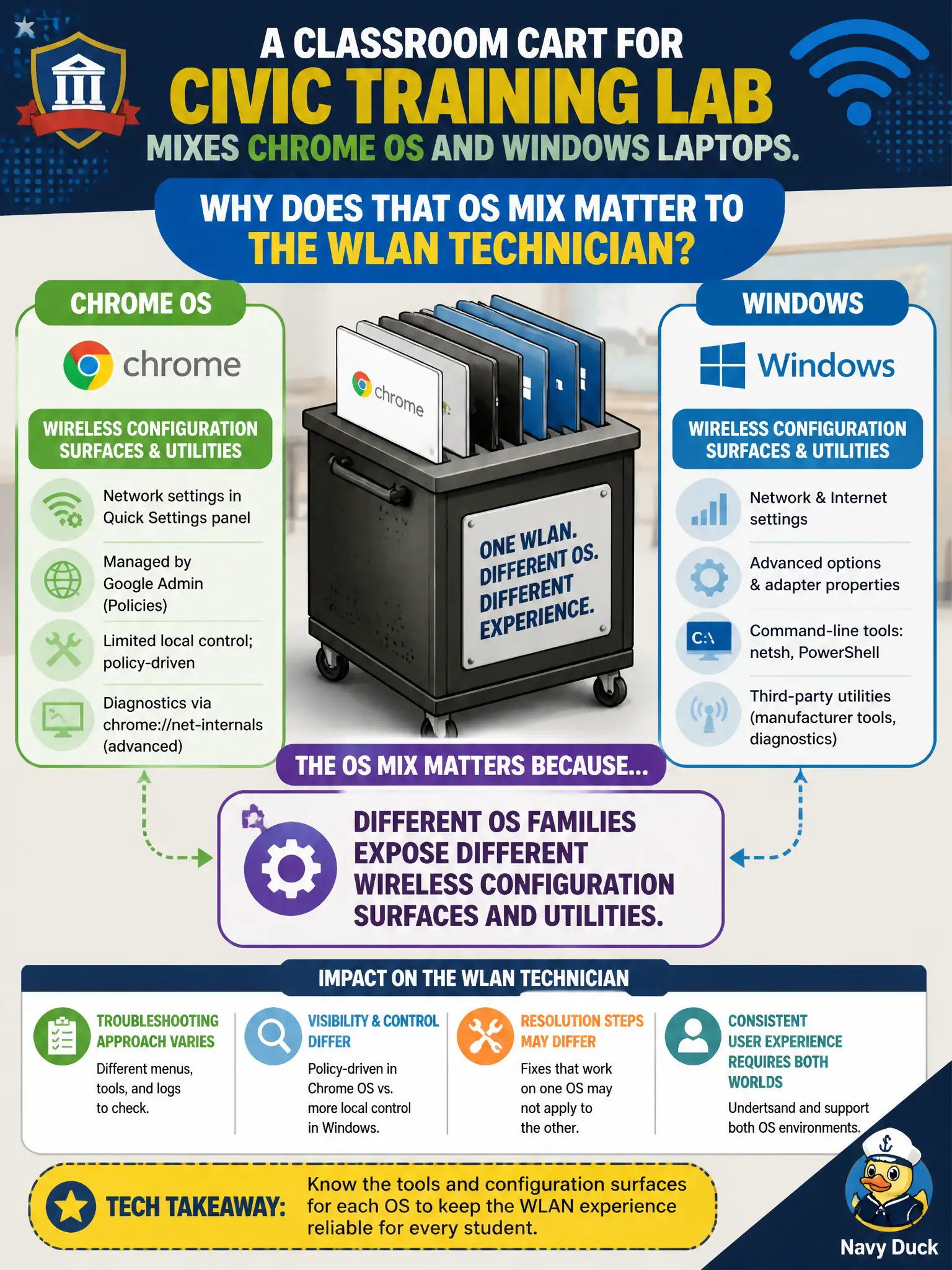
A classroom cart for a civic training lab mixes Chrome OS and Windows laptops. Why does that OS mix matter to the WLAN technician?
Select an answer to reveal the explanation.
Short Explanation
Chrome and Windows keep their Wi-Fi knobs in different kitchens. Same SSID goal, different clicks and utilities to get there. Mixed carts are normal — just know which OS screen you are coaching.
Full Explanation
A civic training-lab cart mixing Chrome OS and Windows matters because different OS families expose different wireless configuration surfaces and utilities—even when the SSID and security goal are identical. Chrome OS and Windows do not share identical WLAN menus and driver paths. Mixed OS carts do not make 802.11 association impossible on modern APs. Both OS families can store Personal-mode credentials; neither is forced to open authentication simply because of OS brand. Exam caveat: coach the correct UI for each OS rather than assuming one vendor utility covers the cart. Operational check: document step-by-paths for Chrome settings versus Windows WLAN UI (or vendor utility), create matching profiles for CityTraining, and verify both OS types associate before class. Keep municipal training SOPs OS-aware. In municipal WLAN operations, record the rationale in the work order so future on-call staff know which concept applied and which failure modes the rejected options would create for city services. Re-validate after the next maintenance window that the same control still holds under the AP firmware and client mix used by the civic network team. Keep civic notes tied to the approved design document and absolute measurements where RF levels matter.