
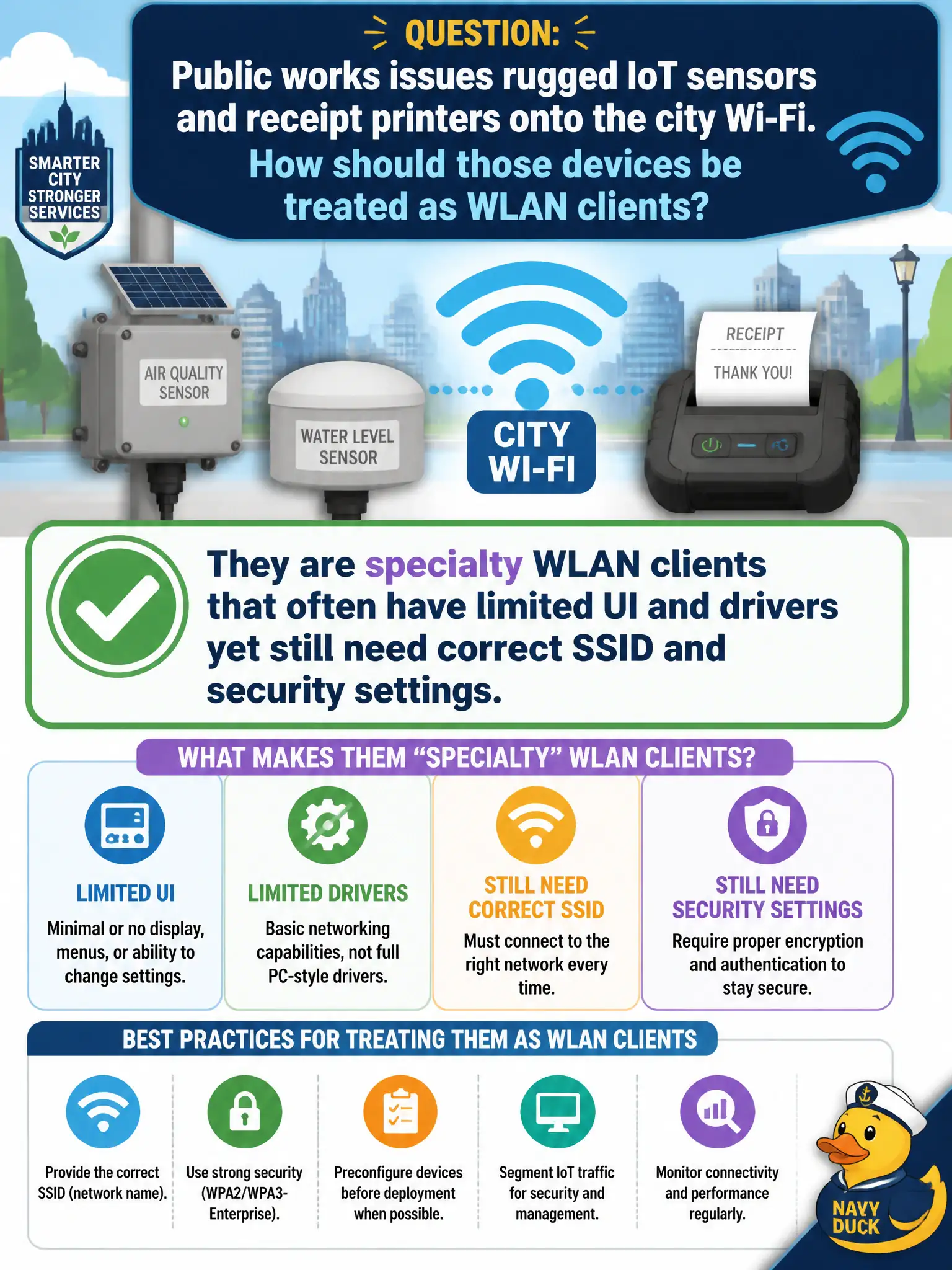
Public works issues rugged IoT sensors and receipt printers onto the city Wi-Fi. How should those devices be treated as WLAN clients?
Select an answer to reveal the explanation.
Short Explanation
Printers and rugged sensors are still Wi-Fi citizens — just ones with tiny keypads and stubborn firmware. Treat them as specialty clients: get SSID and security right even when the UI is awful. No desktop OS required for a seat at the BSS.
Full Explanation
Public works issues rugged IoT sensors and receipt printers onto the city Wi-Fi, and those devices should be treated as specialty WLAN clients that often have limited UI and drivers yet still need correct SSID and security settings. Association to an 802.11 BSS makes them clients regardless of missing desktop OS features or tiny configuration interfaces. Civic technicians plan for constrained radios—often 2.4 GHz-only, limited EAP choices, awkward PSK entry—and place them on the designed IoT or work SSID instead of assuming they are somehow outside WLAN support. Limited UI raises the cost of mistakes, so profiles and documentation matter more, not less.
Claiming they are not WLAN clients unless they run a full desktop operating system fails by concept: printers and sensors associate with embedded 802.11 stacks without desktop OSes. Saying they only associate if the SSID name contains the letters “IoT” invents a naming superstition unrelated to 802.11 association rules. Requiring CWNA-level site-survey predictive modeling before any SSID can be entered confuses technician configuration of specialty clients with a design-survey deliverable; devices still need correct SSID and security even when a predictive survey already exists.
Exam caveat: at CWTS depth, constrained specialty clients are still clients—their limits drive SSID, band, and security choices, they do not remove client status.
Operational check: place IoT sensors and receipt printers on the designed IoT or work SSID with matching security; verify association and upstream connectivity; document UI/driver limits and approved config steps; recheck after firmware updates that the same SSID and cipher settings still apply.