
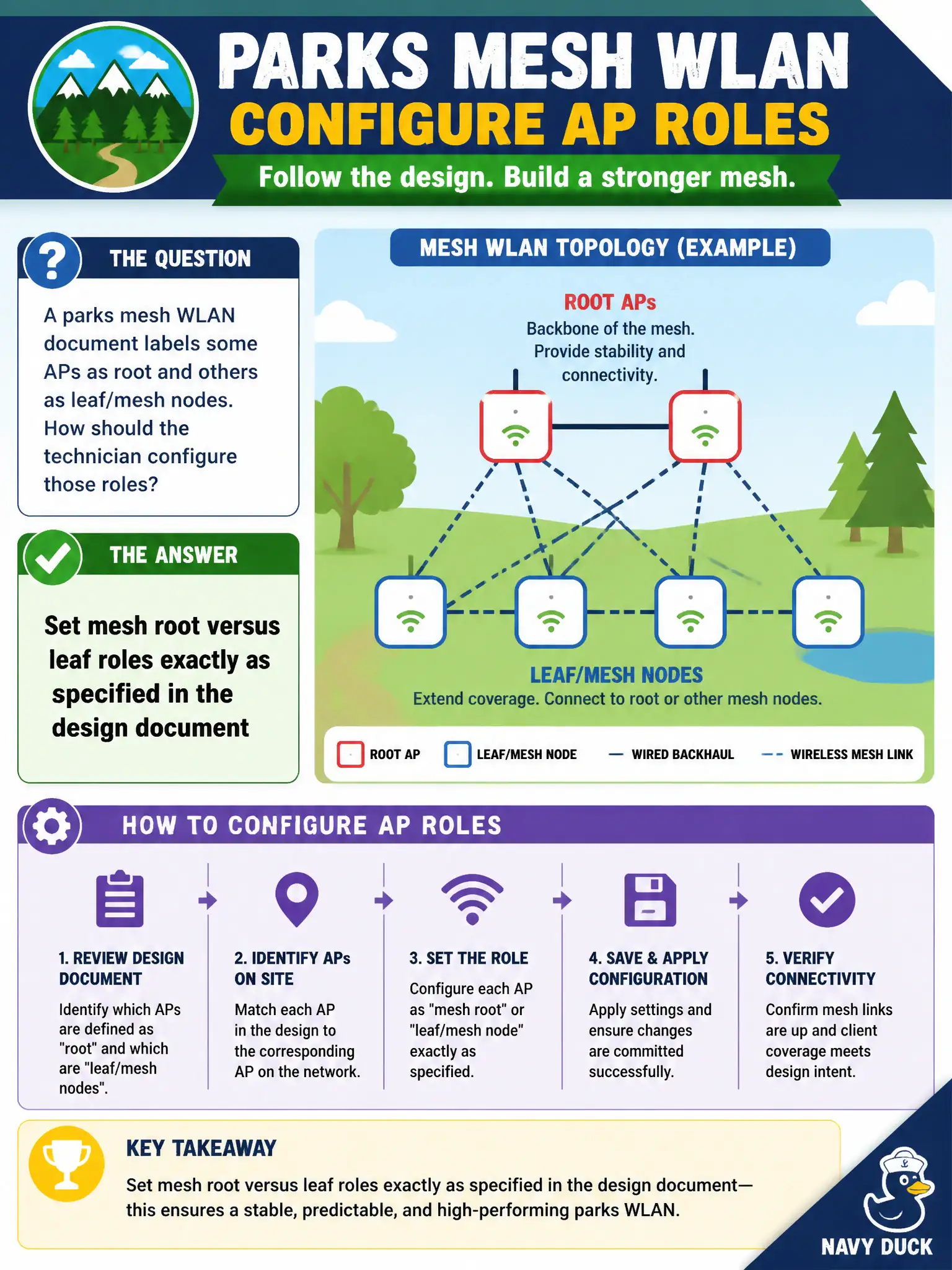
A parks mesh WLAN document labels some APs as root and others as leaf/mesh nodes. How should the technician configure those roles?
Select an answer to reveal the explanation.
Short Explanation
Mesh roles are not a morning lottery. The design already named roots and leaves—configure those roles as written. Ad-hoc role guessing is how backhaul trees go sideways.
Full Explanation
Parks mesh WLAN documents that label some APs as root and others as leaf or mesh nodes expect those roles to be configured exactly as specified. Correct root versus leaf assignment determines which APs hold wired backhaul versus radio relay hops across park facilities. Guessing roles creates loops, islands, or failed backhaul for civic cameras and staff devices.
Picking root and leaf roles based on which AP boots first each morning makes topology nondeterministic. Making every AP a root to maximize failover advertising fights the designed hierarchy. Leaving mesh roles random and fixing them only after user tickets abandons install discipline.
Exam caveat: mesh roles come from the design document. CWTS technicians apply labeled root/leaf settings rather than inventing election heuristics on site.
Operational check: set each parks AP to the documented root or leaf role, verify mesh link formation to the intended neighbors, confirm user traffic traverses the designed hop map, and label outdoor enclosures with role for field crews. Municipal technicians document the verified setting in the as-built packet so the next shift inherits a known-good civic configuration rather than tribal knowledge.