
Utility IoT sensors in a water plant must remain on 2.4 GHz, but aggressive band steering keeps disrupting them. What should the technician do per design?
Select an answer to reveal the explanation.
Short Explanation
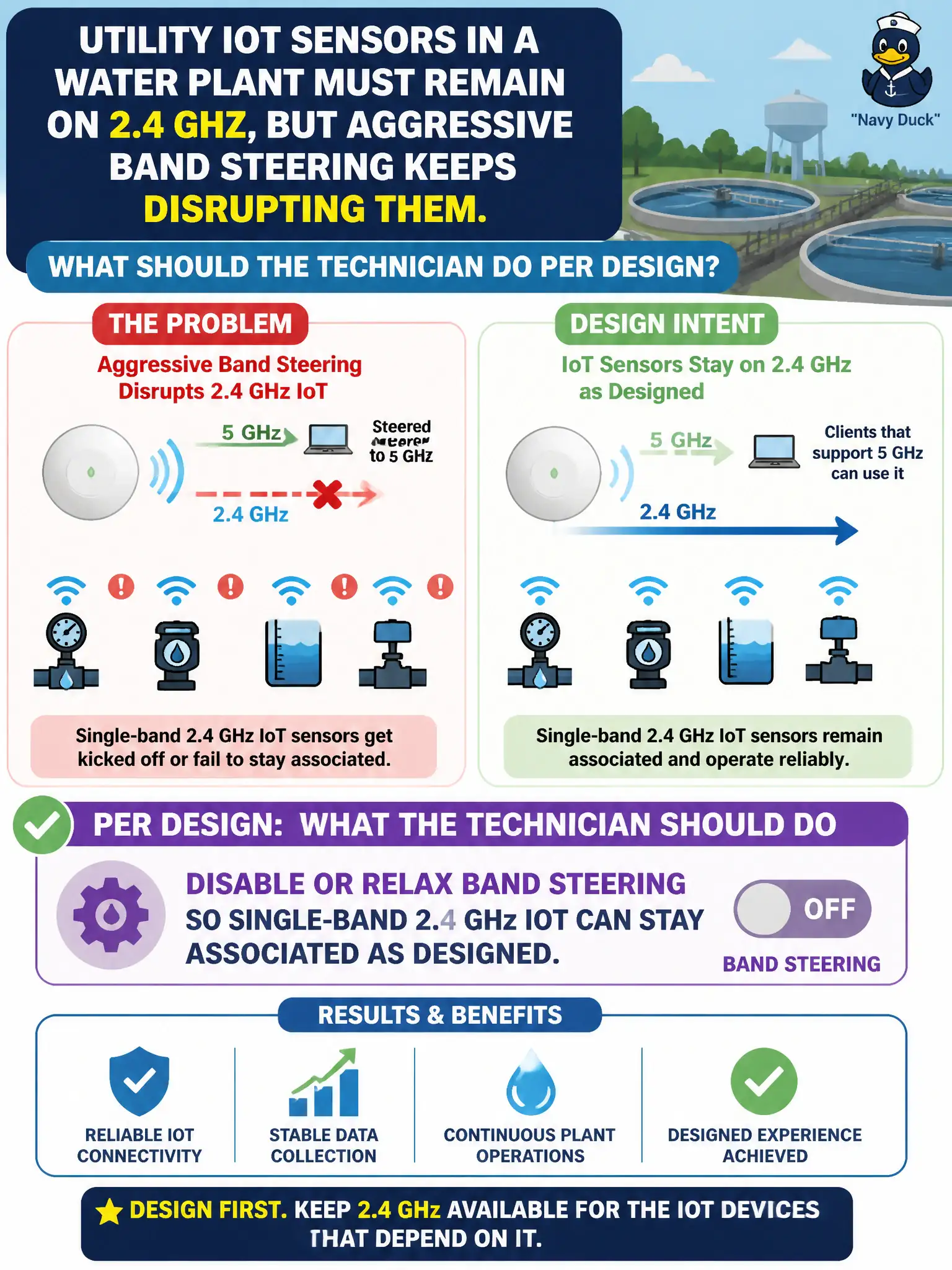
Band steering is helpful until it bullies a 2.4-only meter off the only band it speaks. When design says IoT stays on 2.4 GHz, turn steering down or off for that environment. A captive portal will not pin the radio band.
Full Explanation
Utility IoT sensors in a water plant must often remain on 2.4 GHz, yet aggressive band steering can keep disrupting them as the AP nudges dual-band logic inappropriately or flaps single-band devices. Per design, the technician should disable or relax band steering so single-band 2.4 GHz IoT can stay associated as intended. Civic IoT availability beats aggressive steering defaults that were meant for laptops in offices.
Enabling a captive portal on the IoT SSID does not pin the band and may break headless sensors. Switching sensors to WEP so they ignore steering trades security for a nonsense workaround. Hiding the 5 GHz SSID name only while leaving steering aggressive does not reliably protect 2.4 GHz IoT associations.
Exam caveat: band steering can harm single-band IoT. Designs that keep utility sensors on 2.4 GHz often require steering disabled or tuned—not portal or WEP tricks.
Operational check: relax or disable band steering on the IoT SSID/AP per design, confirm sensors remain stable on 2.4 GHz, retest laptop SSIDs separately if they still need steering, and document the exception for the water-plant profile. Municipal technicians document the verified setting in the as-built packet so the next shift inherits a known-good civic configuration rather than tribal knowledge.