
City staff SSID uses 802.1X while the guest SSID should show a terms page. Where should the captive portal be applied?
Select an answer to reveal the explanation.
Short Explanation
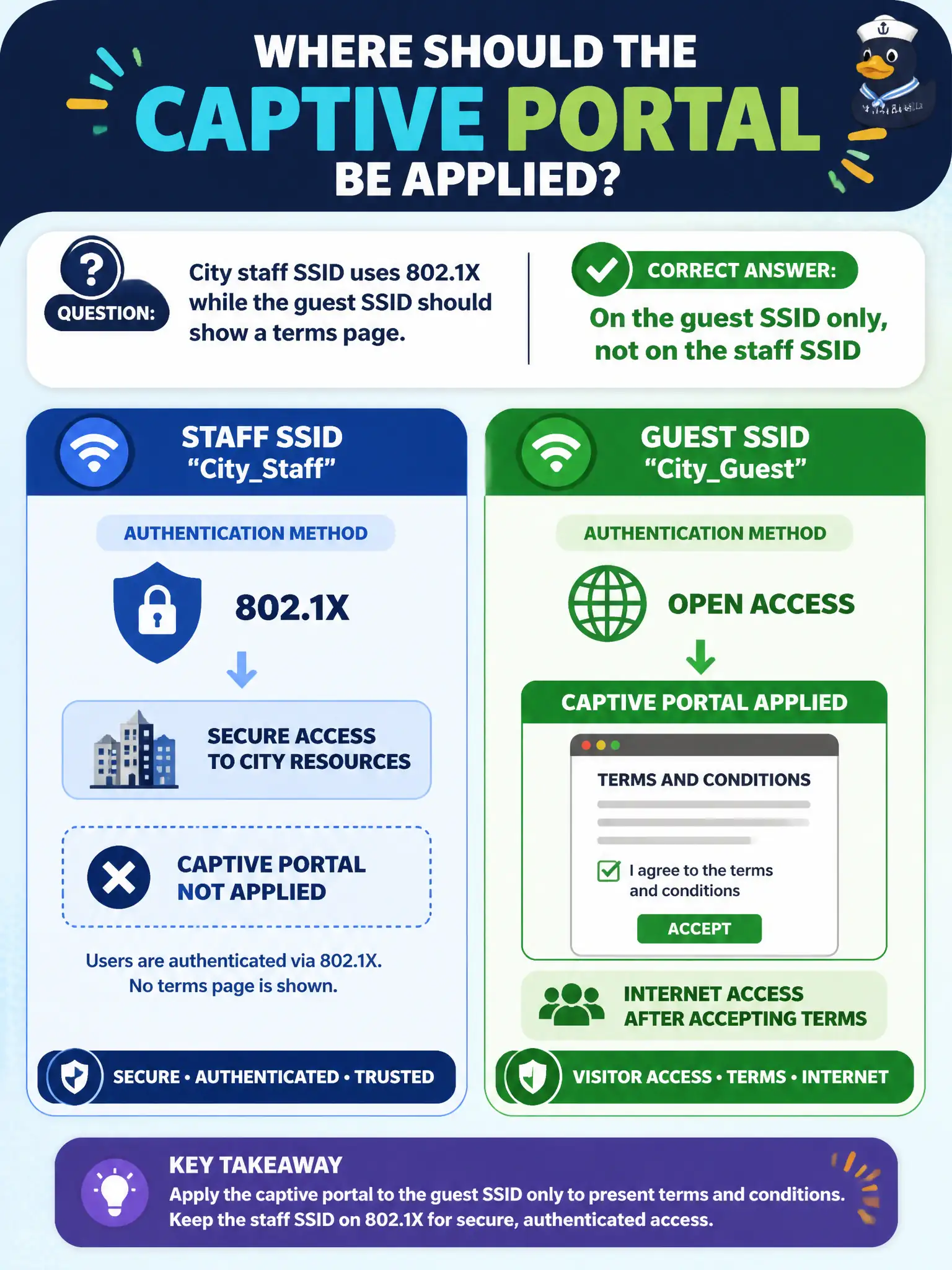
Splash pages belong on the guest/public SSID, not on the staff Enterprise network that already authenticates properly. Apply the captive portal where the design intends guest onboarding. Staff should not have to click 'I agree' after 802.1X.
Full Explanation
City staff SSIDs using 802.1X should not be forced through a guest terms page, while guest SSIDs should show that captive portal. The portal belongs on the guest SSID only, not on the staff SSID. Correct binding keeps employees on Enterprise authentication workflows and visitors on acceptable-use portals—standard civic segmentation practice.
Applying the portal on every SSID including staff Enterprise interrupts 802.1X clients with inappropriate interstitial pages. Placing it only on the management VLAN interface mis-scopes the feature away from guest users. Enabling it on staff and disabling it for guests inverts the design intent entirely.
Exam caveat: captive portal placement is SSID-specific. Staff Enterprise and guest portal policies are not interchangeable on municipal WLANs.
Operational check: bind the captive portal to the guest SSID only, verify a guest sees the terms page and a staff 802.1X client does not, and screenshot both SSID portal settings for the as-built. Municipal technicians document the verified setting in the as-built packet so the next shift inherits a known-good civic configuration rather than tribal knowledge. Municipal technicians document the verified setting in the as-built packet so the next shift inherits a known-good civic configuration rather than tribal knowledge.