
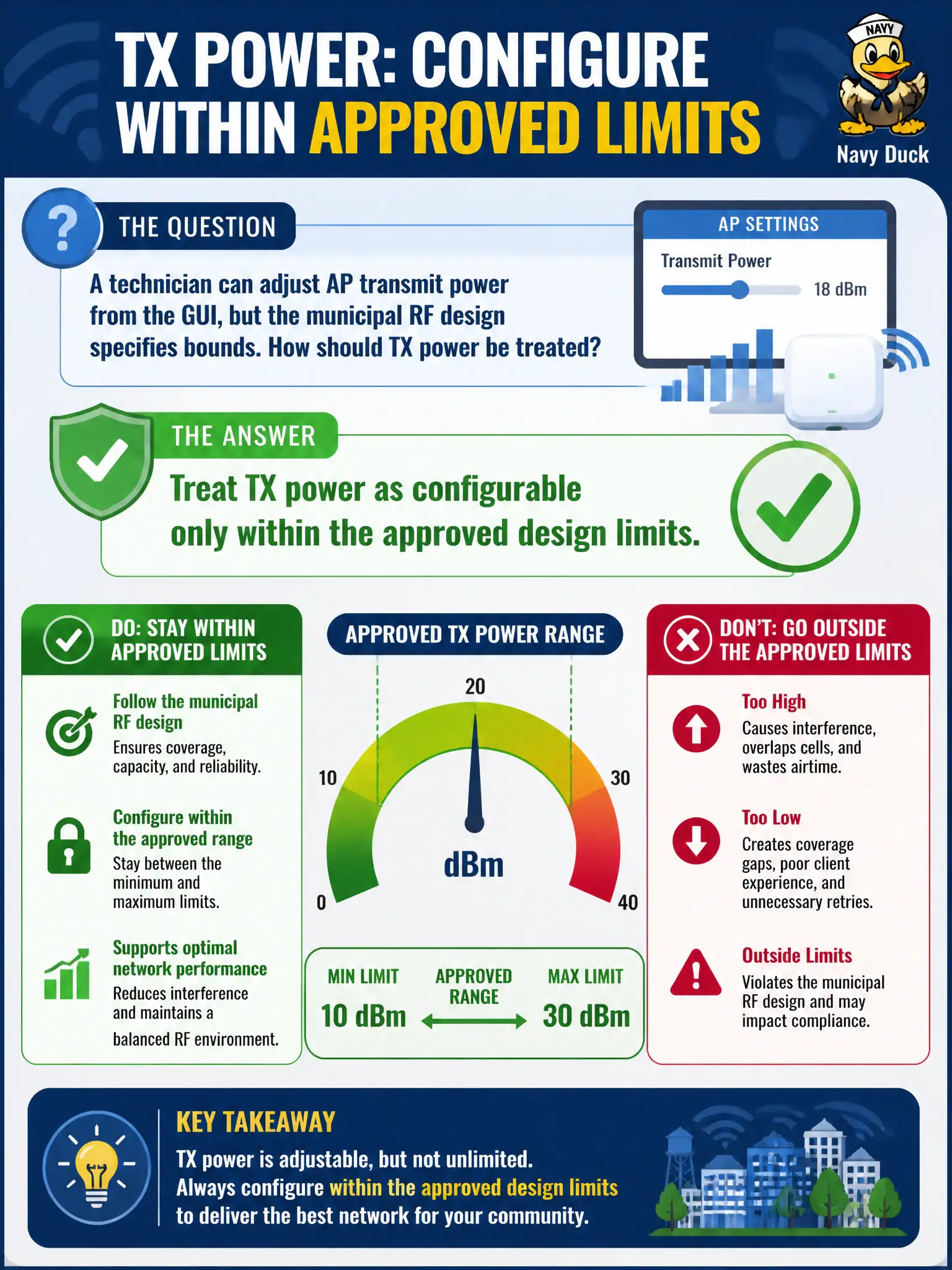
A technician can adjust AP transmit power from the GUI, but the municipal RF design specifies bounds. How should TX power be treated?
Select an answer to reveal the explanation.
Short Explanation
TX power is a real knob—and also a great way to create sticky clients if you crank it for fun. Stay inside the design’s power bounds instead of maxing every radio. Coverage complaints go back to the design owner, not freestyle watts.
Full Explanation
Technicians can adjust AP transmit power from the GUI, but municipal RF designs specify bounds for a reason. TX power should be treated as configurable only within the approved design limits. Staying inside those limits preserves cell plans, CCI assumptions, and sticky-client behavior across civic floors. GUI capability is not a license to ignore the design envelope.
Always setting every AP to maximum power for best coverage routinely creates overcoverage. Ignoring design limits because a single user complains about bars invites untracked RF changes. Disabling radios nightly so power settings do not matter abandons service rather than respecting design bounds.
Exam caveat: configurable ≠ unconstrained. CWTS installers change power only inside approved design values or after an authorized redesign.
Operational check: set TX power to the design dBm, confirm the live value, refuse max-power requests without design change, and log any authorized exceptions in the municipal RF change record. Municipal technicians document the verified setting in the as-built packet so the next shift inherits a known-good civic configuration rather than tribal knowledge. Municipal technicians document the verified setting in the as-built packet so the next shift inherits a known-good civic configuration rather than tribal knowledge.