
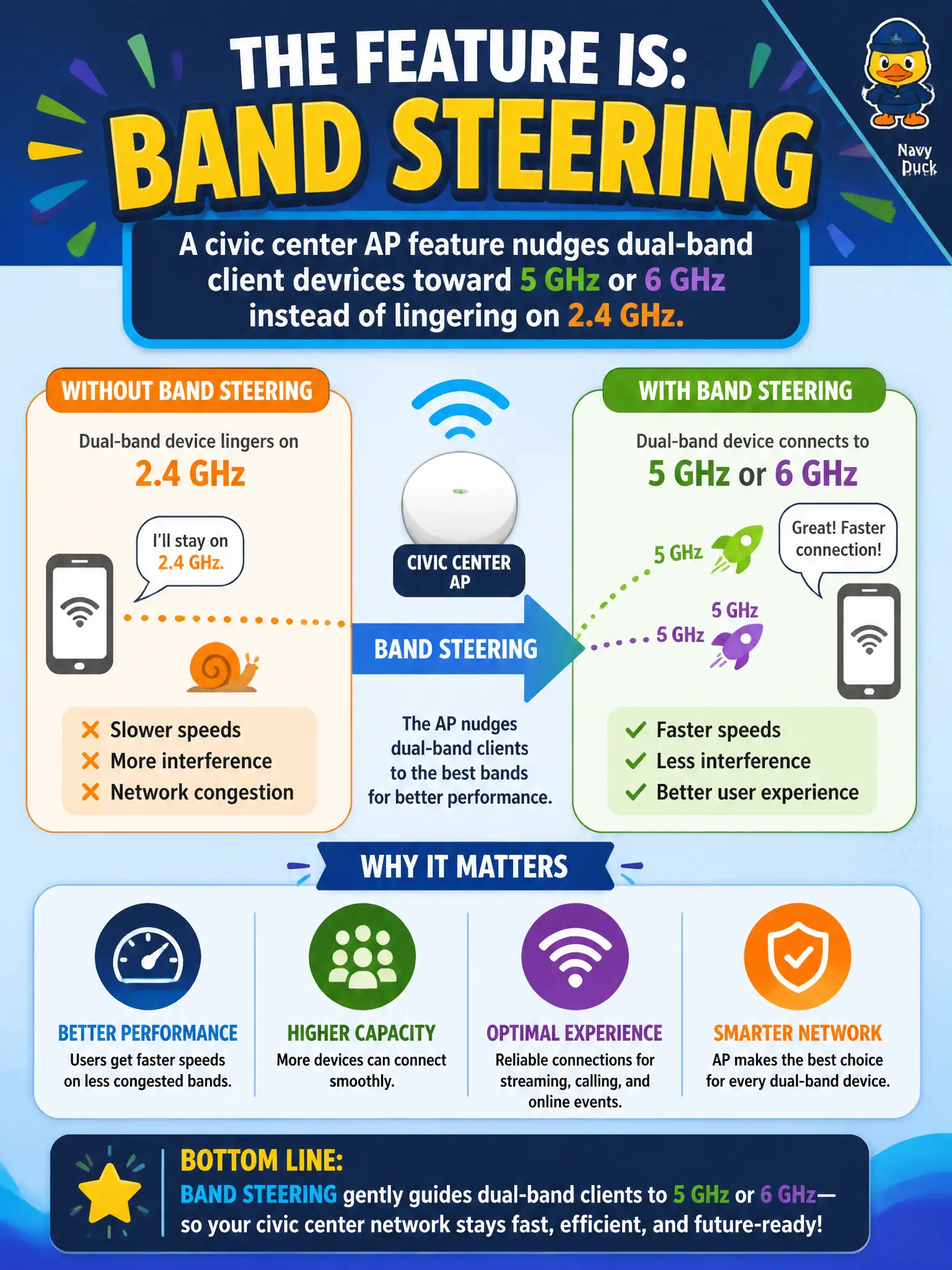
A civic center AP feature nudges dual-band client devices toward 5 GHz or 6 GHz instead of lingering on 2.4 GHz. What feature is that?
Select an answer to reveal the explanation.
Short Explanation
Dual-band laptops love camping on crowded 2.4 GHz like it is free parking. Band steering is the friendly usher that encourages capable clients onto roomier 5/6 GHz. It is an advanced AP feature, not a login page or peer block.
Full Explanation
Civic center APs often include a feature that nudges dual-band client devices toward 5 GHz or 6 GHz instead of lingering on crowded 2.4 GHz. That feature is band steering. Steering improves capacity on municipal multipurpose floors by moving capable clients off the legacy band while leaving true single-band devices alone when the design allows. Recognizing the feature name matters for both install and troubleshooting.
A captive portal presents terms or login pages before access; it does not steer bands. Client isolation blocks peer-to-peer communication among associated stations; it does not choose 5/6 GHz. Shared Key Authentication is a legacy 802.11 authentication mode unrelated to band preference.
Exam caveat: band steering is specifically about band preference for multi-band clients. Do not confuse it with portals, isolation, or legacy authentication on feature-identification items.
Operational check: confirm band steering is enabled per the civic center design, test a dual-band laptop prefers 5/6 GHz when appropriate, and validate that any designed 2.4 GHz-only devices still associate without flapping. Municipal technicians document the verified setting in the as-built packet so the next shift inherits a known-good civic configuration rather than tribal knowledge.