
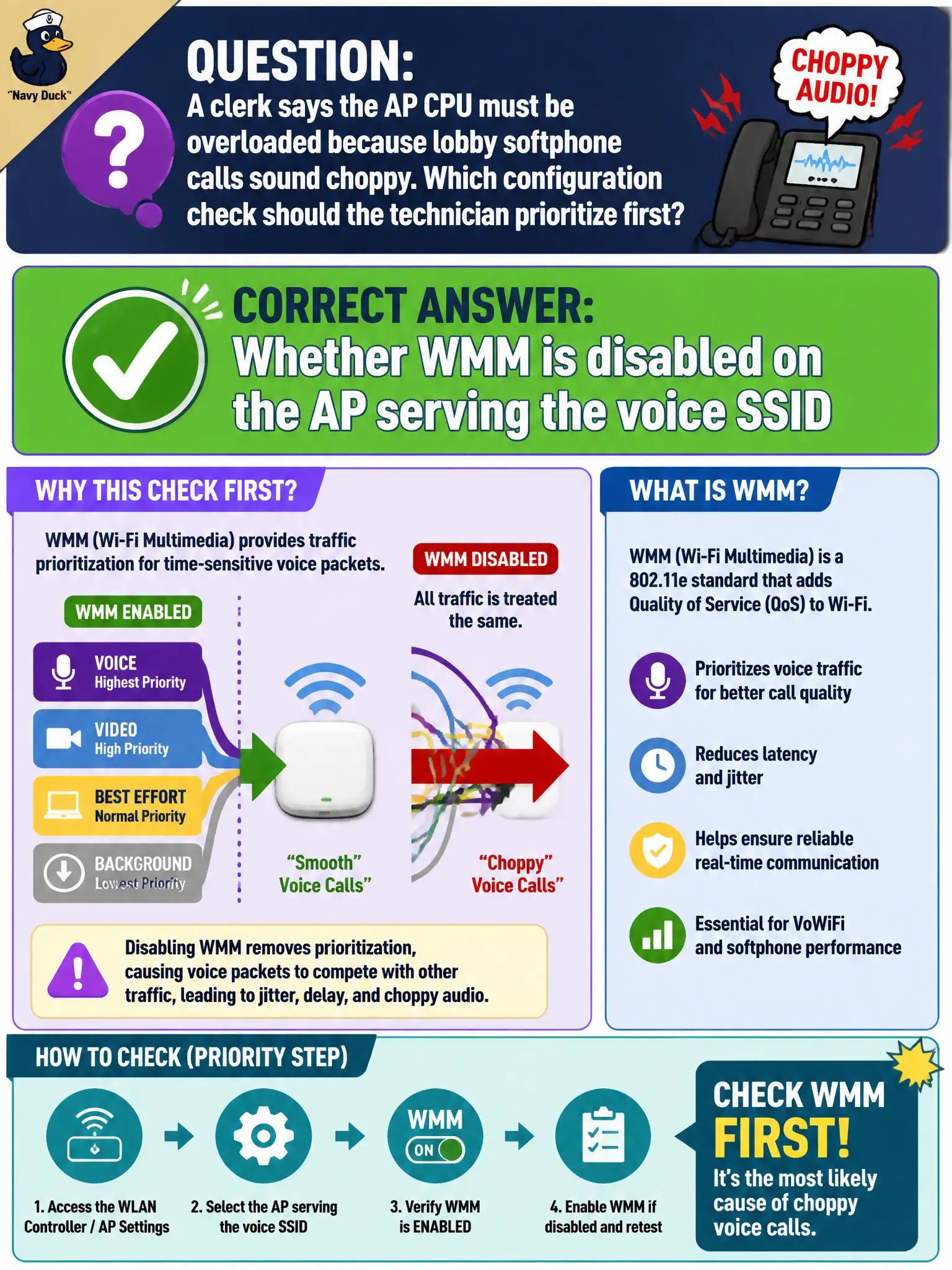
A clerk says the AP CPU must be overloaded because lobby softphone calls sound choppy. Which configuration check should the technician prioritize first?
Select an answer to reveal the explanation.
Short Explanation
Choppy calls make everyone blame the 'tired' AP CPU, but missing WMM is a classic config gotcha. Check QoS on the AP before ordering a forklift upgrade. Often the radio is fine—the priority lane just never got turned on.
Full Explanation
When a clerk blames AP CPU overload because lobby softphone calls sound choppy, the technician should prioritize checking whether WMM is disabled on the AP serving the voice SSID. Missing WMM is a common configuration fault that produces voice quality symptoms even when RF signal looks acceptable. Municipal voice tickets should rule out QoS misconfiguration before deep hardware escalation.
Whether the AP LED color matches the mounting template is cosmetic relative to call quality. Whether the SSID name includes the word Voice does not enable QoS. Whether DHCP pool size equals the number of desks may matter for address exhaustion but is not the first WMM-oriented check the stem points toward for choppy softphones.
Exam caveat: choppy voice with adequate coverage often traces to WMM off. Prioritize that configuration check before assuming CPU hardware failure in CWTS-style scenarios.
Operational check: inspect WMM on the lobby AP’s voice SSID path, enable it if disabled, retest softphone quality during peak lobby load, and only then escalate CPU or RF surveys if symptoms remain. Municipal technicians document the verified setting in the as-built packet so the next shift inherits a known-good civic configuration rather than tribal knowledge.