
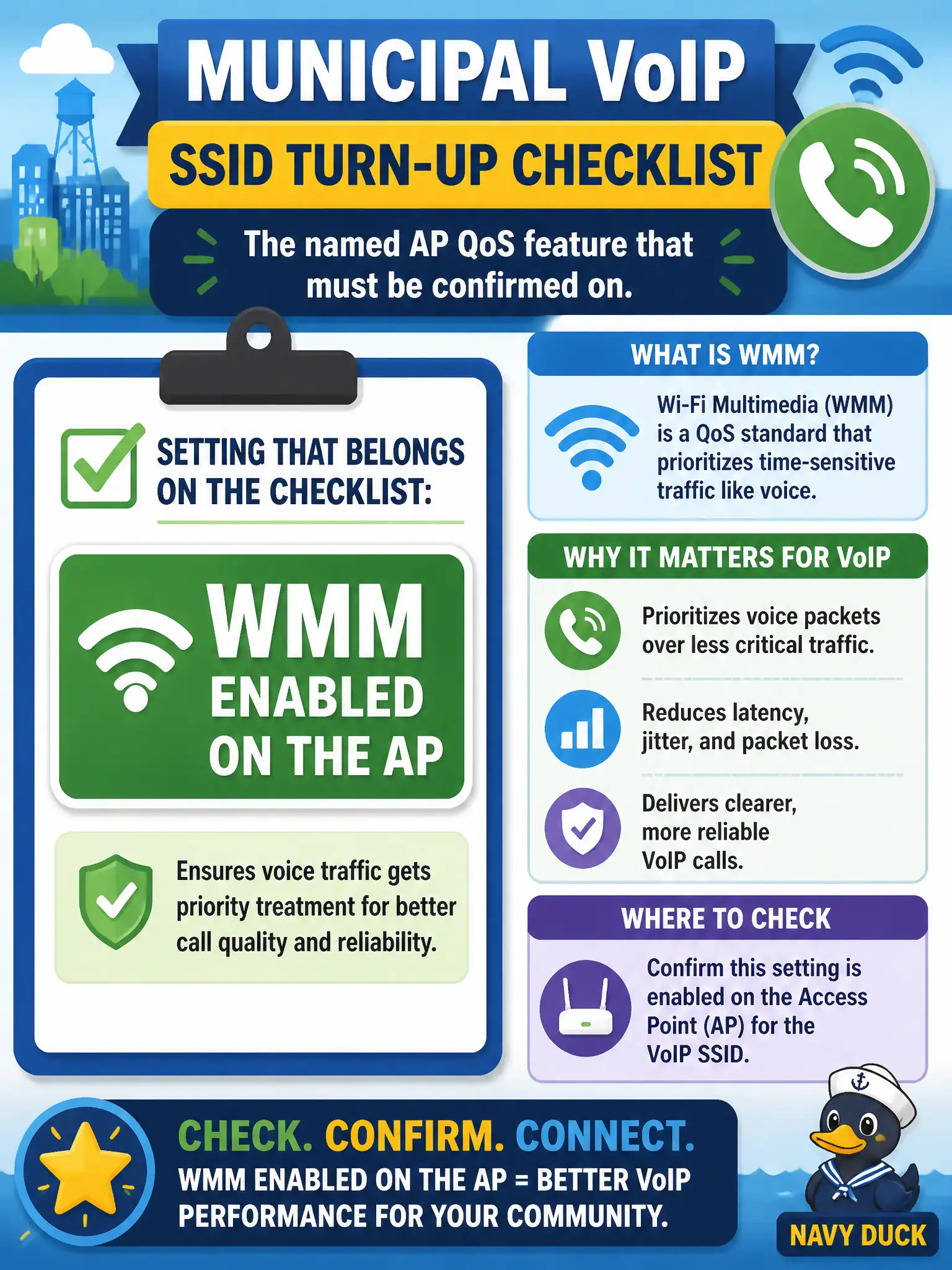
A municipal VoIP SSID turn-up checklist lists the named AP QoS feature that must be confirmed on. Which setting belongs on that checklist?
Select an answer to reveal the explanation.
Short Explanation
If the city phone SSID checklist has a QoS box, the name you are looking for is WMM. It is the standard AP multimedia QoS feature in the technician objectives. Hiding the SSID or dragging Shared Key back from the museum does not check that box.
Full Explanation
Municipal VoIP SSID turn-up checklists that ask for the named AP QoS feature to confirm on are pointing at WMM enabled on the AP. WMM is the Wi-Fi Multimedia capability that supports prioritized access categories for voice and video on 802.11. Putting WMM on the checklist keeps civic softphone deployments from going live with QoS accidentally disabled after a template push.
Forcing RTS/CTS on for every data frame is a hidden-node protection choice, not the primary named multimedia QoS feature. Disabling SSID broadcast for “voice privacy” is obscurity, not QoS. Shared Key Authentication for softphones is legacy insecure practice and unrelated to WMM.
Exam caveat: when a checklist says confirm the AP QoS feature for voice, WMM is the expected answer—not RTS/CTS, hidden SSIDs, or Shared Key Authentication.
Operational check: tick WMM enabled on the VoIP turn-up checklist only after the AP GUI or controller shows WMM active, place a test call, and archive the checklist with the municipal voice SSID acceptance packet. Municipal technicians document the verified setting in the as-built packet so the next shift inherits a known-good civic configuration rather than tribal knowledge. Municipal technicians document the verified setting in the as-built packet so the next shift inherits a known-good civic configuration rather than tribal knowledge.