
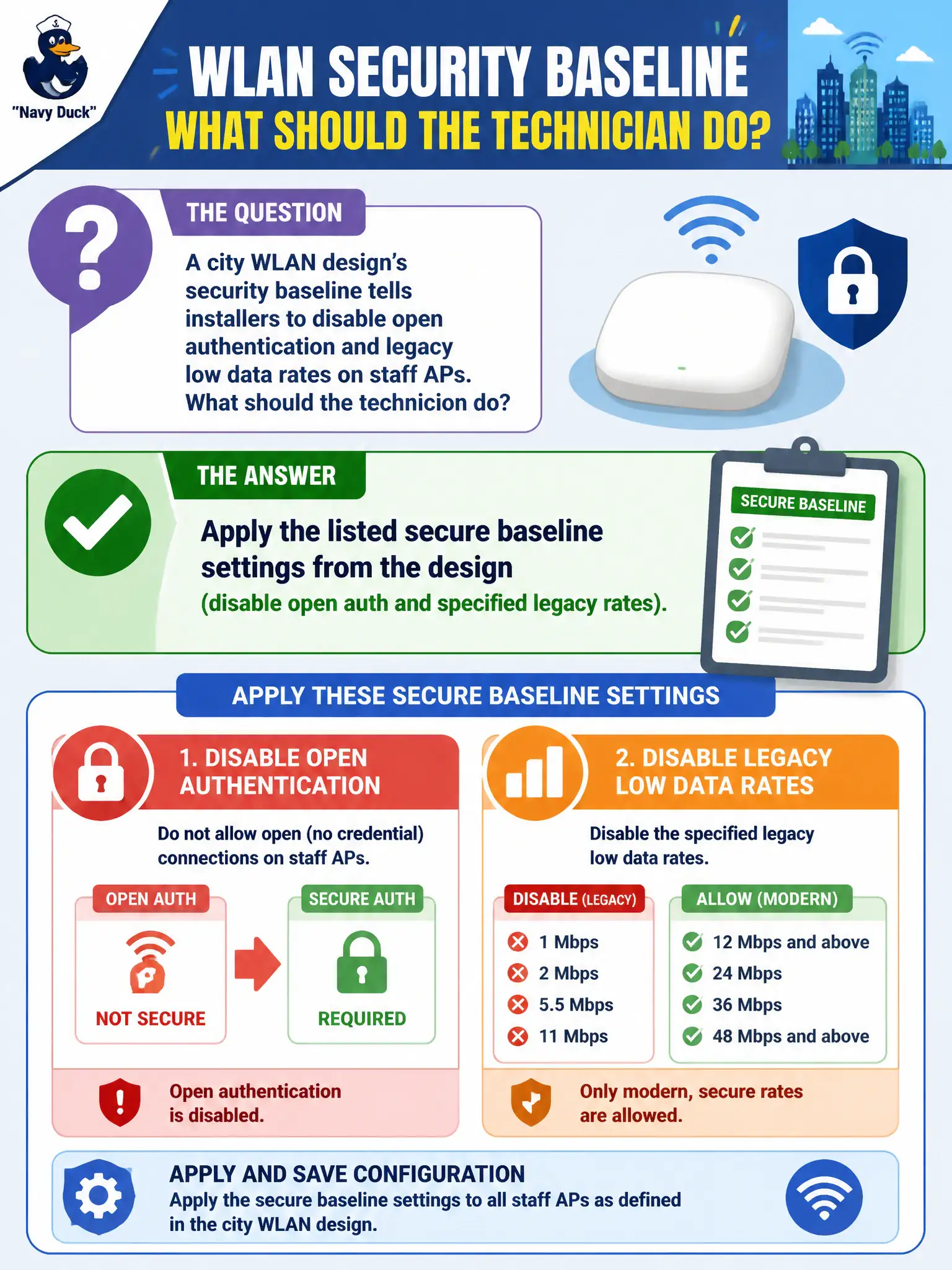
A city WLAN design’s security baseline tells installers to disable open authentication and legacy low data rates on staff APs. What should the technician do?
Select an answer to reveal the explanation.
Short Explanation
If the design kills open auth and dusty legacy rates, flip those switches. That baseline is security and airtime hygiene—not optional flavor text.
Full Explanation
City WLAN design security baselines that tell installers to disable open authentication and legacy low data rates on staff APs exist to harden association policy and reduce weak low-rate airtime consumers. The technician must apply those listed secure baseline settings from the design. Skipping them leaves staff SSIDs easier to abuse and allows ancient rates to consume disproportionate airtime in busy municipal halls and lobbies.
Leaving open authentication enabled for faster first-boot client testing in production exposes the staff SSID without encryption. Enabling every legacy rate so oldest handhelds always associate at 1 Mbps recreates the airtime problem the baseline tried to remove. Relying on a hidden SSID instead of following the written security baseline confuses obscurity with the required authentication and rate controls.
Exam caveat: security baselines are mandatory install inputs at CWTS depth. Hidden SSIDs do not substitute for disabling open auth or pruning legacy rates on staff networks.
Operational check: disable open authentication and the specified legacy rates on staff APs per the baseline, verify the GUI shows the hardened settings, associate a known-good staff client, and attach a configuration screenshot to the city install ticket.