
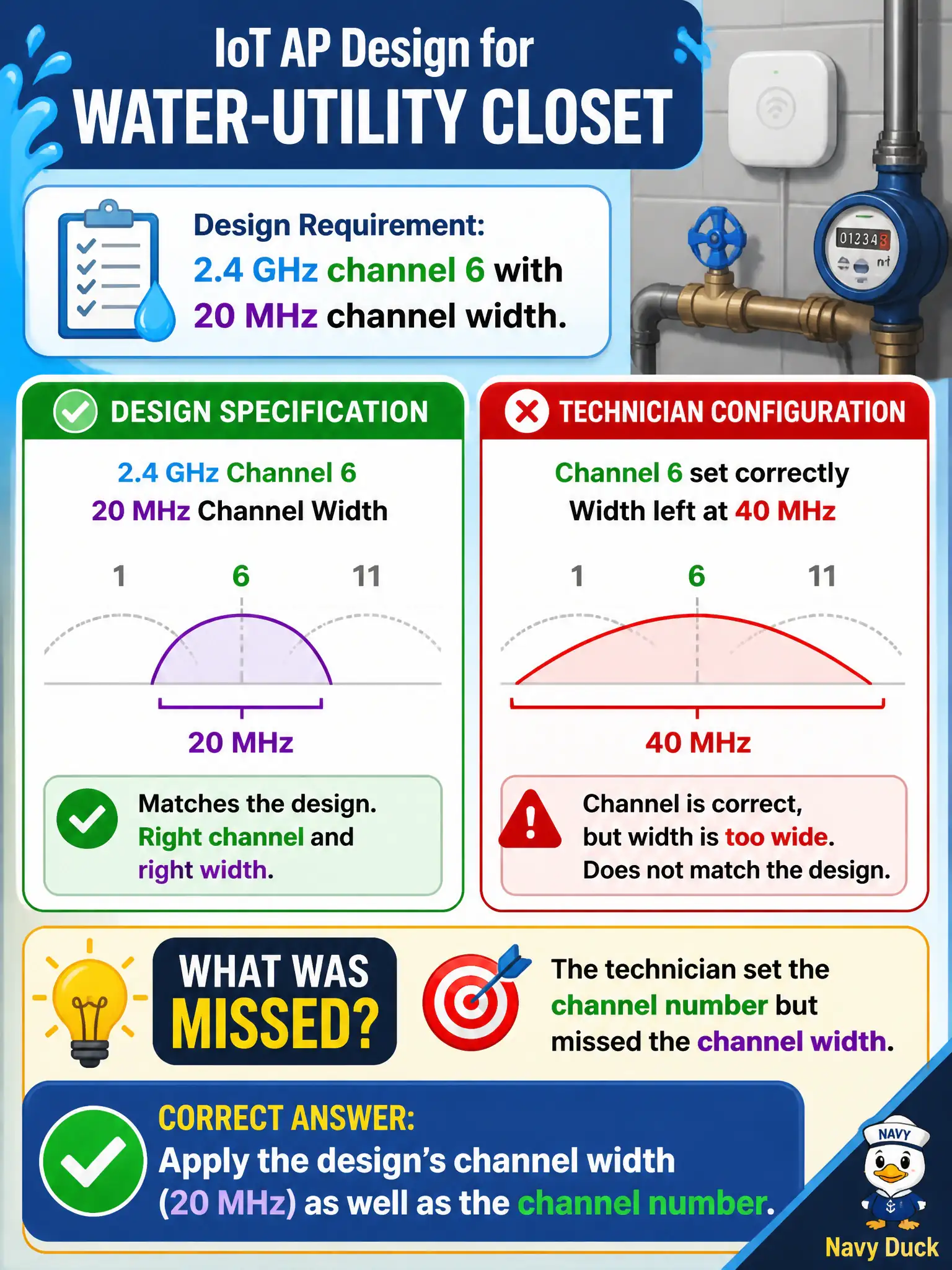
An IoT AP design for a water-utility closet specifies 2.4 GHz channel 6 with 20 MHz channel width. The technician sets channel 6 but leaves width at 40 MHz. What was missed?
Select an answer to reveal the explanation.
Short Explanation
Channel 6 at 40 MHz is not what the sheet asked for. Width is part of the channel config—punch in 20 MHz like the design says, especially on crowded 2.4 GHz IoT APs.
Full Explanation
IoT AP designs for water-utility closets often specify both a channel and a channel width—here 2.4 GHz channel 6 with 20 MHz width—because narrow width reduces interference among dense utility sensors. Setting channel 6 while leaving width at 40 MHz misses half the radio prescription. The technician must apply the design’s channel width as well as the channel number. Civic IoT reliability depends on both parameters matching the approved plan, not only the center channel.
Claiming channel configuration only needs the channel number because width is always automatic and ignored fails: width is a real configurable parameter that affects neighboring BSSs. Forcing 80 MHz on 2.4 GHz to match modern client defaults is inappropriate and fights the 20 MHz design. Disabling the 2.4 GHz radio because IoT must use 6 GHz only contradicts the utility design that placed sensors on 2.4 GHz.
Exam caveat: channel plans include width. Exam items that list both expect both to be configured—especially on constrained 2.4 GHz IoT SSIDs in municipal plants.
Operational check: set channel 6 and 20 MHz width on the utility closet AP, confirm the live radio shows both values, validate sensor association stability, and record width explicitly on the as-built radio sheet.