
After mounting and cabling a cloud-managed AP at a permit office, what verification should the technician complete before leaving the site?
Select an answer to reveal the explanation.
Short Explanation
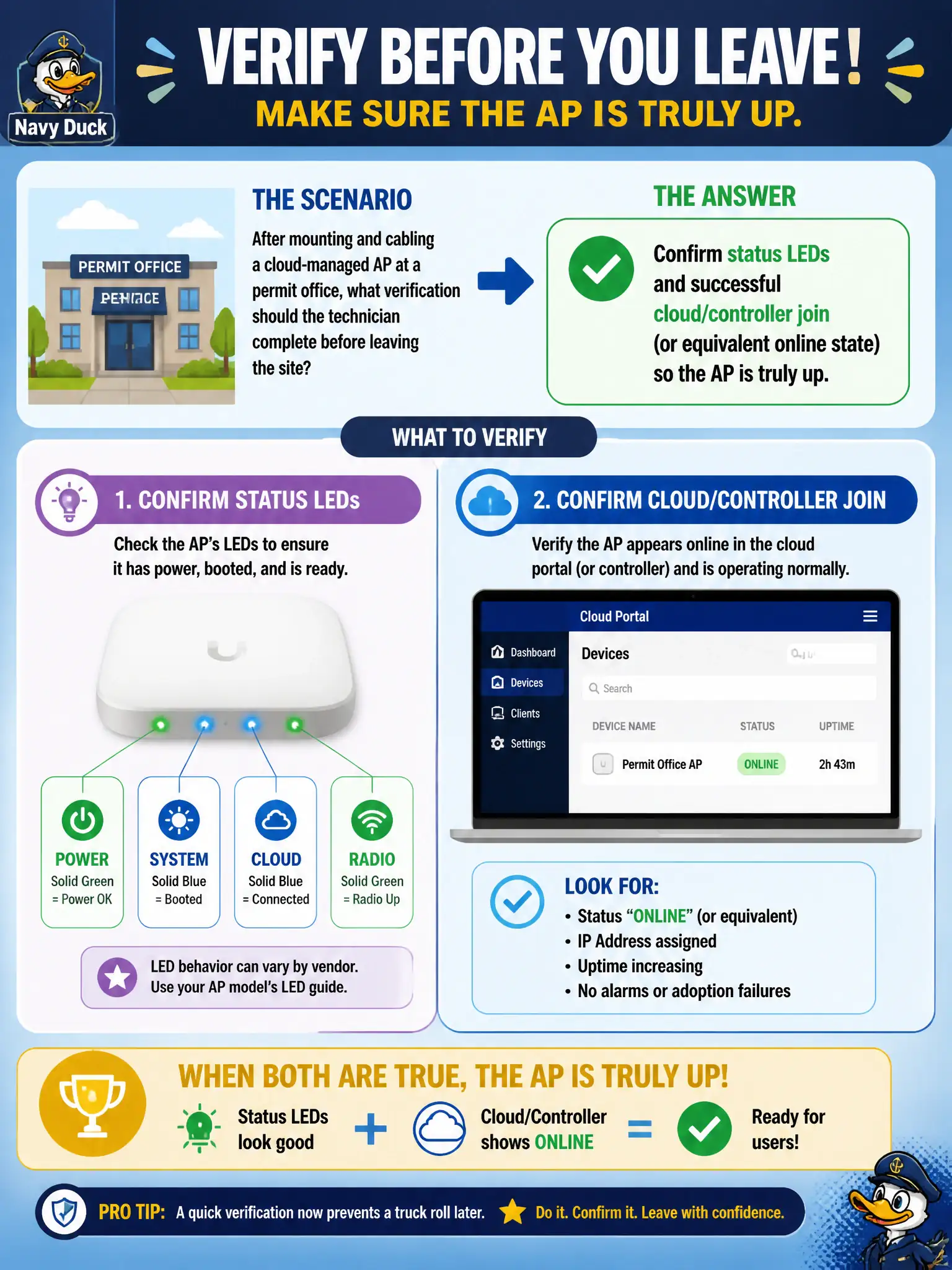
Screws tight is not “done.” Watch the LEDs and make sure the AP actually joins the cloud or controller before you drive off. A dark or orphaned AP is a truck roll tomorrow.
Full Explanation
After mounting and cabling a cloud-managed AP at a permit office, the technician must confirm status LEDs and successful cloud or controller join—or the equivalent online state—so the AP is truly up before leaving the site. A tightly mounted chassis with dark or disconnected cloud state is not a finished civic install. Verification prevents return trips when clerks arrive to a silent radio that never adopted.
Power-cycling the building UPS twice to force a fresh RF calibration is unnecessary disruption and is not a join-verification step. Deleting the AP from inventory so it rediscovers with a clean serial hash risks losing adopted configuration and is not a normal close-out action. Leaving immediately once mount screws are tight treats online status as optional and abandons acceptance testing for municipal service.
Exam caveat: physical mounting complete does not equal service complete. CWTS close-out includes operational online confirmation for controller- or cloud-managed APs.
Operational check: wait for expected LED patterns and cloud/controller online status, place a test client on the designed SSID, verify connectivity appropriate to the permit office design, and only then release the site and update inventory.