
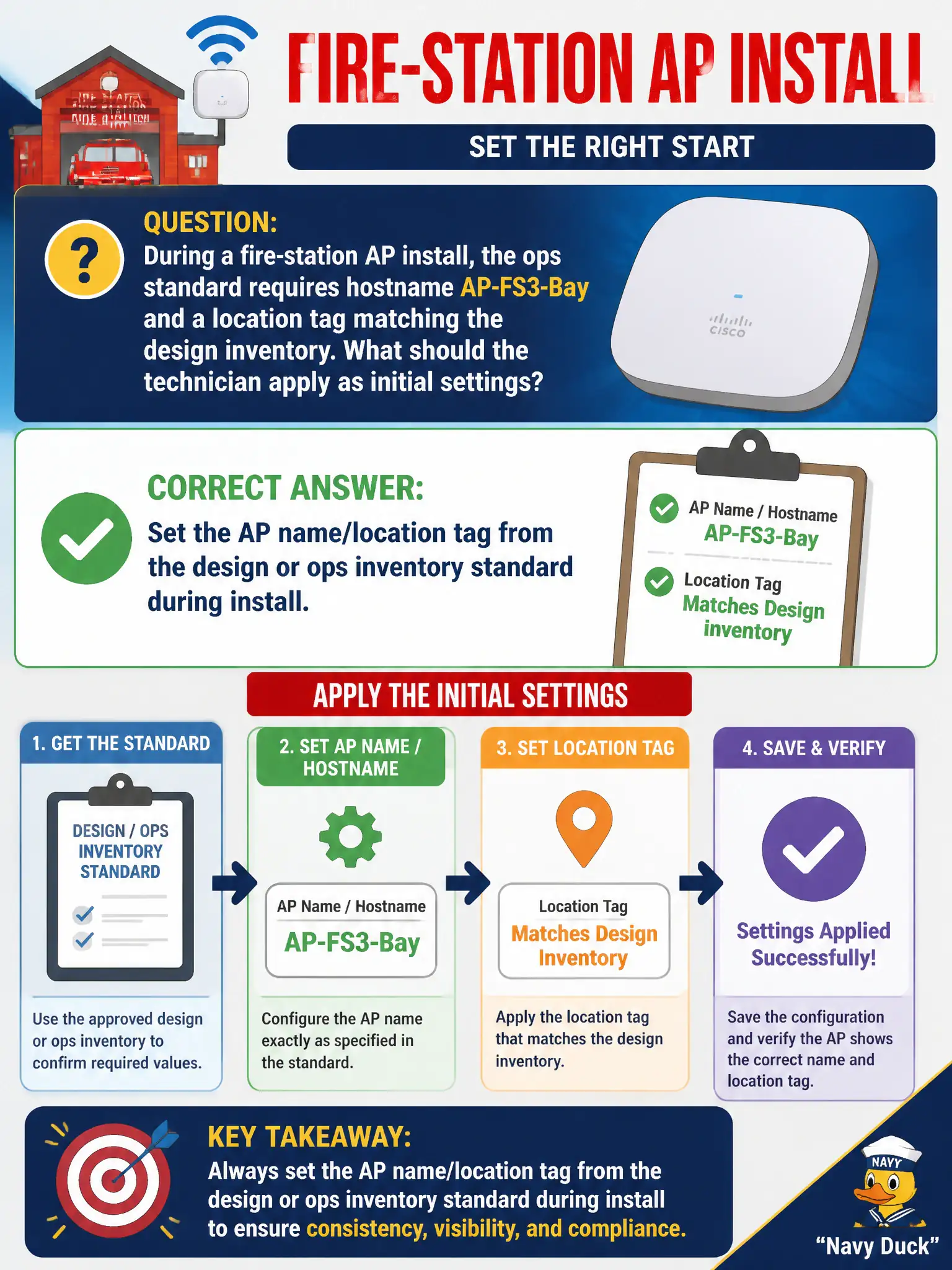
During a fire-station AP install, the ops standard requires hostname AP-FS3-Bay and a location tag matching the design inventory. What should the technician apply as initial settings?
Select an answer to reveal the explanation.
Short Explanation
Name it AP-FS3-Bay (or whatever the sheet says) and tag the location while you are still on the ladder. Future you—and the NOC—should not guess which unlabeled brick is Bay 3.
Full Explanation
Fire-station AP installs typically require an ops-standard hostname such as AP-FS3-Bay and a location tag that matches the design inventory. The technician should set the AP name and location tag from that design or ops inventory standard during initial configuration. Consistent naming speeds remote support, controller maps, and emergency troubleshooting when apparatus bays depend on WLAN for station systems. Civic inventory hygiene starts at first boot, not after an outage.
Leaving the factory hostname so cloud discovery uses the serial only abandons human-readable inventory standards the ops team requires. Naming every AP “access-point” to keep configurations identical destroys uniqueness and map clarity. Setting the SSID to the hostname string so inventory appears in beacons leaks internal naming into the SSID list residents and visitors see and misuses the SSID field.
Exam caveat: hostname and location tags are install configuration items, not optional cosmetics. They do not replace RF design, but skipping them fails municipal ops standards tested at CWTS depth.
Operational check: apply AP-FS3-Bay and the design location tag before or during join, confirm the controller or inventory system shows the correct name and site, and photograph the label or GUI field for the fire-station as-built packet.