
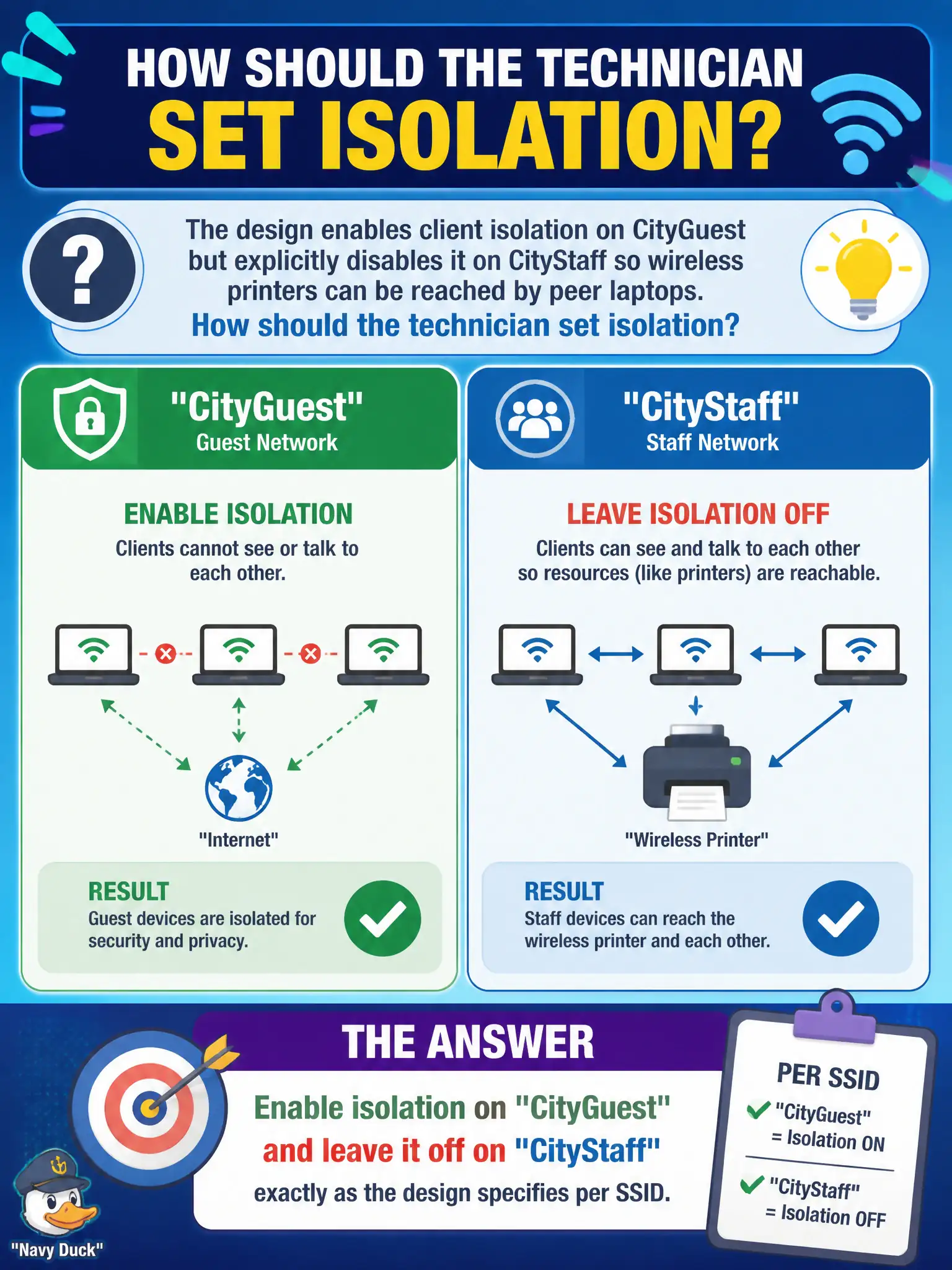
The design enables client isolation on CityGuest but explicitly disables it on CityStaff so wireless printers can be reached by peer laptops. How should the technician set isolation?
Select an answer to reveal the explanation.
Short Explanation
Isolation is per SSID, not a building-wide light switch. Guest on, staff off—because printers need friends. Follow the design’s exception; do not “simplify” into one global setting.
Full Explanation
Designs that enable client isolation on CityGuest but explicitly disable it on CityStaff—so wireless printers remain reachable by peer laptops—require per-SSID precision. The technician must enable isolation on CityGuest and leave it off on CityStaff exactly as the design specifies. Global guesses break either guest hygiene or staff peer workflows inside the same civic building, generating conflicting tickets from visitors and employees.
Enabling isolation on every SSID because guest settings must always apply globally ignores per-SSID design intent and breaks staff printing to wireless devices. Disabling isolation everywhere so printers work on guest as well as staff exposes guest peers to each other on the visitor network. Replacing isolation with MAC filtering as the preferred peer-block method substitutes a spoofable address list for the designed isolation feature.
Exam caveat: isolation is not an all-or-nothing chassis toggle in scenarios that specify different guest versus staff behavior—read the per-SSID requirement carefully on the exam and on the install sheet.
Operational check: set isolation on for CityGuest and off for CityStaff, test that two guest devices cannot peer while a staff laptop can reach the designed wireless printer, and screenshot both SSID feature pages for the municipal as-built record.