
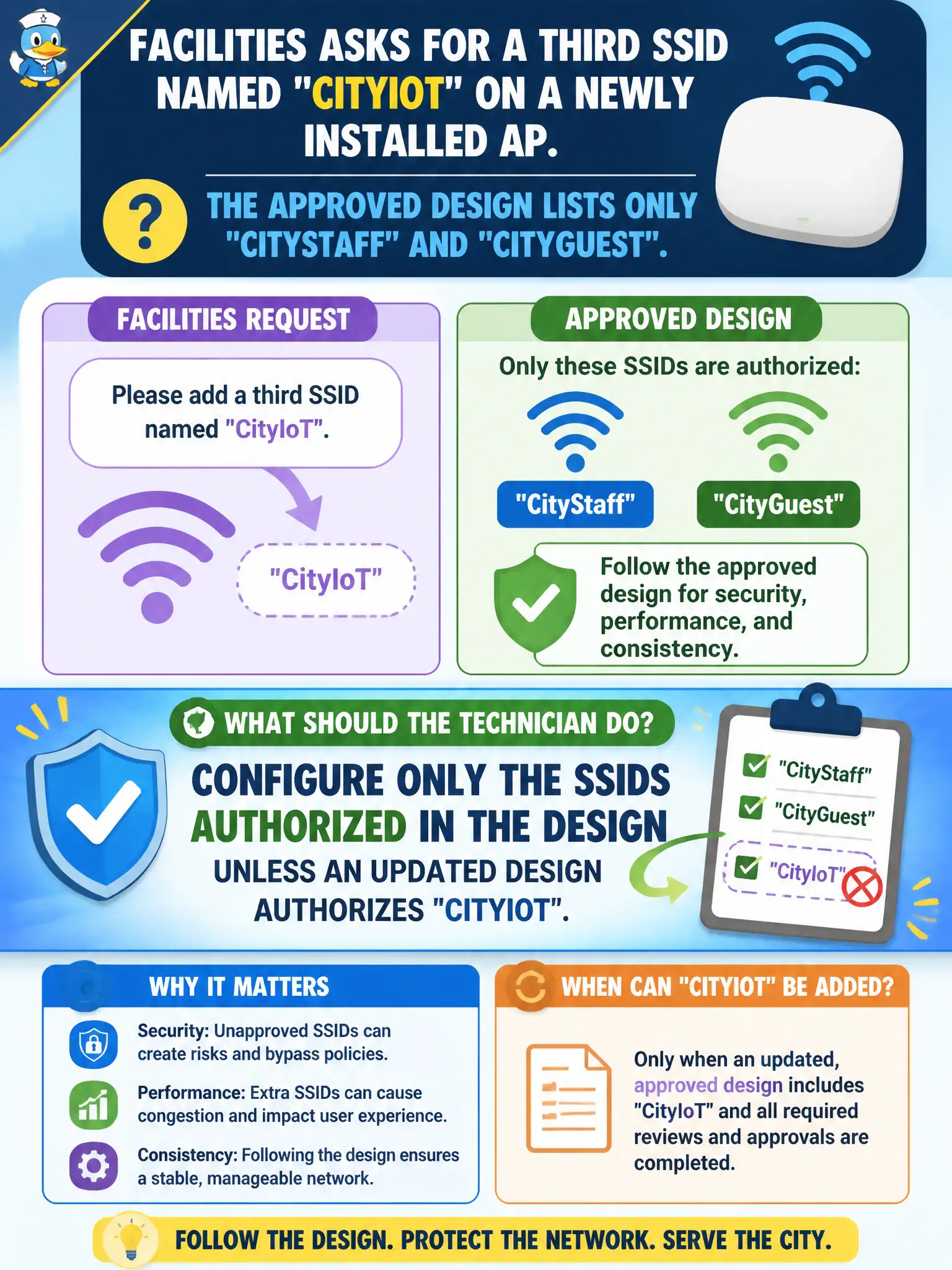
Facilities asks for a third SSID named CityIoT on a newly installed AP. The approved design lists only CityStaff and CityGuest. What should the technician do?
Select an answer to reveal the explanation.
Short Explanation
No CityIoT on the design sheet means no CityIoT on the AP—yet. Extra SSIDs are a design change, not a hallway favor. Wait for an updated packet or you inherit orphan networks.
Full Explanation
Facilities teams sometimes ask for an extra SSID such as CityIoT after an AP is already installed against an approved design that lists only CityStaff and CityGuest. The technician should configure only the SSIDs authorized in the design unless an updated design authorizes CityIoT. Adding networks without authorization creates unplanned VLANs, portals, firewall rules, and attack surface on municipal airtime. Change control protects civic WLAN baselines from hallway scope creep.
Adding CityIoT immediately with open authentication for meter discovery violates both authorization and the security baseline. Cloning CityGuest and renaming it CityIoT without changing other parameters still invents an unauthorized SSID and may strand IoT on a guest segment with the wrong policy. Broadcasting twenty unused SSIDs to reserve future names wastes beacon airtime and is not a legitimate name-reservation system.
Exam caveat: CWTS installers implement the approved SSID list; they escalate design changes rather than inventing production SSIDs from verbal facilities requests.
Operational check: decline the unauthorized CityIoT add, open a formal design-change request with facilities and WLAN engineering, and configure the third SSID only after a revised design packet authorizes the name, security mode, and VLAN mapping.