
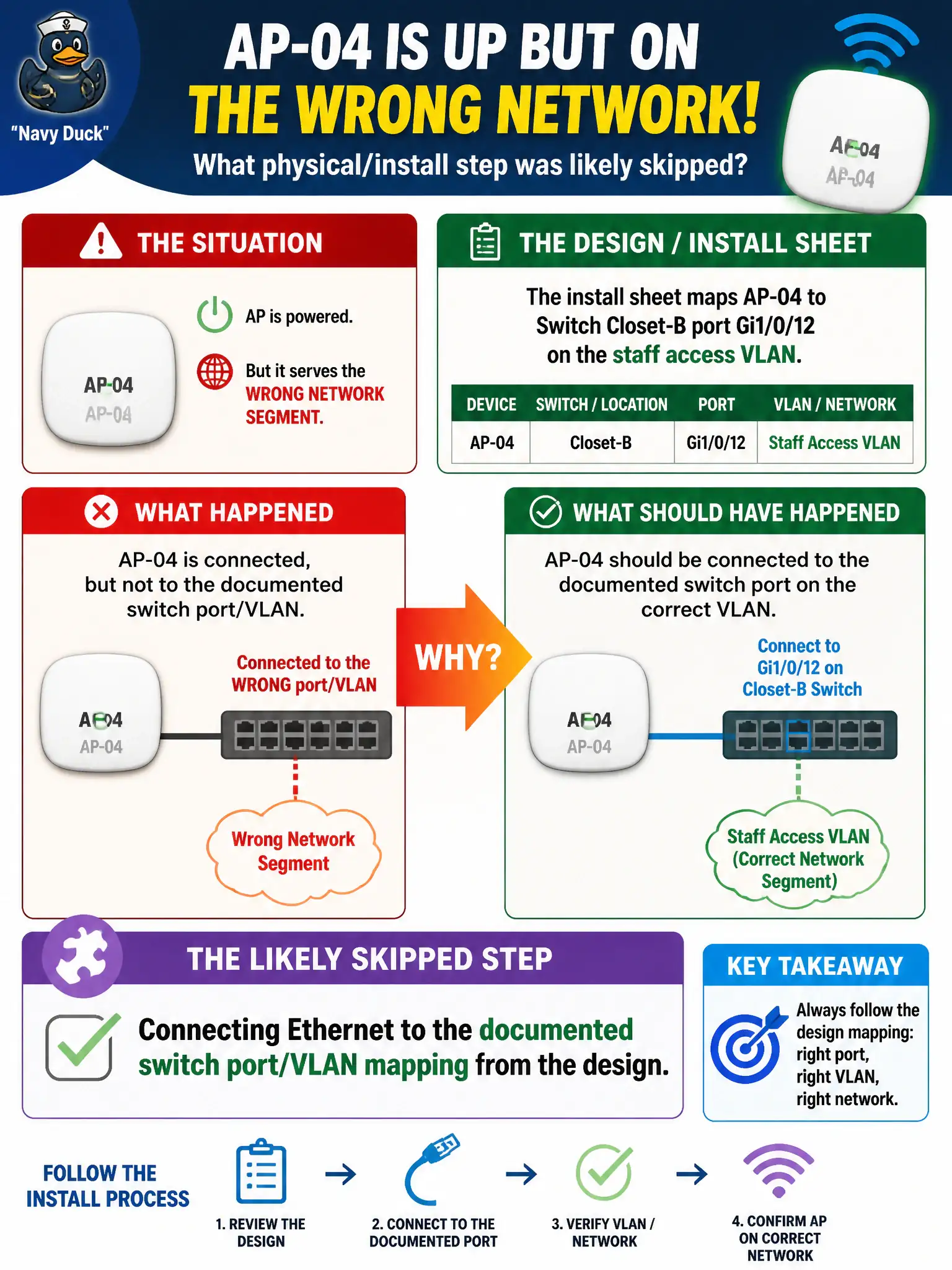
The install sheet maps AP-04 to switch Closet-B port Gi1/0/12 on the staff access VLAN. The AP is powered but serves the wrong network segment. What physical/install step was likely skipped?
Select an answer to reveal the explanation.
Short Explanation
Wrong closet port, wrong VLAN—AP looks healthy and still strands users. Physical install includes landing the drop on the port and segment the design named, not “any PoE jack that lights up.”
Full Explanation
Install sheets that map AP-04 to switch Closet-B port Gi1/0/12 on the staff access VLAN encode both the physical drop and the logical attachment the AP needs. When the AP is powered but serves the wrong network segment, the likely skipped step is connecting Ethernet to the documented switch port and VLAN mapping from the design. Power alone does not guarantee correct segmentation for civic staff traffic. Port and VLAN discipline is what keeps CityStaff on the intended municipal network rather than a guest or default VLAN.
Changing the AP’s LED color theme to match the VLAN ID is purely cosmetic and does not map user frames onto the correct VLAN. Enabling Telnet instead of HTTPS for management is a security regression unrelated to data-plane VLAN placement. Setting the SSID to hidden so VLAN tags supposedly appear automatically invents a false relationship between beacon privacy and 802.1Q mapping.
Exam caveat: powered-up is not the same as correctly attached. CWTS troubleshooting separates PoE success from switchport and VLAN correctness when an AP boots on the wrong segment.
Operational check: move AP-04’s Ethernet drop to Gi1/0/12 or the documented port, confirm access or trunk VLAN mapping matches the design, verify a staff client receives the addressing or resources expected on that segment, and update the closet port label for the next shift.