
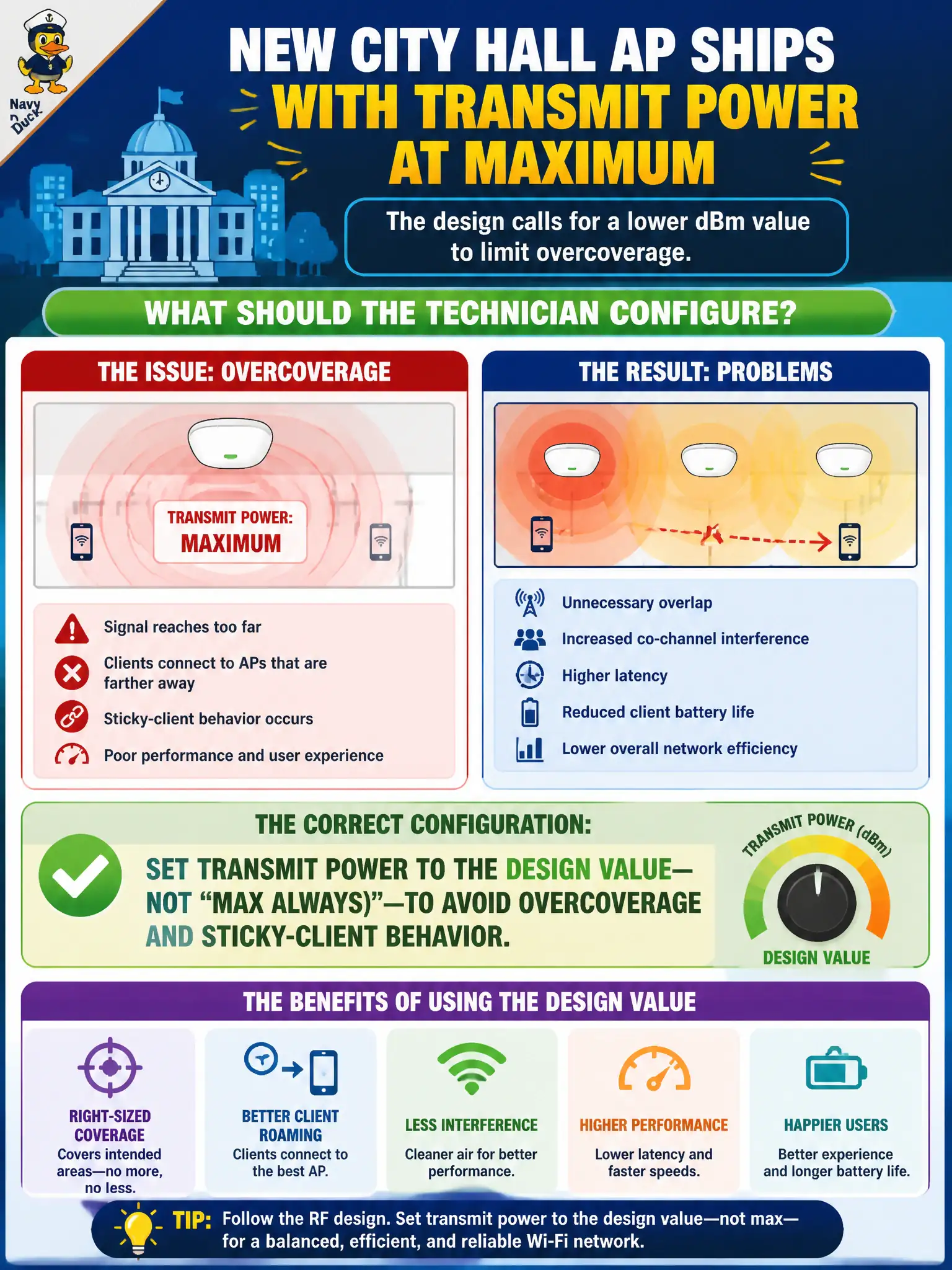
A new city hall AP ships with transmit power at maximum. The design calls for a lower dBm value to limit overcoverage. What should the technician configure?
Select an answer to reveal the explanation.
Short Explanation
Max power is not a personality trait—it is a coverage bomb. Dial TX power to the design number so clients do not glue to a far AP. “Louder” is not the same as “better.”
Full Explanation
New city hall APs often ship from the factory with transmit power at maximum, yet municipal RF designs call for lower dBm values specifically to limit overcoverage and sticky-client behavior across multi-AP floors. The technician must set transmit power to the design value—not “max always.” Excess power pulls clients from far cells, increases co-channel contention, and fights the planned cell plan that civic RF designers already balanced. Implementing the written power setting is core CWTS install discipline rather than an optional tweak.
Leaving TX power at maximum because higher power always improves roaming fails conceptually: overcoverage commonly worsens roaming decisions and CCI between neighboring city hall APs. Setting power to zero and relying only on neighboring APs for that zone abandons the designed cell entirely. Ignoring RF power while only tuning the captive-portal redirect URL addresses a different feature family and leaves the overcoverage problem untouched for staff and visitors.
Exam caveat: maximum power is not a default best practice on multi-AP municipal WLANs. Design dBm values exist to shape cells; installers apply them instead of inventing a power race during turn-up.
Operational check: configure the exact design dBm on the new city hall AP, verify the live radio reports that value in the GUI or controller, walk a smoke-test client through the intended cell edge, and record the power setting on the as-built sheet before closing the install.