
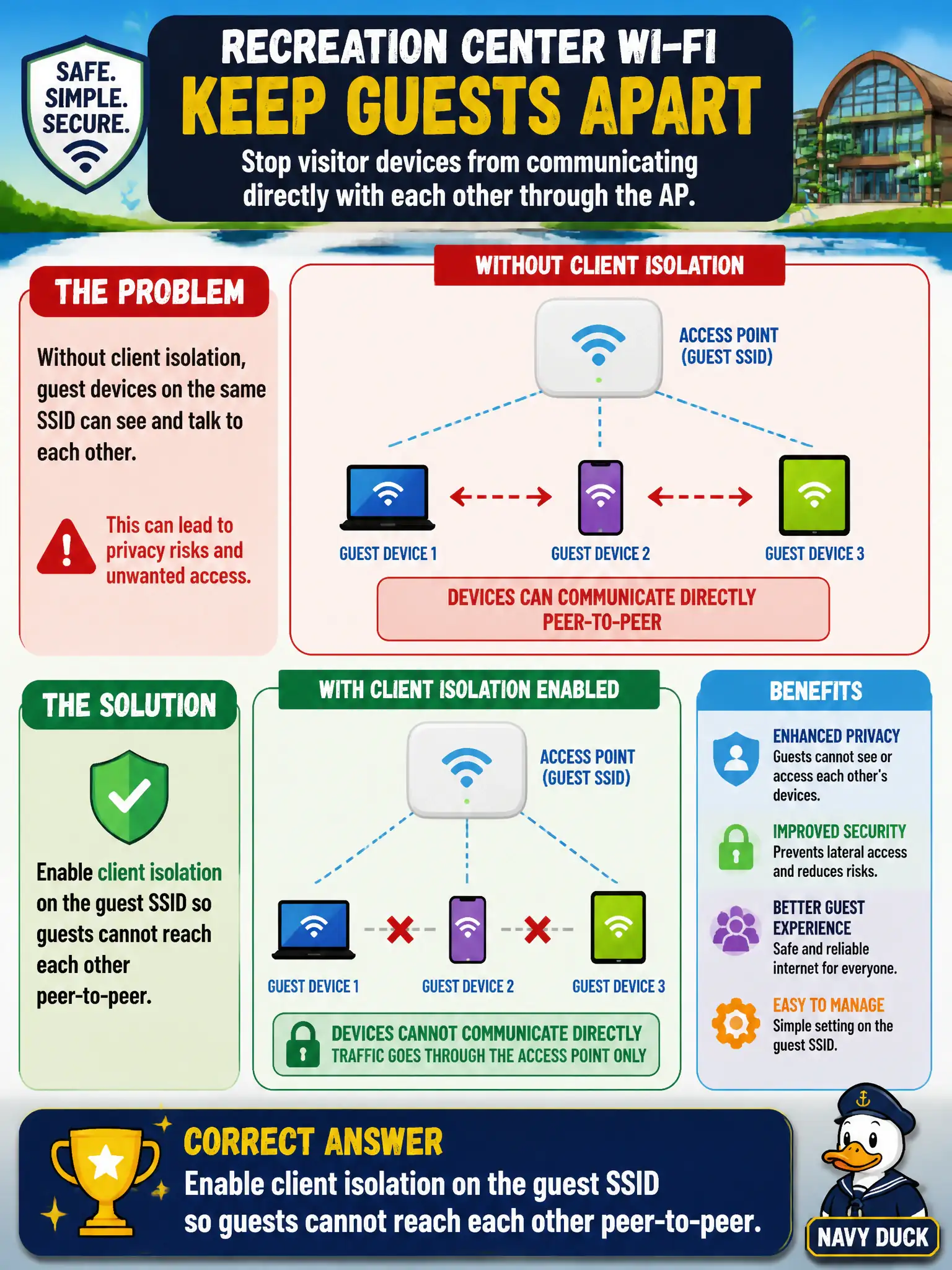
A recreation-center design requires the guest SSID to stop visitor devices from communicating directly with each other through the AP. Which setting implements that requirement?
Select an answer to reveal the explanation.
Short Explanation
Guest laptops should not chat with each other across the AP. Flip on client isolation for that SSID—that is the knob the design is asking for.
Full Explanation
Recreation-center guest SSIDs often must stop visitor devices from communicating directly with each other through the AP. Enabling client isolation on the guest SSID implements that peer-to-peer block so guests cannot attack or scan each other on the wireless segment. Staff or printer SSIDs may leave isolation off when the design needs peer reachability. Civic guest hygiene commonly depends on this per-SSID control rather than RF tricks.
Increasing transmit power so guest frames never need peer forwarding fails conceptually: power level does not implement peer blocking. Setting 160 MHz exclusively on 2.4 GHz for isolation misuses channel width and is not an isolation mechanism. Disabling WMM so stations cannot mark peer traffic confuses multimedia QoS with Layer-2 client isolation behavior.
Exam caveat: isolation is an SSID feature setting, not a side effect of power, channel width, or WMM. Apply it where the design requires guest peer blocking and leave other SSIDs alone.
Operational check: enable client isolation on the guest SSID only, verify two guest devices cannot reach each other while both still reach the intended gateway or captive portal, and confirm staff or printer SSIDs retain their designed peer behavior.