
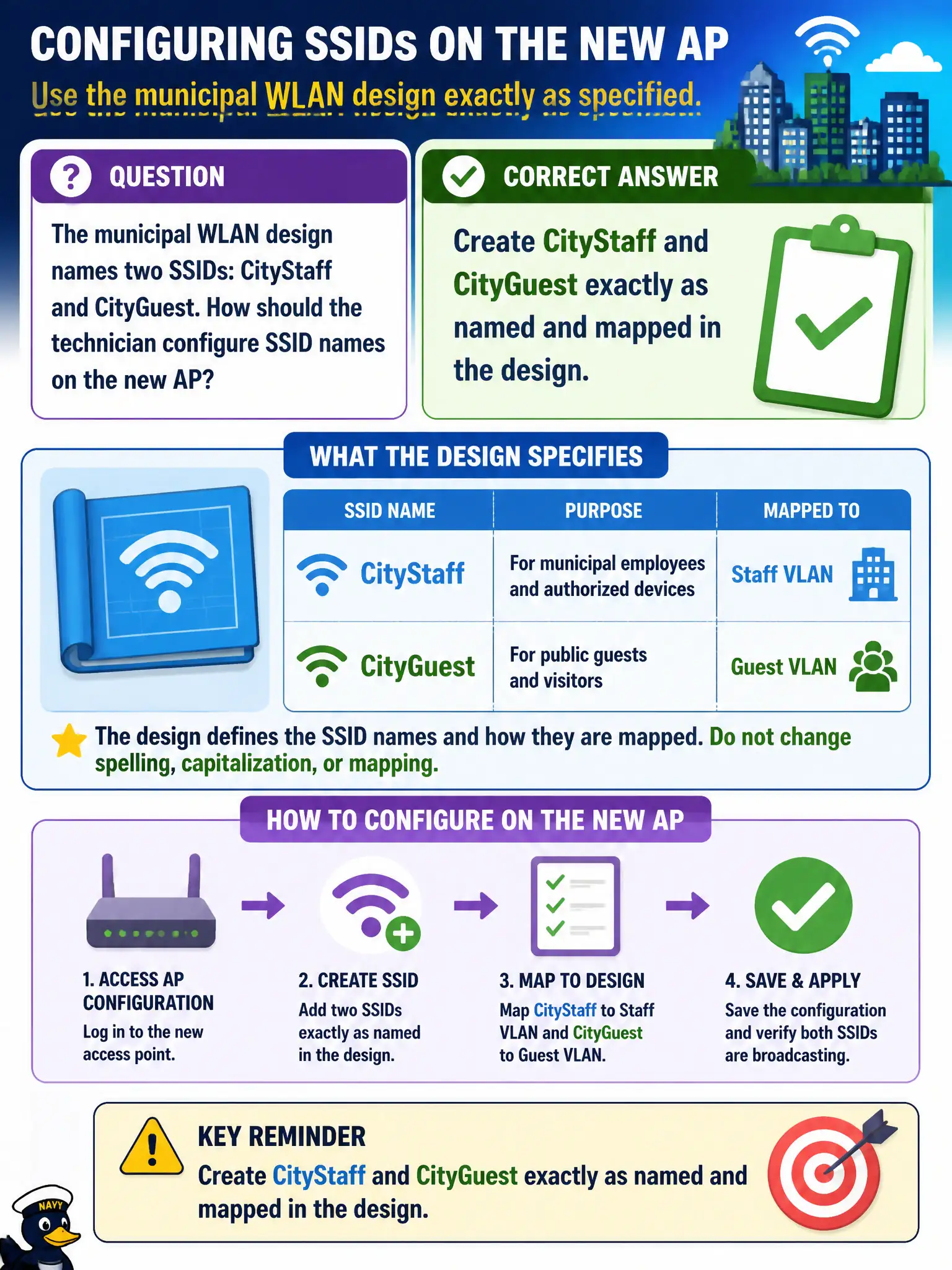
The municipal WLAN design names two SSIDs: CityStaff and CityGuest. How should the technician configure SSID names on the new AP?
Select an answer to reveal the explanation.
Short Explanation
Type the names on the sheet: CityStaff and CityGuest. Clever renames break profiles, captive portals, and support scripts. SSID config follows the design, period.
Full Explanation
Municipal WLAN designs name SSIDs deliberately—CityStaff and CityGuest—so client profiles, VLAN maps, captive portals, and help-desk scripts stay consistent. The technician must create CityStaff and CityGuest exactly as named and mapped in the design. Renaming for convenience breaks saved profiles on city devices, wayfinding signage, and segmentation assumptions across departments.
Creating a single FreeWiFi SSID to reduce broadcast overhead collapses the staff-versus-guest separation the design required. Using random daily SSIDs so attackers cannot fingerprint the network destroys manageability and breaks saved civic profiles overnight. Cloning a neighboring cafe SSID so users roam onto municipal APs automatically creates confusing rogue-like behavior and support chaos for residents and staff.
Exam caveat: SSID strings are configuration contracts. Exact match to design names is the CWTS expectation, not creative marketing or anti-fingerprinting renames.
Operational check: configure both SSIDs with exact design strings and mappings, verify beacons advertise CityStaff and CityGuest, smoke-test a staff device and a guest device onto the intended VLANs or portals, and screenshot the SSID list for the as-built packet.