
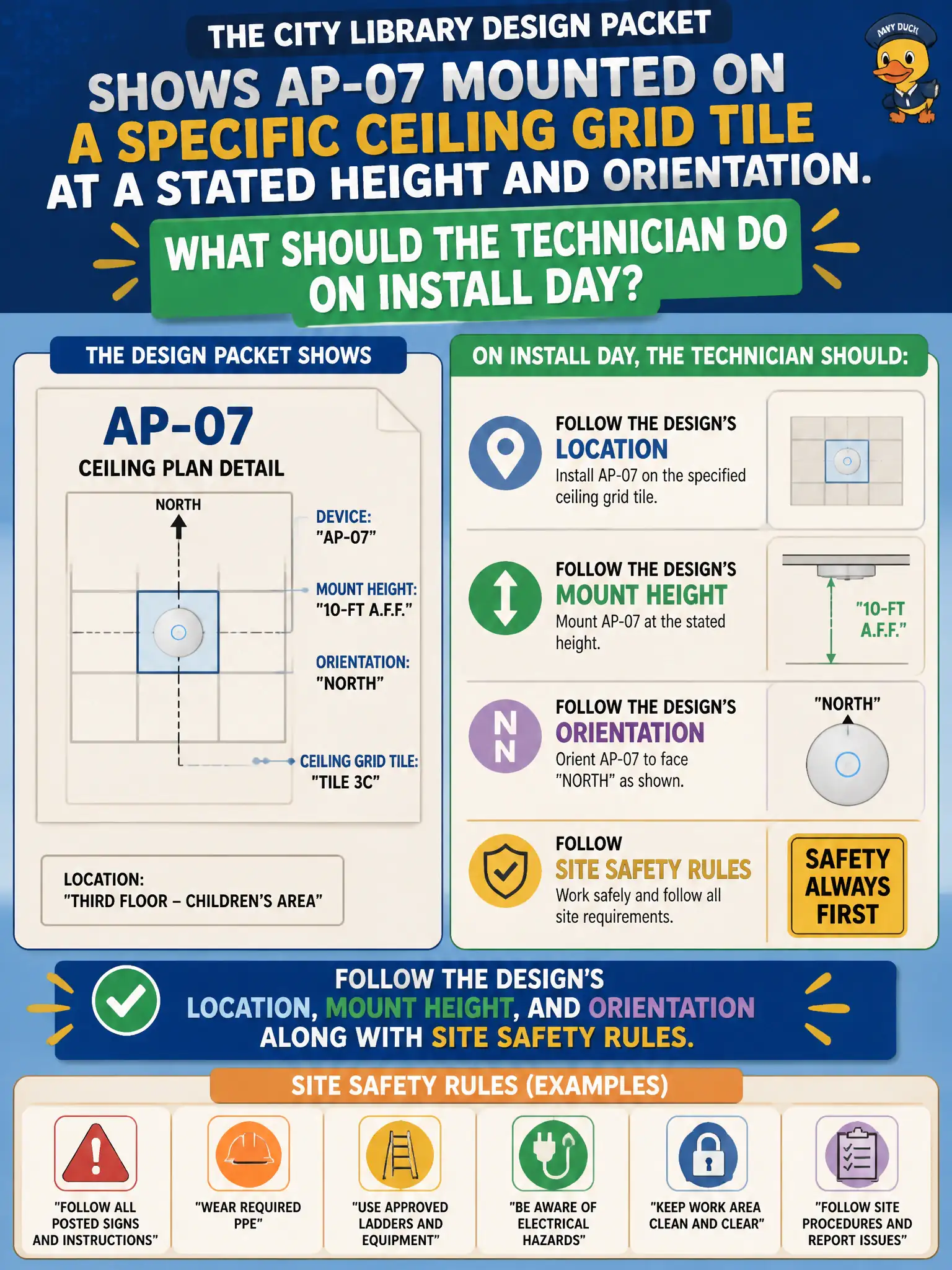
The city library design packet shows AP-07 mounted on a specific ceiling grid tile at a stated height and orientation. What should the technician do on install day?
Select an answer to reveal the explanation.
Short Explanation
Mount it where the packet says—height, tile, orientation—the whole deal. Cable slack is not a design document. Physical install is half the job for a CWTS tech.
Full Explanation
City library design packets that show AP-07 on a specific ceiling grid tile at a stated height and orientation make physical placement part of configuring APs from design. The technician must follow that location, mount height, and orientation along with site safety rules. Improvised placement changes the planned coverage footprint and can violate approved civic designs as well as mounting and cable safety practices in public buildings.
Mounting wherever cable slack is longest prioritizes convenience over RF geometry and design compliance. Placing the AP on a bookshelf at desk height for easier console access ignores ceiling coverage intent and typical client device height. Aiming the AP at a metal elevator shaft to harvest reflection as free gain invites multipath problems and violates the specified orientation.
Exam caveat: CWTS install work includes physical mounting per design; creative reflector tricks and silent RF redesign are outside on-site technician latitude.
Operational check: mount AP-07 on the marked tile at the specified height and orientation, follow safety torque and hardware practice, photograph placement against the design callout, and confirm the AP joins with an expected smoke-test coverage check in the library aisle.