
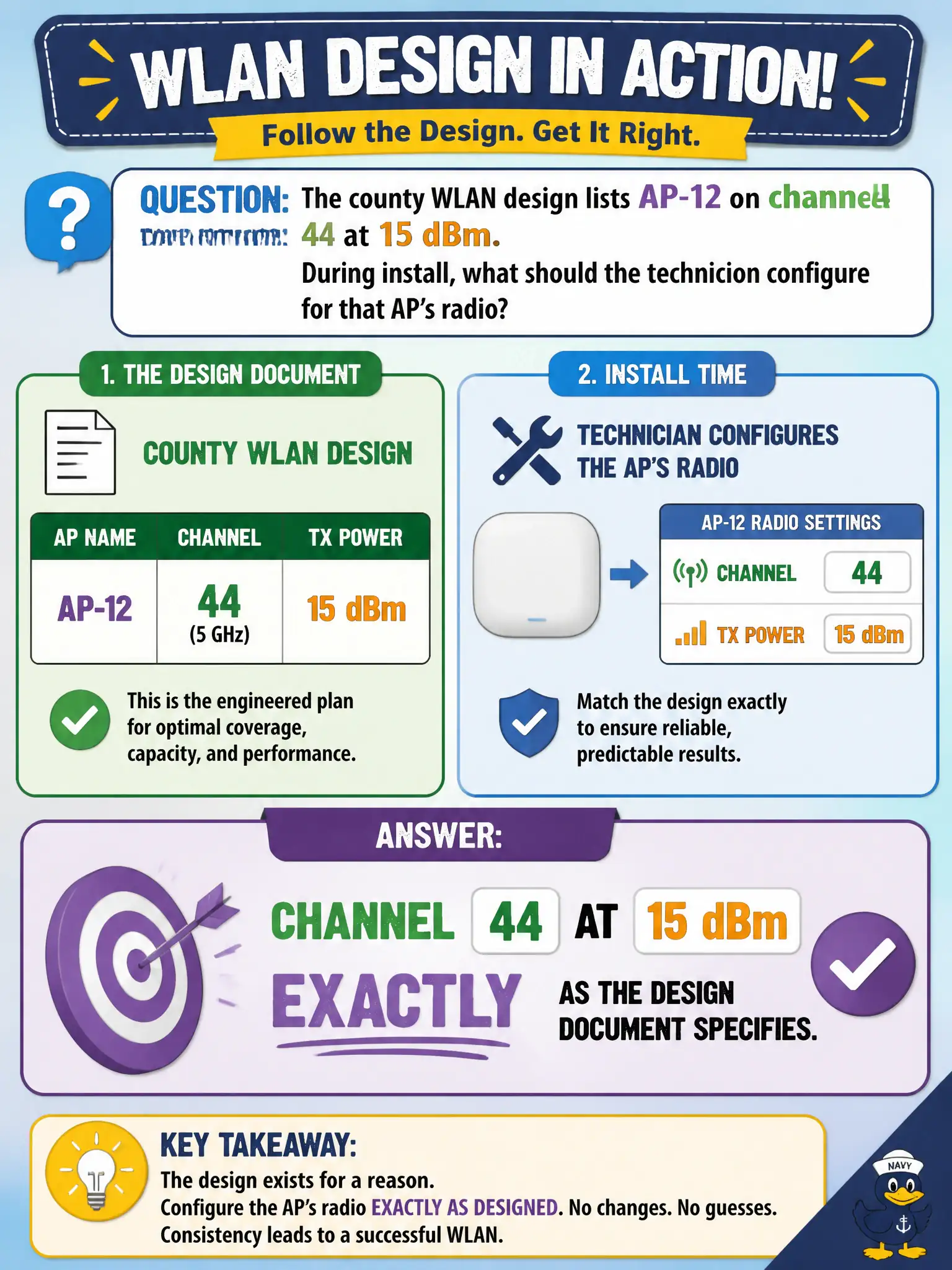
The county WLAN design lists AP-12 on channel 44 at 15 dBm. During install, what should the technician configure for that AP’s radio?
Select an answer to reveal the explanation.
Short Explanation
The design already picked channel 44 and 15 dBm—type those in. CWTS techs apply the sheet; they do not freestyle a louder, different channel because it “feels better.”
Full Explanation
County WLAN designs list specific channel and power values—here AP-12 on channel 44 at 15 dBm—because coverage, co-channel planning, and capacity were engineered that way. During install, the technician must configure channel 44 at 15 dBm exactly as the design document specifies. CWTS scope centers on implementing the approved design, not improvising a hotter or different RF plan in the wiring closet. Civic RF consistency across floors depends on installers obeying written radio settings.
Setting channel 1 at maximum power because 2.4 GHz supposedly always outperforms design values abandons the planned 5 GHz channel and invites interference. Picking any DFS channel at 30 dBm to “future-proof” beyond the design creates unplanned coverage and regulatory risk. Disabling the radio until a CWNA completes a new predictive survey on site blocks a valid install when the approved design already specifies usable settings.
Exam caveat: technicians escalate if the design is wrong; they do not silently redesign channels and power. Matching documented values is the tested CWTS behavior.
Operational check: enter channel 44 and 15 dBm on AP-12, capture controller or GUI confirmation, verify the live radio state matches the county design sheet, and only then release the AP to production traffic.