
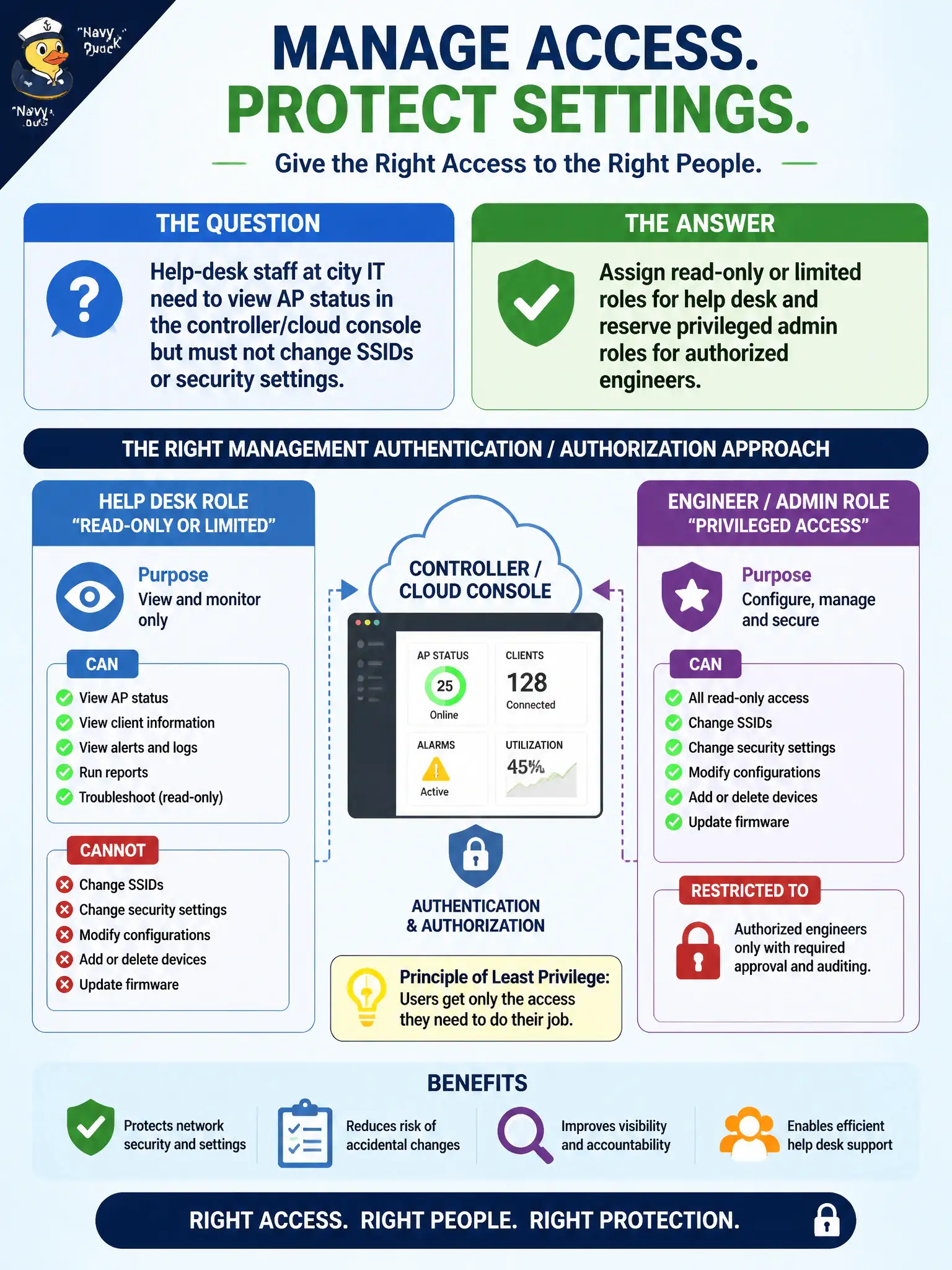
Help-desk staff at city IT need to view AP status in the controller/cloud console but must not change SSIDs or security settings. What management authentication/authorization approach fits?
Select an answer to reveal the explanation.
Short Explanation
Not everyone who looks at the dashboard should be allowed to rebuild the SSID list. Read-only for help desk, full admin for the engineers—same building, different keys.
Full Explanation
Help-desk staff at city IT who need to view AP status in the controller or cloud console but must not change SSIDs or security settings should receive read-only or limited roles, while privileged admin roles remain reserved for authorized engineers. Role-based access separates observability from configuration on municipal WLAN platforms. That split reduces accidental or unauthorized changes while still enabling ticket triage for civic sites.
Giving every help-desk account full super-admin rights identical to network engineering violates least privilege and expands blast radius. Sharing one root password on a whiteboard and relying on trust fails audit and accountability requirements. Disabling all accounts and requiring console-only changes for every status check makes routine monitoring impractical for city IT operations.
Exam caveat: authorization is part of management authentication topics—match role scope to job duty. Operational check: create a help-desk read-only role in the controller or cloud console, assign help-desk users, verify they can view AP health but cannot edit SSIDs, and keep engineer accounts in a privileged group protected with MFA. Review role assignments whenever help-desk contractors change so temporary accounts do not keep engineer privileges.