
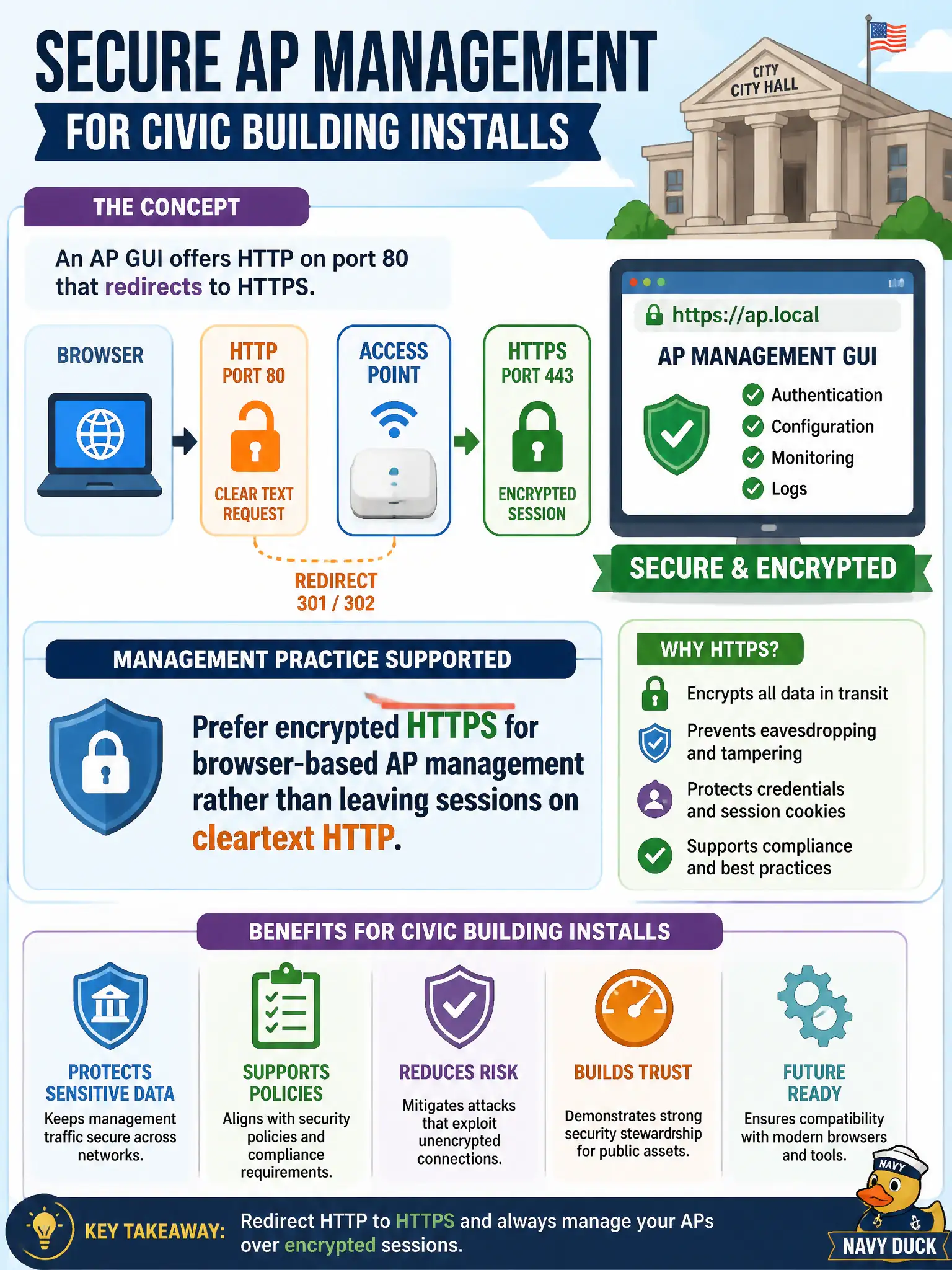
An AP GUI offers HTTP on port 80 that redirects to HTTPS. What management practice does that support for a civic building install?
Select an answer to reveal the explanation.
Short Explanation
A redirect to HTTPS is the AP saying 'talk to me privately.' Cleartext HTTP admin sessions are postcard-grade security—fine for a demo badge, bad for civic gear.
Full Explanation
An AP GUI that offers HTTP on port 80 redirecting to HTTPS supports preferring encrypted HTTPS for browser-based AP management rather than leaving sessions on cleartext HTTP. The redirect helps administrators land on TLS, protecting passwords and configuration on civic building networks. Technicians should still verify they remain on HTTPS and disable persistent cleartext admin where municipal policy requires stricter hardening.
Preferring permanent cleartext HTTP so proxies can cache admin pages sacrifices confidentiality of municipal credentials. Disabling TLS so older kiosks can manage the AP without certificates weakens management security for no good operational reason. Using HTTP only for password entry and HTTPS only for viewing SSIDs still exposes the most sensitive step in cleartext.
Exam caveat: HTTPS is the preferred browser management transport; HTTP should not remain the working admin channel. Operational check: connect via the AP management URL, confirm redirection to HTTPS and a successful TLS session, authenticate, and disable or restrict plain HTTP admin per city hardening standards if the platform allows. Prefer certificates trusted by admin workstations so HTTPS warnings do not train staff to ignore TLS errors.