
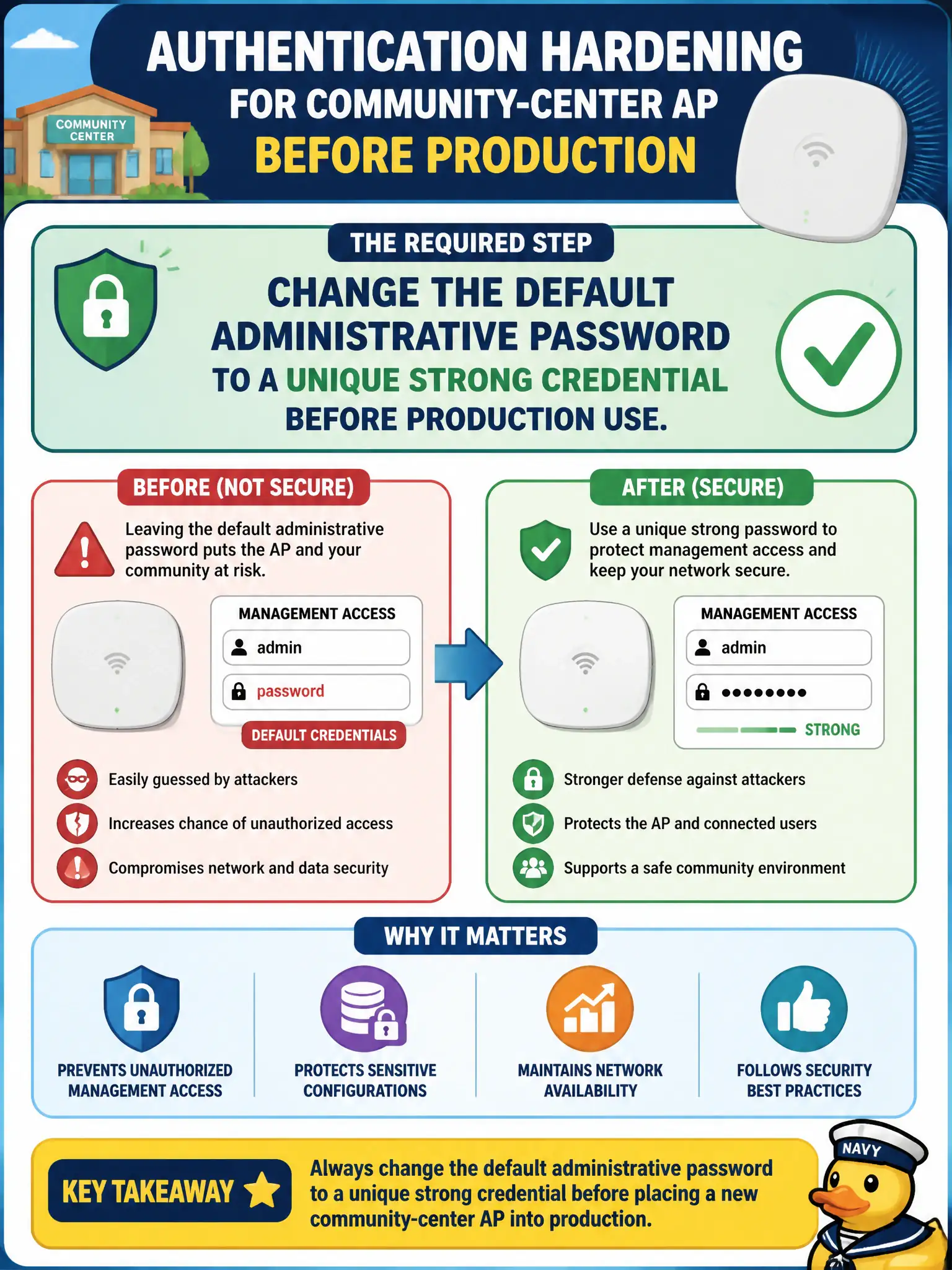
Before placing a new community-center AP into production, what authentication hardening step must the technician complete for management access?
Select an answer to reveal the explanation.
Short Explanation
Factory passwords are about as secret as the combination on a suitcase lock—everybody knows the usual guesses. Change them before the AP goes live. Shared citywide defaults are a gift to attackers.
Full Explanation
Before placing a new community-center AP into production, the technician must change the default administrative password to a unique strong credential. Factory defaults are widely known and routinely scanned; leaving them in place on municipal APs invites compromise of SSIDs and client traffic controls. Unique per-AP or centrally vaulted strong passwords are baseline hardening for civic WLAN gear.
Leaving the factory default so future vendors can guess it quickly is the opposite of hardening. Printing the default password on the AP exterior label in large type for the public expands exposure. Sharing one default password across every AP in the city creates a single credential that unlocks the entire municipal RF plant when leaked.
Exam caveat: change default admin passwords before production—this is a recurring management-security item. Operational check: set a unique strong admin password during staging, store it in the city credential vault, verify login with the new secret, and confirm factory defaults no longer authenticate before the community-center cutover. Verify default accounts are disabled or renamed if the platform allows, in addition to changing the password itself. Confirm success with a second client on the same civic SSID before closing the ticket.