
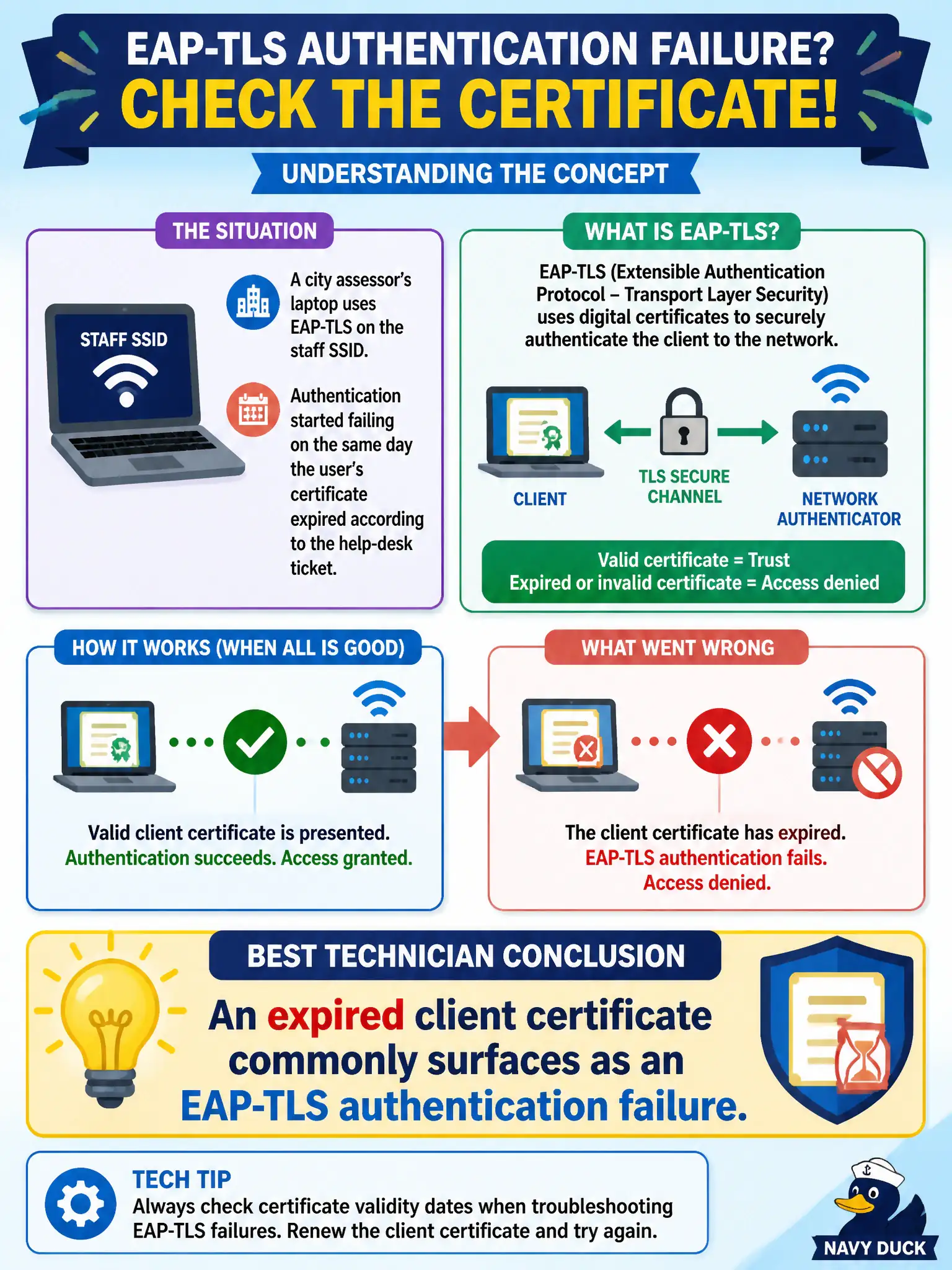
A city assessor’s laptop uses EAP-TLS on the staff SSID. Authentication started failing on the same day the user’s certificate expired according to the help-desk ticket. What is the best technician conclusion?
Select an answer to reveal the explanation.
Short Explanation
EAP-TLS is certificate auth—when the user cert ages out, the EAP exchange fails. Treat the expired cert as the security fault, renew or re-enroll, and retry. Don’t chase PoE or pretend EAP-TLS is a PSK network.
Full Explanation
A city assessor’s laptop using EAP-TLS on the staff SSID that starts failing the same day the user’s certificate expired, per the help-desk ticket, is best concluded as an expired client certificate commonly surfacing as an EAP-TLS authentication failure. Certificate lifetime is integral to TLS-based EAP. Timing correlation with expiration is strong diagnostic evidence for municipal Enterprise Wi-Fi.
Expired user certificates never affecting Wi-Fi while only AP channel width controls EAP-TLS success fails by concept: cert validity is central to EAP-TLS. EAP-TLS ignoring certificates and only checking the WPA2-Personal passphrase fails because EAP-TLS is certificate-based Enterprise, not Personal PSK. Certificate expiration always meaning the Ethernet drop to the AP lost PoE fails without PoE evidence and ignores the ticket’s cert timing.
Exam caveat: EAP-TLS failure + expired cert date ⇒ renew/enroll certificate before RF redesign.
Operational check: confirm cert not-after date; renew or re-enroll the user/machine certificate via the county PKI process; retry EAP-TLS; verify RADIUS success; leave channel plans alone. Monitor certificate expiration reports for EAP-TLS municipal users and renew before not-after dates so assessor Wi-Fi failures are prevented rather than discovered on ticket day.