
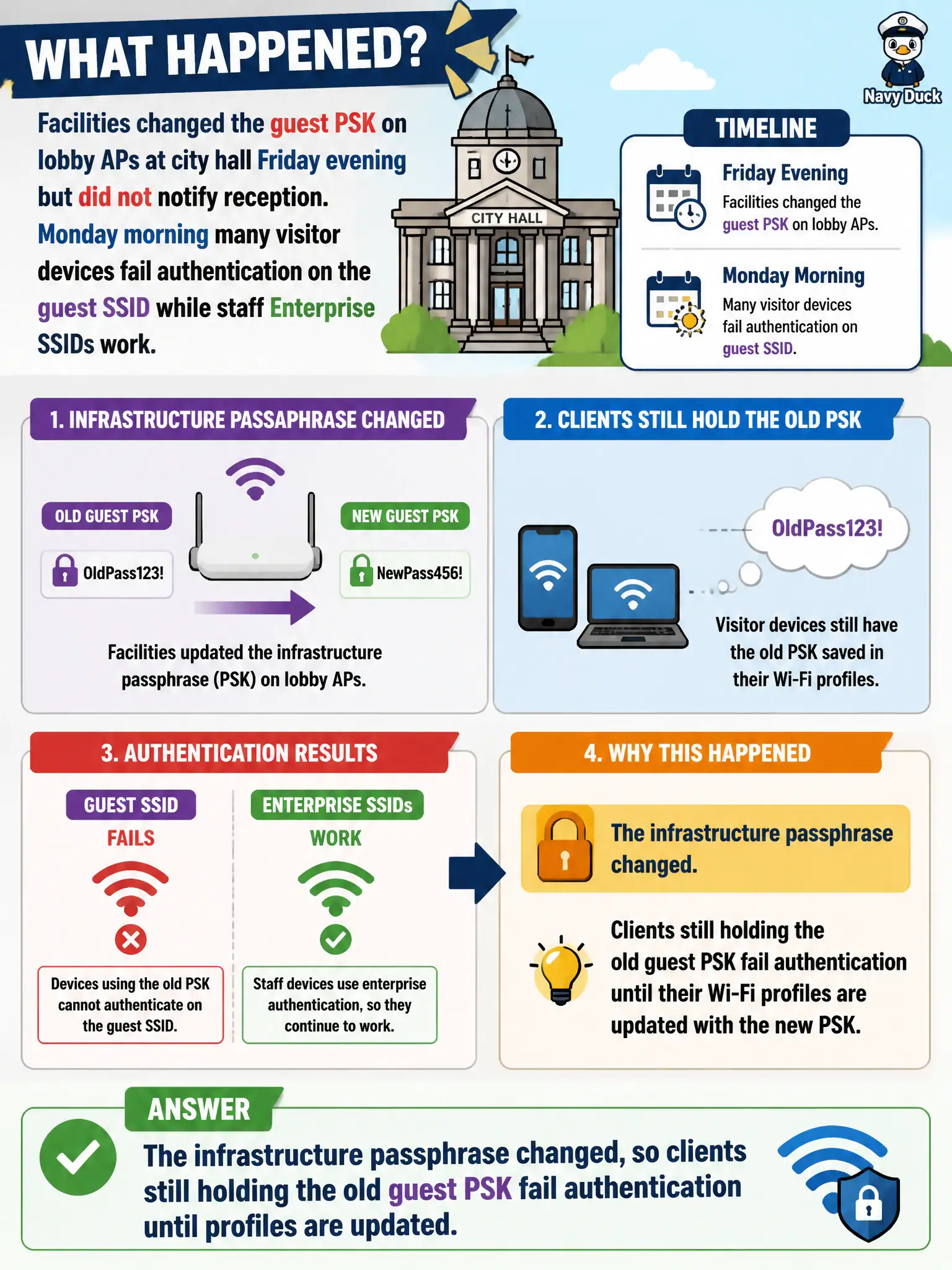
Facilities changed the guest PSK on lobby APs at city hall Friday evening but did not notify reception. Monday morning many visitor devices fail authentication on the guest SSID while staff Enterprise SSIDs work. What happened?
Select an answer to reveal the explanation.
Short Explanation
New guest key on the APs, old key still saved on phones—mass Personal-mode failures. Update visitor profiles with the communicated passphrase. Staff Enterprise working is your clue the WLAN fabric is otherwise up.
Full Explanation
When facilities changes the guest PSK on lobby APs at city hall Friday evening without notifying reception, and Monday many visitor devices fail authentication on the guest SSID while staff Enterprise SSIDs work, the infrastructure passphrase changed so clients still holding the old guest PSK fail authentication until profiles are updated. Working Enterprise SSIDs prove the WLAN fabric is up. Guest Personal failures after an unannounced PSK change are expected client/profile lag.
Guest PSK changes automatically pushing to every visitor device without profile updates fails because visitor devices do not telepathically receive new PSKs. Enterprise SSIDs failing whenever a guest PSK rotates on a different SSID fails by concept: separate SSIDs/AKMs are independent. Authentication failures after a PSK change meaning every AP lost its 5 GHz radio simultaneously fails because staff Enterprise still works and discovery/auth symptoms match stale PSKs.
Exam caveat: change control + communication matter; stale guest PSKs are a security ops failure mode, not a radio massacre.
Operational check: distribute the new guest PSK through approved reception procedures; update or forget/rejoin on visitor devices; verify staff Enterprise remains untouched; require change notifications before future guest key rotations.