
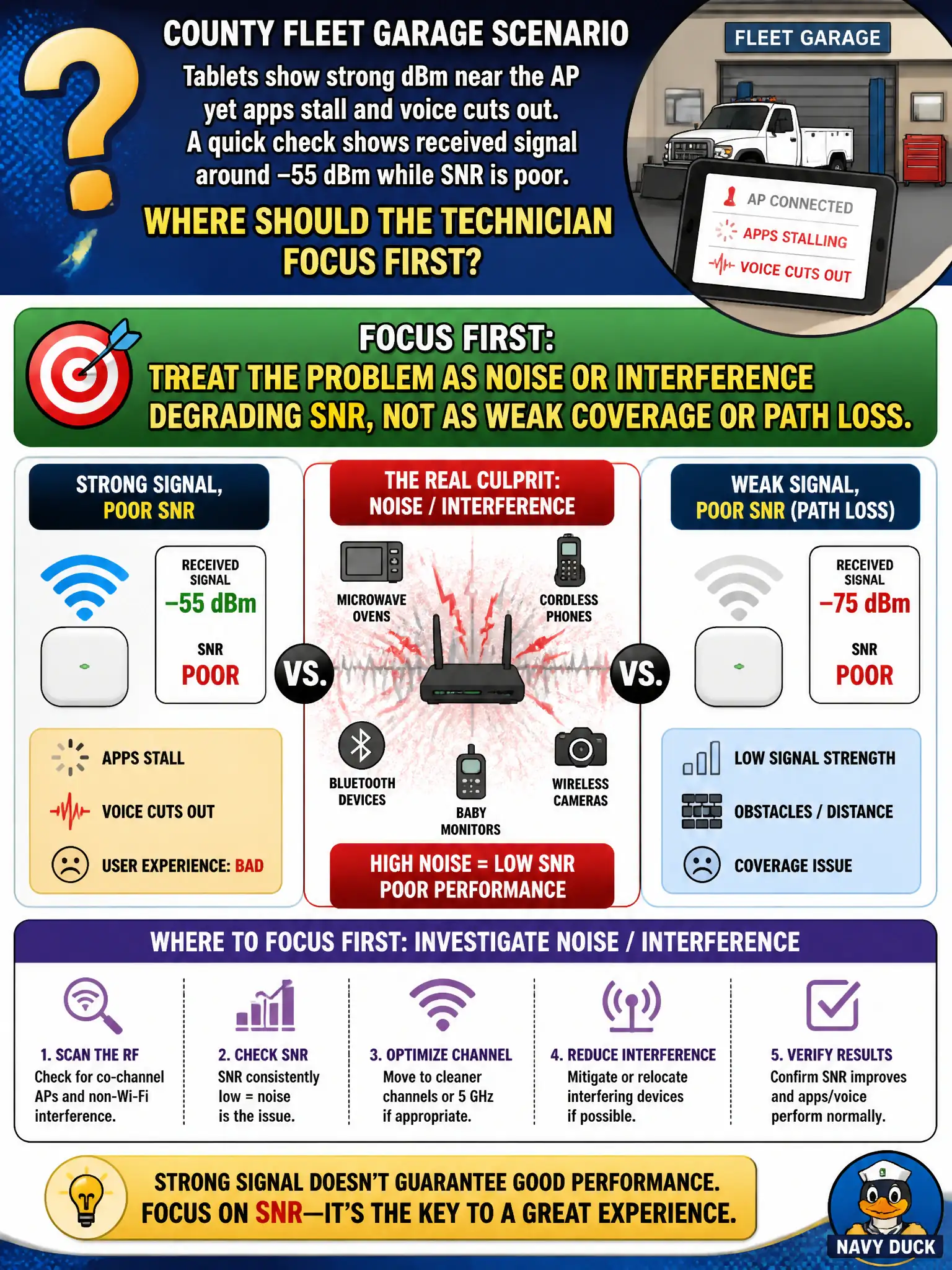
A county fleet garage reports tablets show strong dBm near the AP yet apps stall and voice cuts out. A quick check shows received signal around −55 dBm while SNR is poor. Where should the technician focus first?
Select an answer to reveal the explanation.
Short Explanation
Strong dBm with bad SNR is a noisy neighborhood problem, not a "can't hear the AP" problem. Fix interference and noise floor issues before you chase coverage. Weak dBm would have pointed you at path loss and coverage instead.
Full Explanation
When county fleet-garage tablets show strong dBm near the AP yet apps stall and voice cuts out, with received signal around −55 dBm while SNR is poor, the technician should treat the problem as noise or interference degrading SNR, not as weak coverage or path loss. Strong absolute signal with bad SNR means the noise floor is elevated. Civic voice and apps need usable SNR, not merely flattering dBm readings.
Raising every AP to maximum transmit power because low dBm is the only cause of poor WLAN performance fails because dBm is already strong; max power can worsen interference and stickiness. Replacing the Ethernet cable to the AP first because SNR problems always mean a PoE wiring fault fails by concept: client-side poor SNR with −55 dBm points to RF noise, not a mandatory cable swap. Deleting all client wireless profiles and forcing open authentication so signal strength no longer matters fails security policy and does not fix noise.
Exam caveat: strong dBm + poor SNR ⇒ investigate noise/interference, not coverage power wars.
Operational check: measure noise floor and SNR at the garage tablets; hunt non-Wi-Fi and Wi-Fi interferers; change channel per design if needed; retest voice; leave open authentication off the table.