
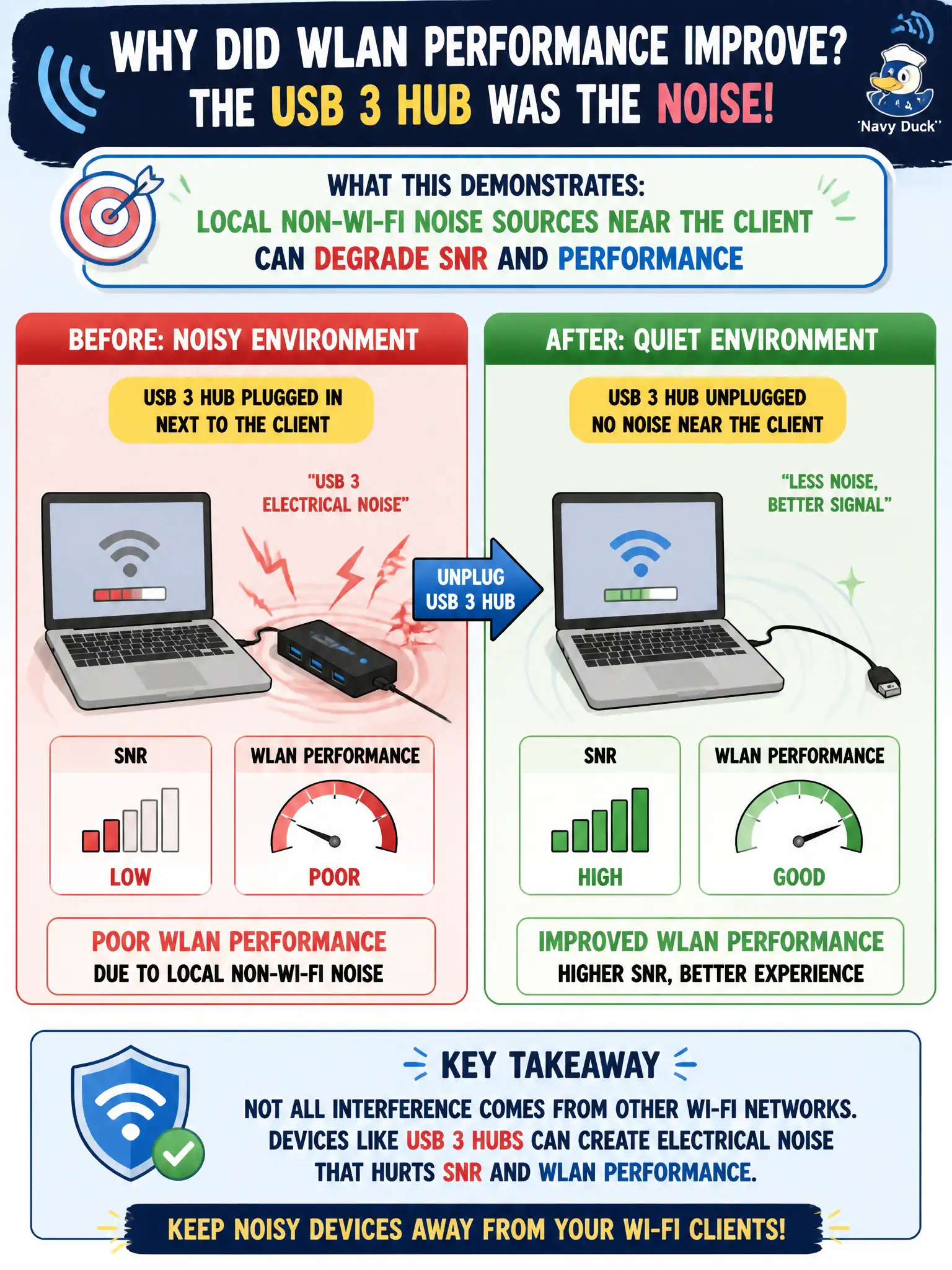
A clerk's municipal laptop shows poor WLAN performance until a noisy USB 3 hub beside the client is unplugged, after which SNR improves. What does this demonstrate?
Select an answer to reveal the explanation.
Short Explanation
That USB 3 brick can spray hash into the 2.4 GHz neighborhood like static on a phone call. Unplug the noisy neighbor and the SNR smile returns. Sometimes the interferer is sitting on the desk, not in the ceiling.
Full Explanation
A clerk’s municipal laptop showing poor WLAN performance until a noisy USB 3 hub beside the client is unplugged—after which SNR improves—demonstrates that local non-Wi-Fi noise sources near the client can degrade SNR and performance. Client-adjacent interferers (USB 3, bad chargers, etc.) raise the noise floor locally even when the AP is healthy. Unplugging as a controlled test validates the cause.
USB hubs permanently raising AP TX power until factory reset fails because unplugging the hub fixed SNR without AP resets. Removing USB devices always converting CCI into harmless ACI fails by concept: USB noise is non-Wi-Fi interference, not a CCI/ACI conversion. SNR only changing when the SSID passphrase is rotated fails because passphrase rotation does not alter the noise floor next to a USB hub.
Exam caveat: performance triage includes client-local noise, not only AP channel plans.
Operational check: note SNR with hub connected versus removed; relocate or replace noisy USB 3 gear; retest apps; educate clerks that desktop interferers can look like “bad Wi-Fi.” Desk-side interferer checks belong in the standard clerk troubleshooting card alongside SSID and driver steps, because USB 3 hubs can impersonate “bad building Wi-Fi” on otherwise healthy APs.