
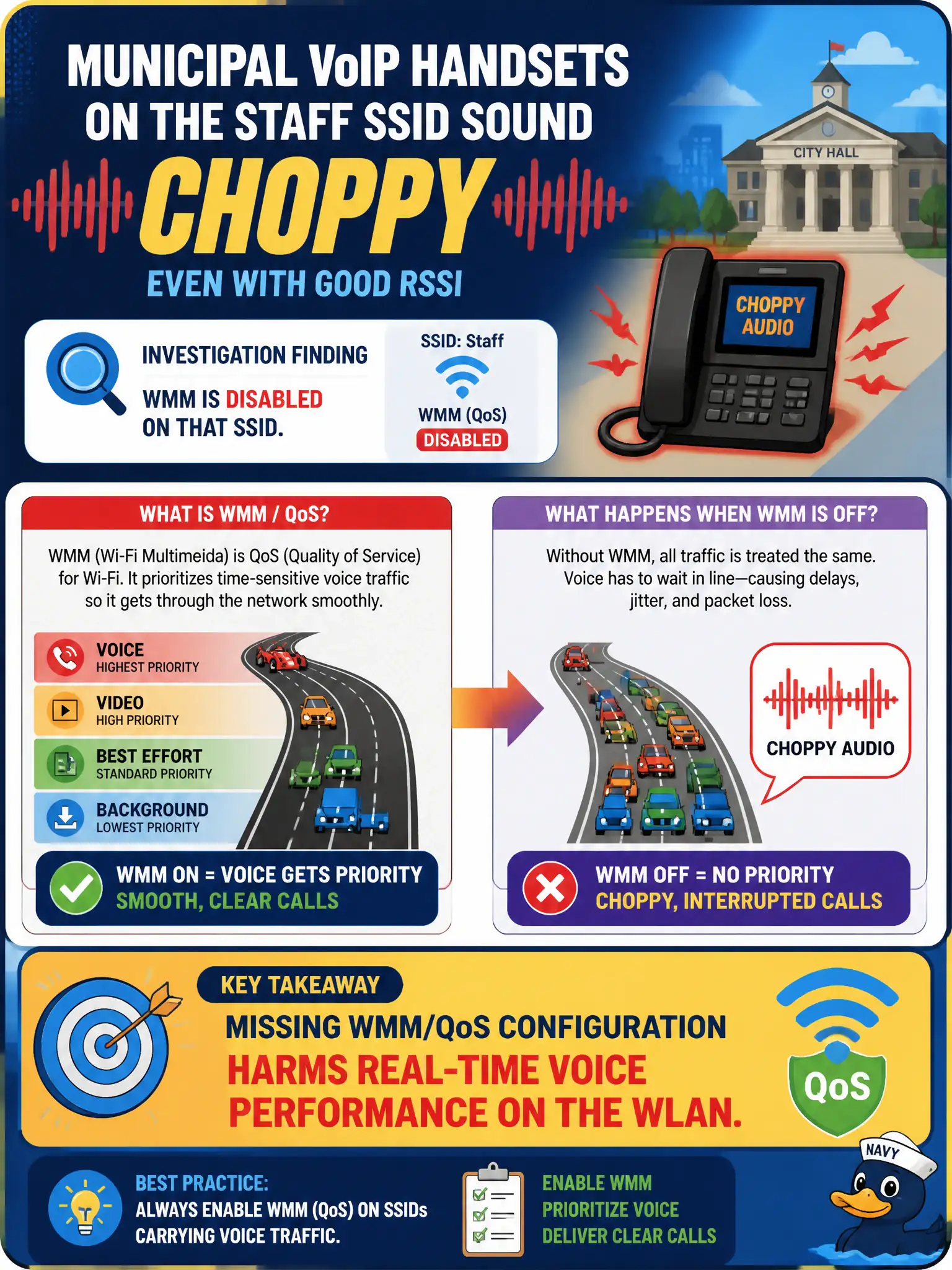
Municipal VoIP handsets on the staff SSID sound choppy even with good RSSI. Investigation shows WMM is disabled on that SSID. What configuration performance issue does this highlight?
Select an answer to reveal the explanation.
Short Explanation
Voice needs a fast lane. With WMM off, voice packets wait in the same traffic jam as bulk downloads and start to chop. Turn QoS/WMM back on so talk time gets priority.
Full Explanation
Municipal VoIP handsets on the staff SSID that sound choppy with good RSSI while WMM is disabled highlight missing WMM/QoS configuration harming real-time voice performance on the WLAN. WMM enables prioritization for voice/video access categories; disabling it leaves voice competing equally with bulk traffic. Good RSSI does not replace QoS marking/scheduling for civic voice.
Disabling WMM always doubling MCS for voice clients by design fails because disabling WMM does not magically double MCS and typically hurts voice. Voice chop with good RSSI proving the SSID passphrase is wrong fails by concept: wrong passphrases prevent association, not choppy audio with good RSSI. Outdoor-only channels required before WMM can be enabled indoors fails: WMM is not gated on outdoor channels.
Exam caveat: voice quality problems with healthy RF often point to WMM/QoS misconfiguration.
Operational check: enable WMM on the staff SSID per voice design; verify handsets mark voice correctly if applicable; retest calls during load; document WMM as mandatory for municipal VoIP SSIDs. After enabling WMM, place a test call on a municipal VoIP handset during office load and confirm voice access-category prioritization is visible in controller or client statistics.