
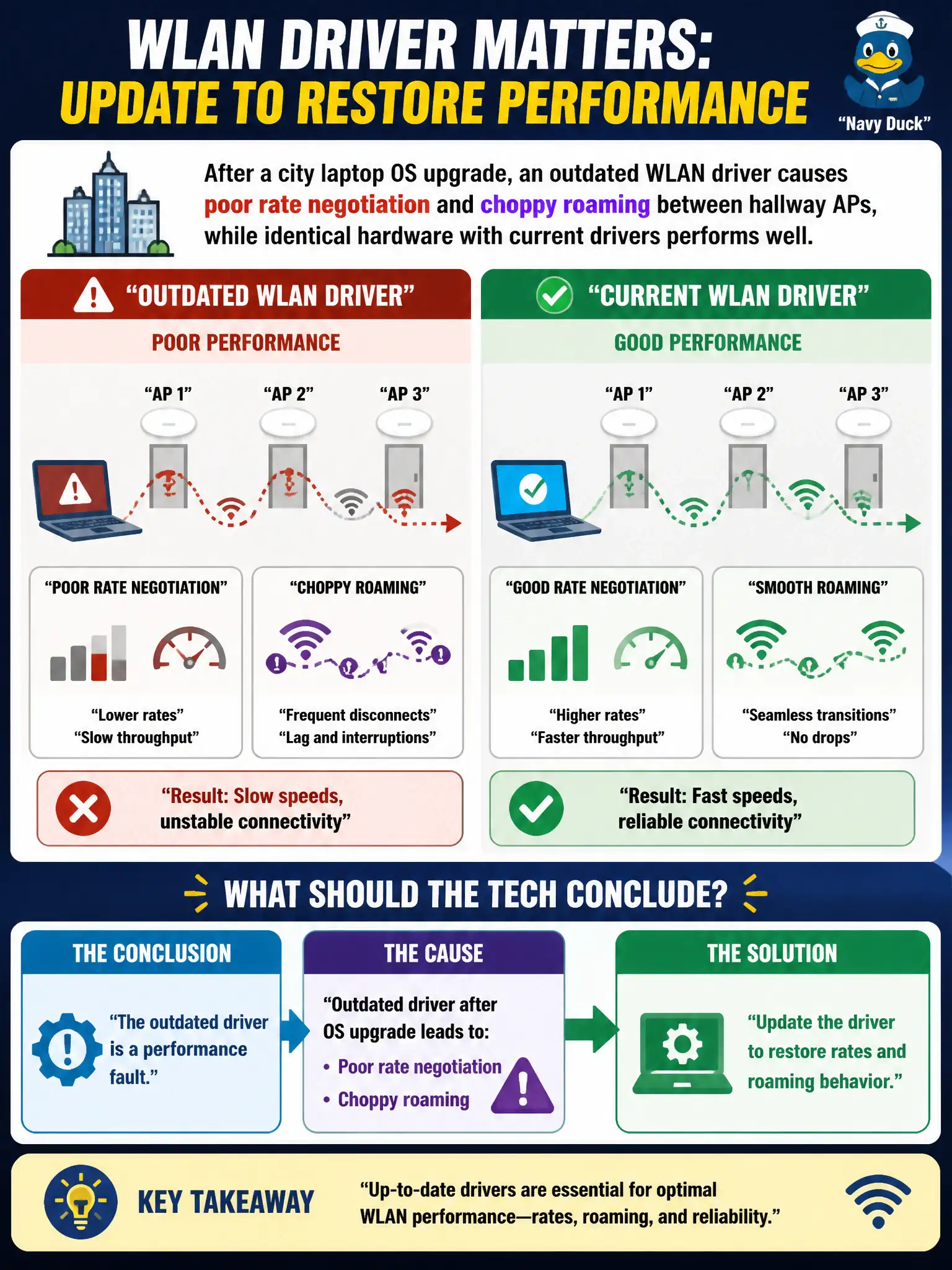
After a city laptop OS upgrade, an outdated WLAN driver causes poor rate negotiation and choppy roaming between hallway APs, while identical hardware with current drivers performs well. What should the tech conclude?
Select an answer to reveal the explanation.
Short Explanation
Old drivers after a shiny OS upgrade are like bald tires on a new car—connection exists, handling suffers. Fresh drivers on the twin laptop prove the radio hardware is fine. Update the driver and watch rates and roaming settle down.
Full Explanation
After a city laptop OS upgrade, an outdated WLAN driver causing poor rate negotiation and choppy roaming between hallway APs—while identical hardware with current drivers performs well—means the outdated driver is a performance fault; update it to restore rates and roaming behavior. Controlled comparison on identical hardware isolates software. CWTS performance troubleshooting includes client drivers, not only AP RF.
Factory-resetting all hallway APs before any driver update fails because working peers on current drivers prove the infrastructure can perform. SNR mathematics changing permanently after the OS upgrade alone fails by concept: SNR physics did not rewrite itself; the driver did. WPA3-Personal forbidding roaming unless drivers are rolled back fails as a standards claim and ignores the successful current-driver peers.
Exam caveat: peer hardware works with new drivers ⇒ update the lagging driver before mass AP resets.
Operational check: update the WLAN driver to the vendor version validated on the new OS; retest hallway roam and rates; standardize the driver in the city image; leave AP configs unchanged if peers are healthy. Maintain a short validated driver matrix for each city OS build so hallway roam and rate regressions after upgrades are fixed by package update, not by resetting healthy APs.