
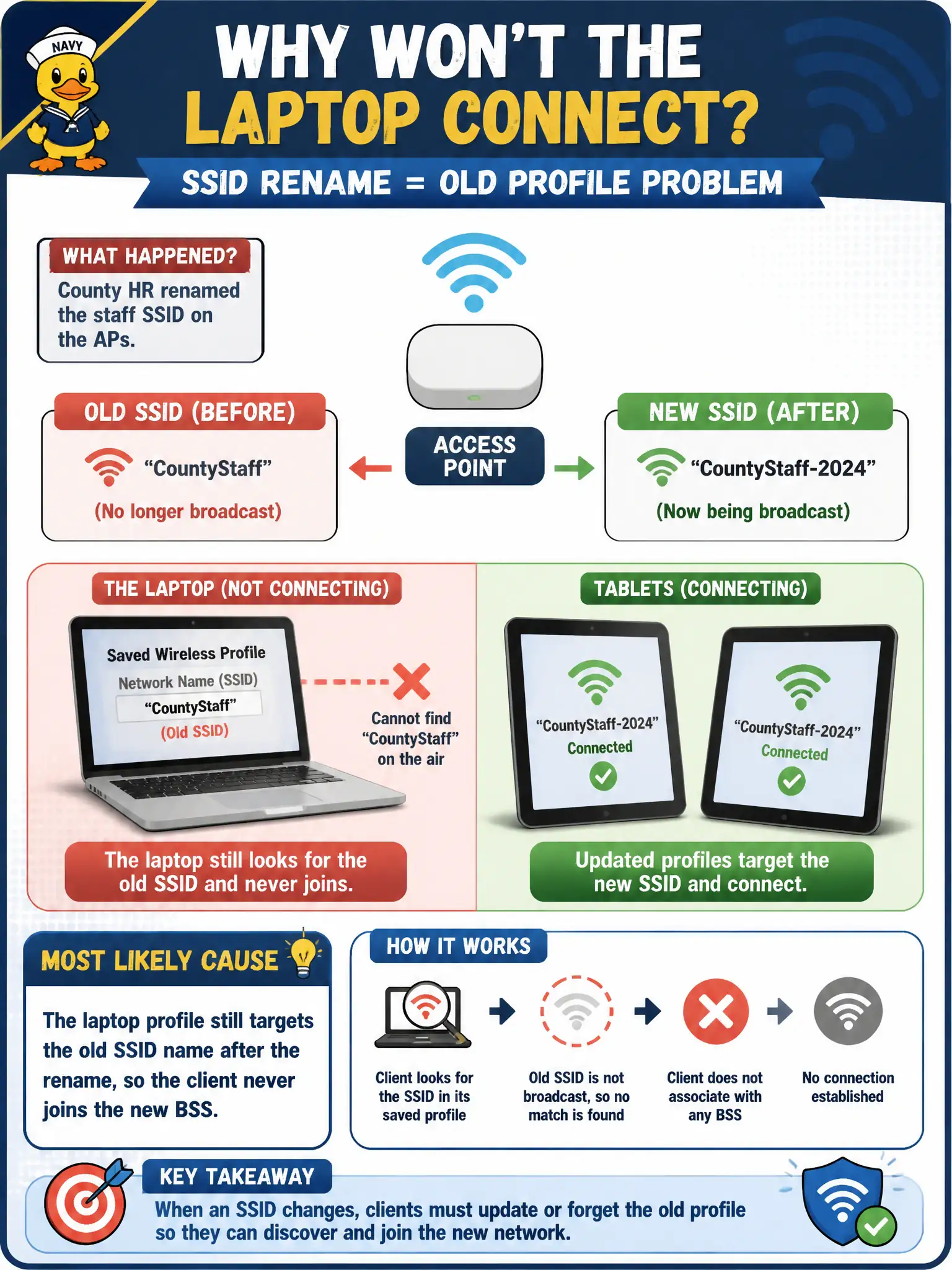
County HR renamed the staff SSID on the APs, but a permit-office laptop still shows the old network name in its saved wireless profile and will not join. Nearby tablets with updated profiles connect. What is the most likely cause?
Select an answer to reveal the explanation.
Short Explanation
Saved Wi-Fi profiles are sticky name tags. If the AP now beacons a new SSID and the laptop still hunts for the old label, it never shakes hands. Update or recreate the profile to match the renamed network.
Full Explanation
After county HR renames the staff SSID on the APs, a permit-office laptop that still shows the old network name in its saved wireless profile and will not join—while nearby tablets with updated profiles connect—most likely still targets the old SSID name, so the client never joins the new BSS. SSID renames break saved profiles until they are updated. Peer success with new profiles localizes the fault to this laptop’s stale config.
Free-space path loss suddenly doubling overnight across the whole building fails because tablets next to the laptop connect and buildings do not rewrite FSPL overnight with an SSID rename. Disabling WMM before any SSID rename can take effect fails by concept: WMM is QoS, not a prerequisite for SSID name changes on clients. Swapping AP antennas from internal to external without a design change is unrelated to a laptop still seeking the old SSID string.
Exam caveat: infrastructure SSID rename requires client profile hygiene. CWTS connectivity items often pair rename events with stale profiles.
Operational check: open the laptop wireless profiles; delete or edit the old SSID entry; add the new HR staff SSID with correct security; verify join beside a working tablet; communicate rename notices to remaining offices.