
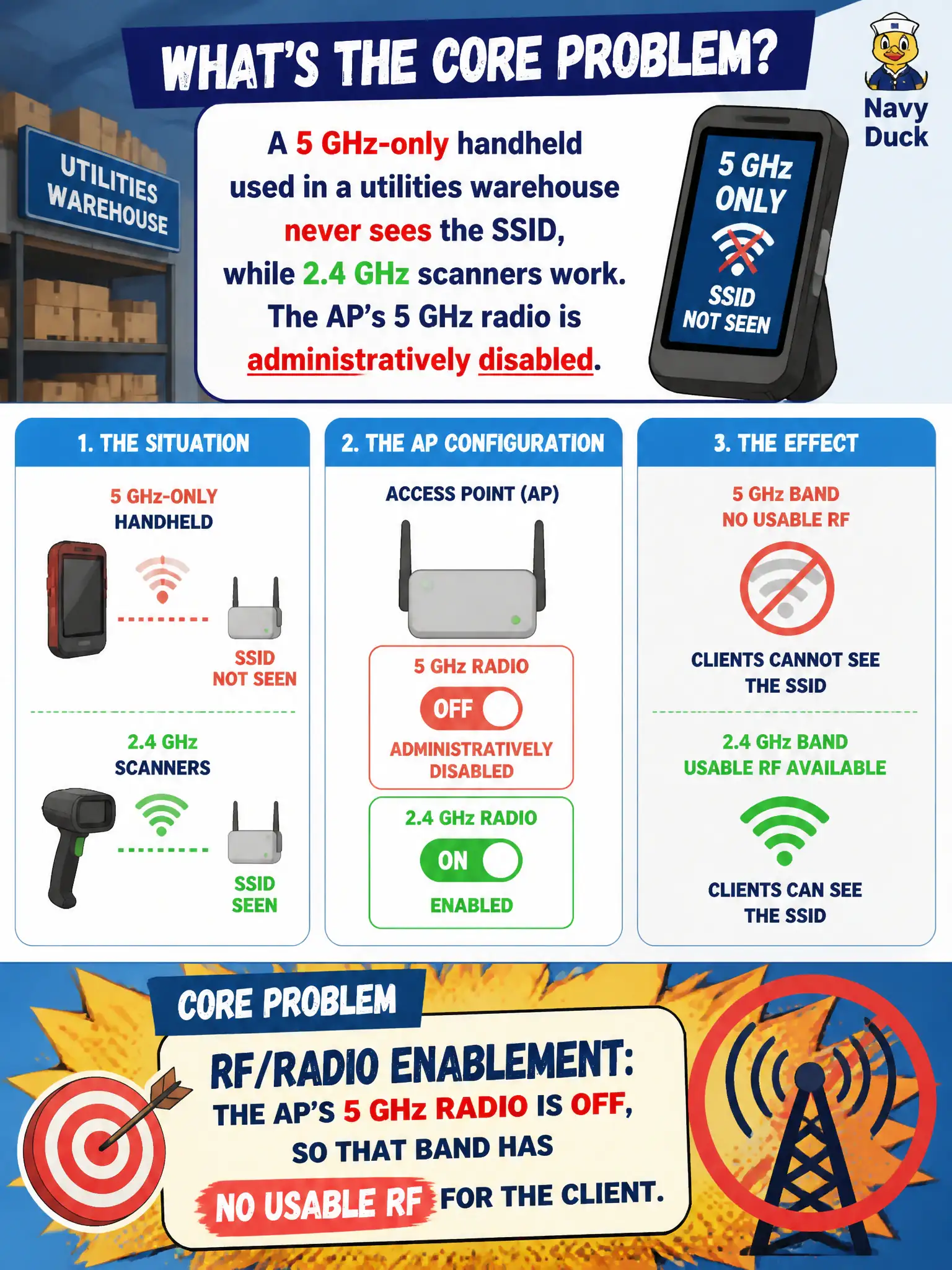
A 5 GHz-only handheld used in a utilities warehouse never sees the SSID, while 2.4 GHz scanners work. The AP’s 5 GHz radio is administratively disabled. What is the core problem?
Select an answer to reveal the explanation.
Short Explanation
If the AP’s 5 GHz radio is off, a 5 GHz-only scanner is staring at silence. Turn the radio on (per design)—passphrase length did not invent this outage.
Full Explanation
A 5 GHz-only handheld in a utilities warehouse that never sees the SSID while 2.4 GHz scanners work, with the AP’s 5 GHz radio administratively disabled, has an RF/radio enablement problem: the AP’s 5 GHz radio is off, so that band has no usable RF for the client. Band capability and radio enablement must intersect. Technicians verify radios are on per design before blaming passphrases.
The handheld’s WPA2 passphrase being one character too long for 5 GHz fails because passphrase length rules are not band-specific inventiveness and discovery never starts without RF. Captive portal cookies blocking only 5 GHz probe requests fails by concept: portals do not selectively erase 5 GHz probes when the radio is off. OWE forbidding 5 GHz-only clients by specification fails because OWE does not ban 5 GHz-only devices.
Exam caveat: “radio disabled” is an RF/enablement fault class distinct from security misconfiguration.
Operational check: on the warehouse AP/controller, enable the 5 GHz radio per design channel/power; verify the handheld scans the SSID; leave 2.4 GHz scanners unaffected; document radio state in the install checklist. When enabling 5 GHz, apply the design channel, power, and outdoor/indoor flags together so the warehouse handhelds see a compliant BSS rather than an accidentally illegal or oversized cell.