
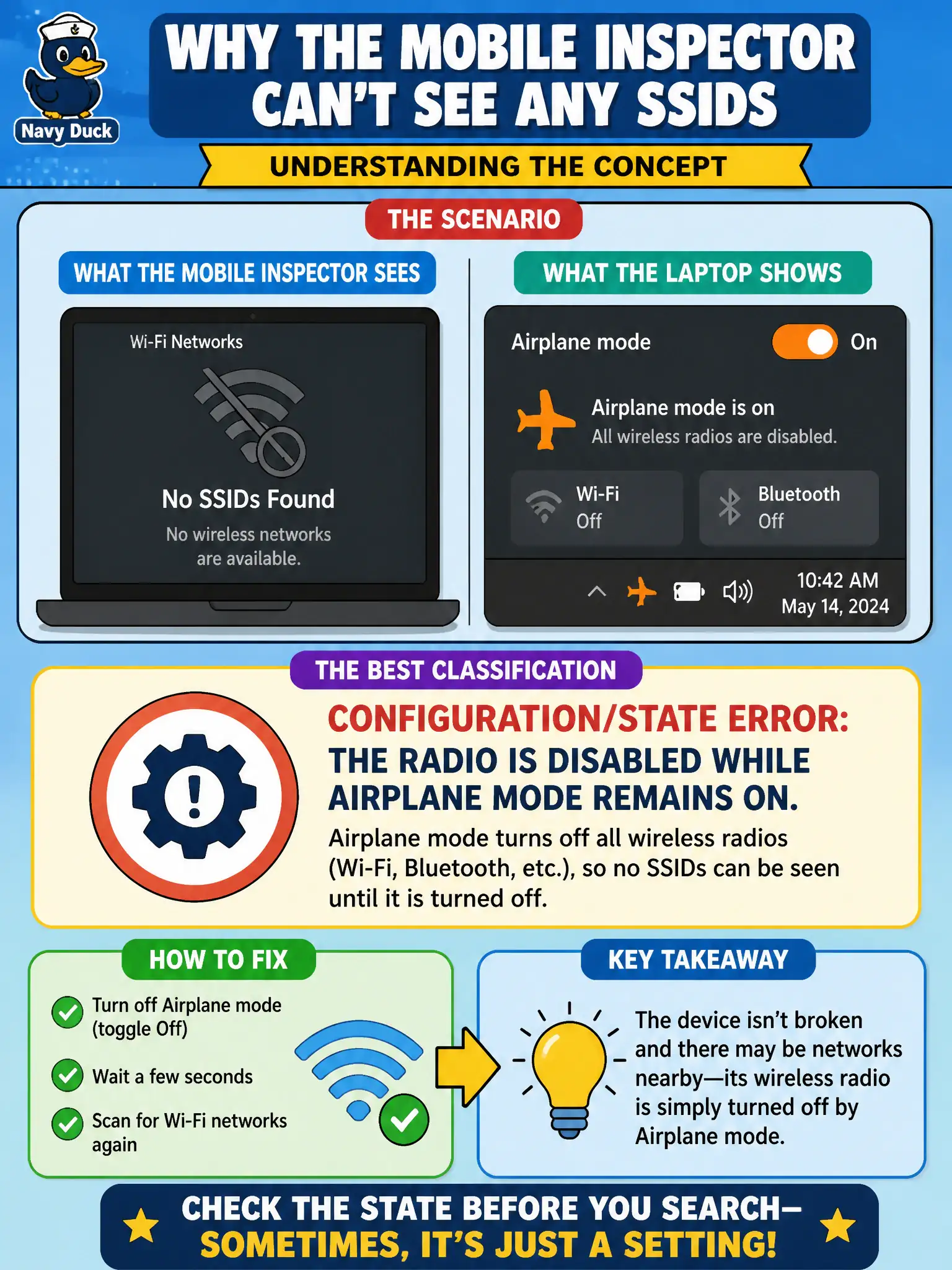
A mobile inspector cannot see any SSIDs. The laptop’s wireless toggle shows airplane mode still on after a flight to a regional office. Which classification fits best?
Select an answer to reveal the explanation.
Short Explanation
Airplane mode is the ultimate “radio off” switch. Flip it off before blaming RADIUS, SAE, or the neighbor’s channel plan.
Full Explanation
A mobile inspector who cannot see any SSIDs while airplane mode remains on after a flight has a configuration/state error: the radio is disabled while airplane mode remains on. Airplane mode is an explicit RF-off state; no amount of RADIUS or SAE tuning will produce scan results until the radio is re-enabled. Classify client radio state before chasing infrastructure faults.
CCI from a neighboring AP that only appears in airplane mode fails because CCI requires the client radio to be receiving; airplane mode prevents that. Missing RADIUS shared secret on a Personal SSID fails by concept: Personal SSIDs do not use RADIUS shared secrets, and radio-off blocks discovery entirely. SAE failure caused solely by a strong passphrase fails because SAE is never attempted when the radio is off and no SSIDs are visible.
Exam caveat: basic client state checks (airplane mode, Wi-Fi toggle) come first in CWTS connectivity triage.
Operational check: disable airplane mode; enable Wi-Fi; confirm SSIDs appear; then validate the inspector’s profile against the regional office SSID if association still fails. Train field staff to treat airplane mode as a first-line self-check before opening tickets, and verify both OS quick-settings and hardware RF kill switches on municipal laptops that expose both controls.