
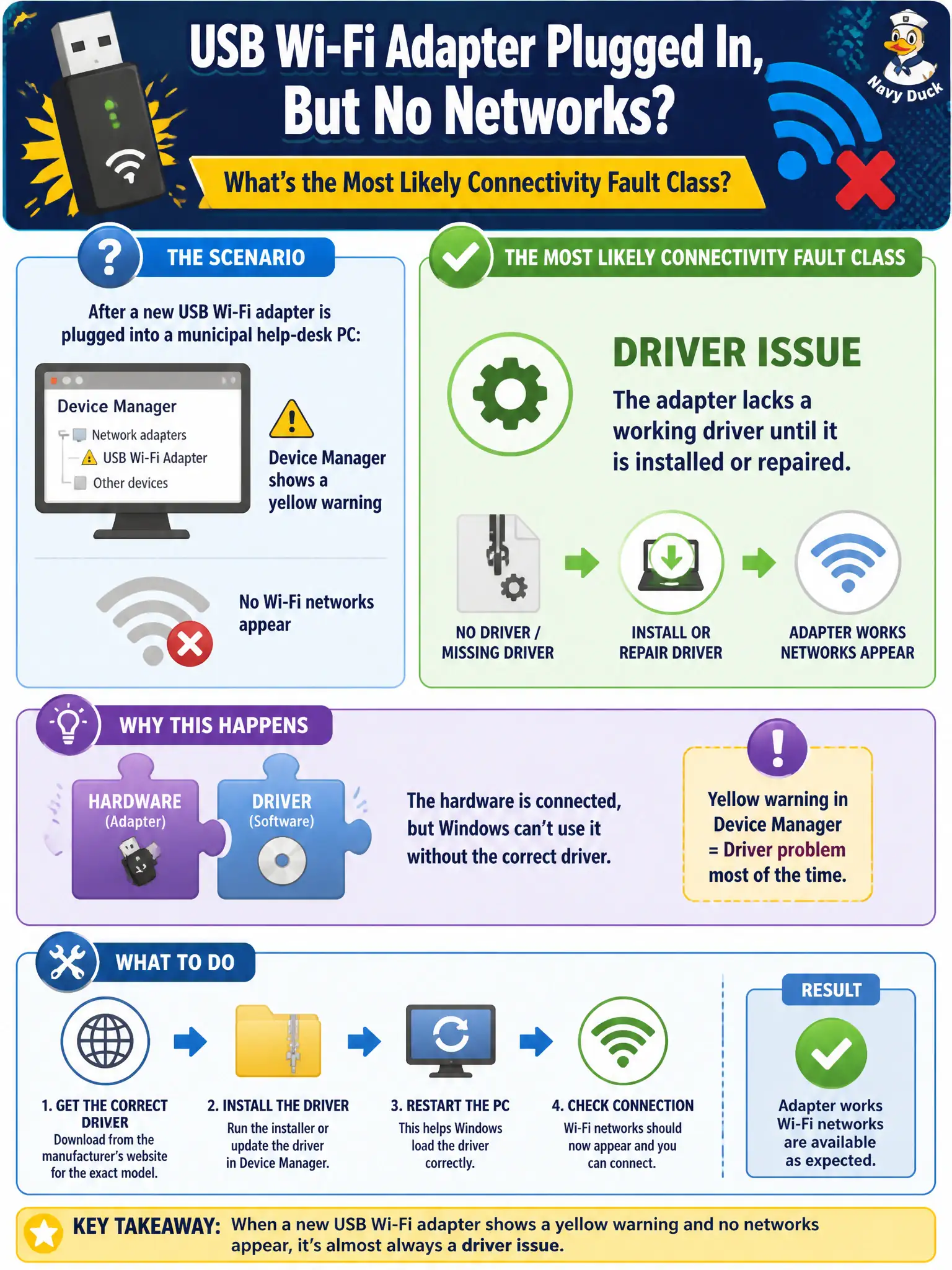
After a new USB Wi-Fi adapter is plugged into a municipal help-desk PC, Device Manager shows a yellow warning and no networks appear. What is the most likely connectivity fault class?
Select an answer to reveal the explanation.
Short Explanation
Yellow bang on a brand-new adapter usually means “no driver yet.” Until the OS can talk to the NIC, scanning the city’s SSIDs is a fantasy.
Full Explanation
After a new USB Wi-Fi adapter is plugged into a municipal help-desk PC and Device Manager shows a yellow warning with no networks appearing, the most likely connectivity fault class is a driver issue: the adapter lacks a working driver until it is installed or repaired. Without a functional NIC driver stack, the OS cannot scan or associate, regardless of how healthy city SSIDs are. Yellow bangs on brand-new adapters are a classic driver symptom.
Correct WPA3-Enterprise settings with a perfect RF survey fails as a classification because settings and surveys cannot overcome a NIC that never initializes. Captive portal success page cached from another SSID fails by concept: portals do not explain Device Manager driver warnings on a new adapter. OWE misconfiguration on an unrelated park SSID across town is unrelated to this PC’s missing driver.
Exam caveat: classify by evidence. Hardware present + yellow driver warning + empty scan list points to drivers before RF or security deep dives.
Operational check: open Device Manager; install or update the vendor WLAN driver until the warning clears; confirm the wireless interface appears and can scan municipal SSIDs; only then validate SSID/security profiles.