
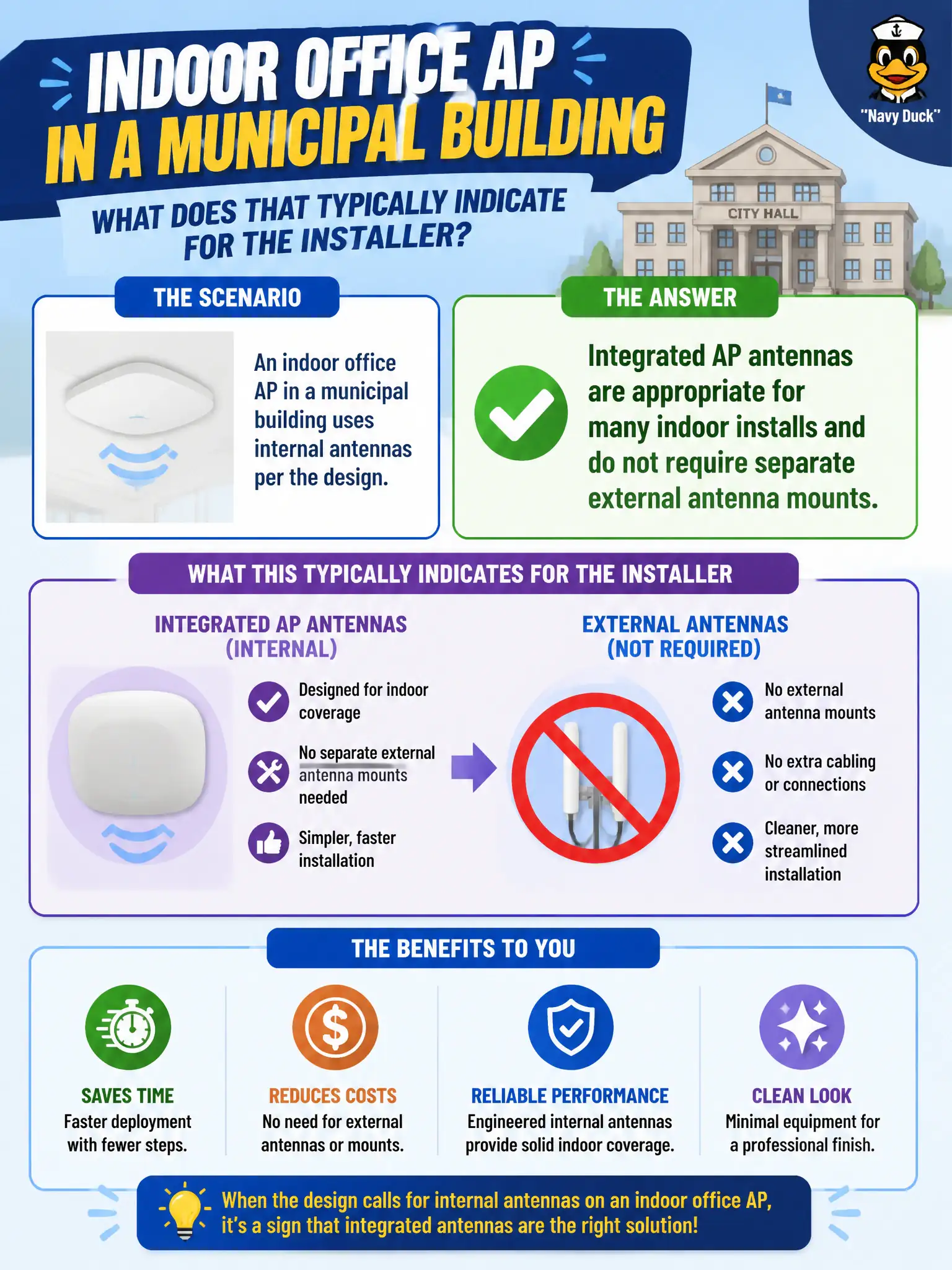
An indoor office AP in a municipal building uses internal antennas per the design. What does that typically indicate for the installer?
Select an answer to reveal the explanation.
Short Explanation
Lots of indoor APs ship with antennas already baked in — no dish on a pole required. Design said internal, so mount the AP and move on. PoE type and band enablement are separate checkboxes.
Full Explanation
An indoor municipal office AP using internal antennas per design typically means integrated antennas are appropriate and do not require separate external antenna mounts. Internal antennas are not illegal indoors, are not gated on midspan PoE injectors, and do not disable 5 GHz until pigtails are added. Exam caveat: follow the specific AP model’s install guide—some civic spaces still specify externals for pattern control. Operational check: mount the indoor AP as designed, leave internal antennas enabled per vendor guidance, verify both bands serve clients, and skip unnecessary external kits. Document integrated-antenna installs in the building’s WLAN as-built. In municipal WLAN operations, record the rationale in the work order so future on-call staff know which concept applied and which failure modes the rejected options would create for city services. Re-validate after the next maintenance window that the same control still holds under the AP firmware and client mix used by the civic network team. Keep civic notes tied to the approved design document and absolute measurements where RF levels matter. Keep civic notes tied to the approved design document and absolute measurements where RF levels matter.