
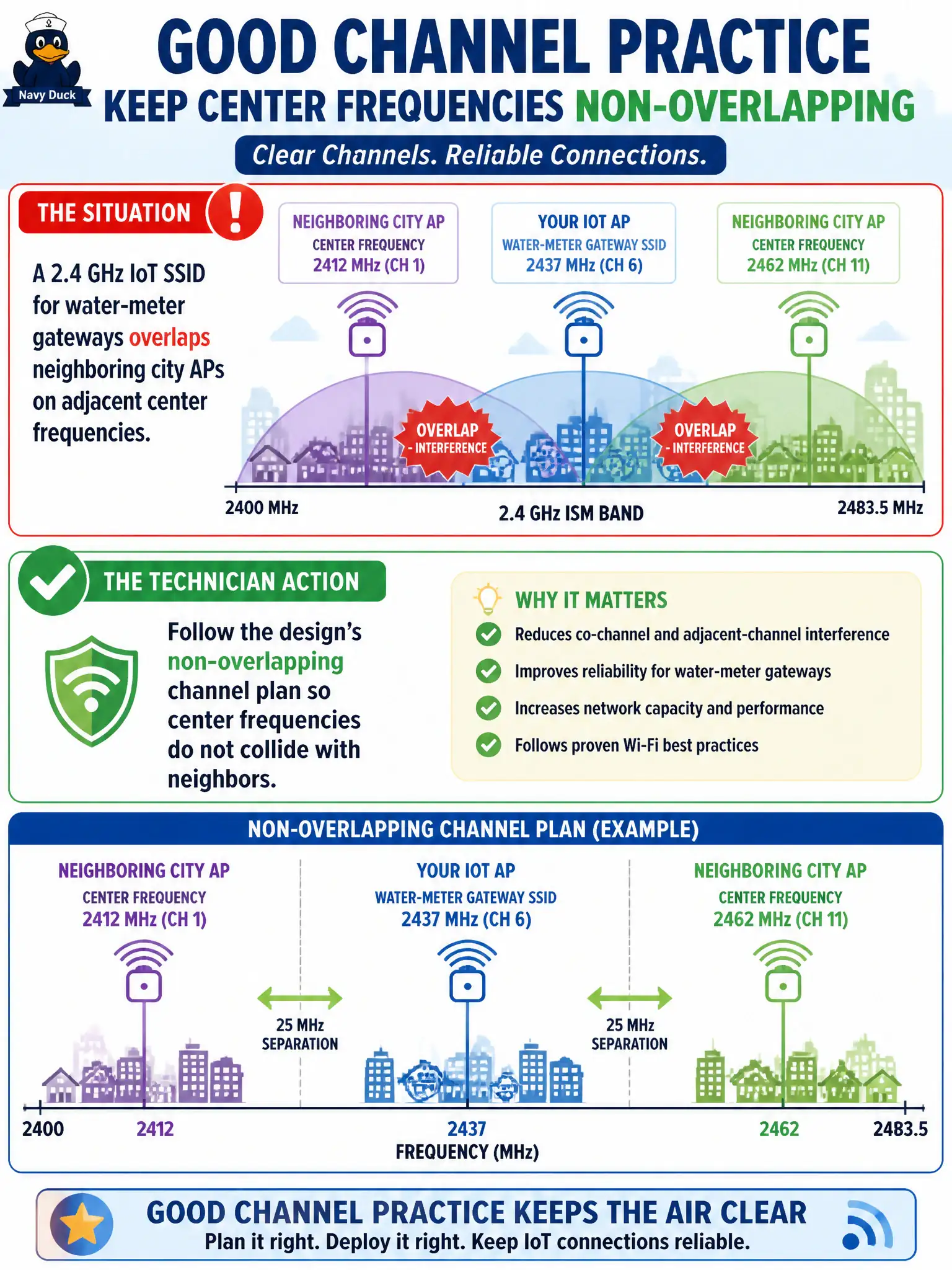
A 2.4 GHz IoT SSID for water-meter gateways overlaps neighboring city APs on adjacent center frequencies. What technician action matches good channel practice?
Select an answer to reveal the explanation.
Short Explanation
Overlapping 2.4 GHz centers are neighbors arguing through the wall — SSID names will not shush them. Stick to the design's non-overlapping plan so the gateways get clean air. Wider widths and killing 5 GHz do not fix a bad 2.4 layout.
Full Explanation
Good channel practice for a 2.4 GHz IoT SSID serving water-meter gateways is to follow the design’s non-overlapping channel plan so center frequencies do not collide with neighboring city APs. Ignoring centers and relying on SSID names does not prevent RF interference. Widest 2.4 GHz widths make overlaps worse, not irrelevant. Disabling all 5 GHz radios is unrelated theater for a 2.4 GHz overlap problem. Exam caveat: 2.4 GHz has few non-overlapping channels—discipline matters more, not less, for municipal IoT. Operational check: audit IoT AP channels against the plan, scan for adjacent-city overlap, and remediate width/channel before blaming sensors. Document non-overlapping assignments in the water-utility WLAN sheet. In municipal WLAN operations, record the rationale in the work order so future on-call staff know which concept applied and which failure modes the rejected options would create for city services. Re-validate after the next maintenance window that the same control still holds under the AP firmware and client mix used by the civic network team. Keep civic notes tied to the approved design document and absolute measurements where RF levels matter. Keep civic notes tied to the approved design document and absolute measurements where RF levels matter.