
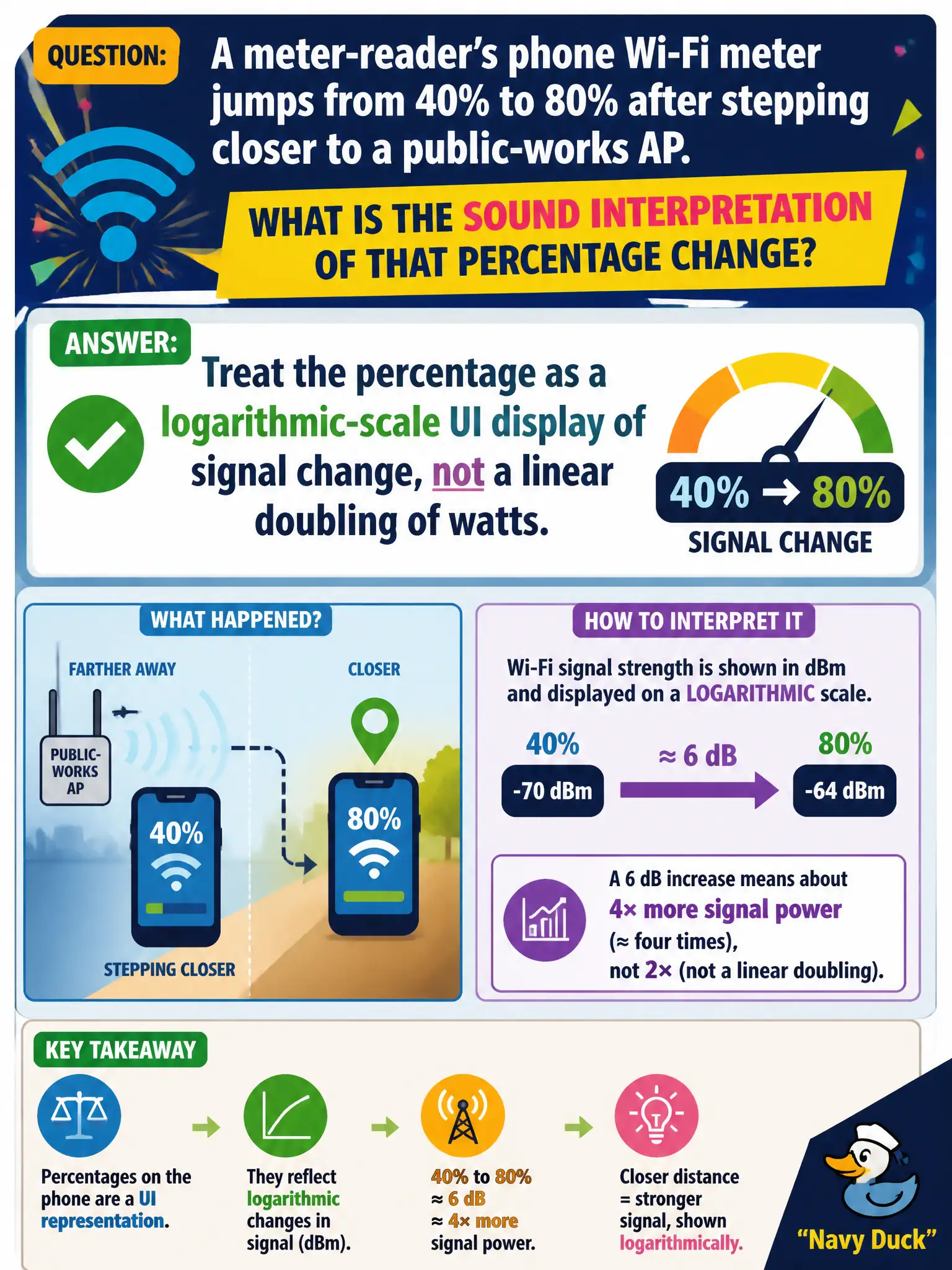
A meter-reader's phone Wi-Fi meter jumps from 40% to 80% after stepping closer to a public-works AP. What is the sound interpretation of that percentage change?
Select an answer to reveal the explanation.
Short Explanation
Phone percent meters are log-flavored dashboards, not kitchen scales that double when the number doubles. Forty to eighty looks dramatic; it is not "twice the watts" in a naive linear sense. Read it as a display scale, then confirm with dBm when it matters.
Full Explanation
When a meter-reader’s phone Wi-Fi meter jumps from 40% to 80% after stepping closer to a public-works AP, treat the percentage as a logarithmic-scale UI display of signal change, not a linear doubling of milliwatt receive power. Eighty being double forty on the UI does not mean watts doubled. The change does not prove the AP doubled channel width, and phone percentage is not universally defined as SNR in every OS. Exam caveat: UI percent curves vary by vendor; never do linear watt arithmetic on them. Operational check: at the near and far spots, capture absolute dBm (and SNR), confirm the improvement matches moving closer per the public-works coverage map, and educate field staff that percent meters are coarse UI—not lab-grade linear power. Document both percent and dBm in the municipal note when percent is all the phone shows. In municipal WLAN operations, record the rationale in the work order so future on-call staff know which concept applied and which failure modes the rejected options would create for city services. Re-validate after the next maintenance window that the same control still holds under the AP firmware and client mix used by the civic network team. Keep civic notes tied to the approved design document and absolute measurements where RF levels matter.