
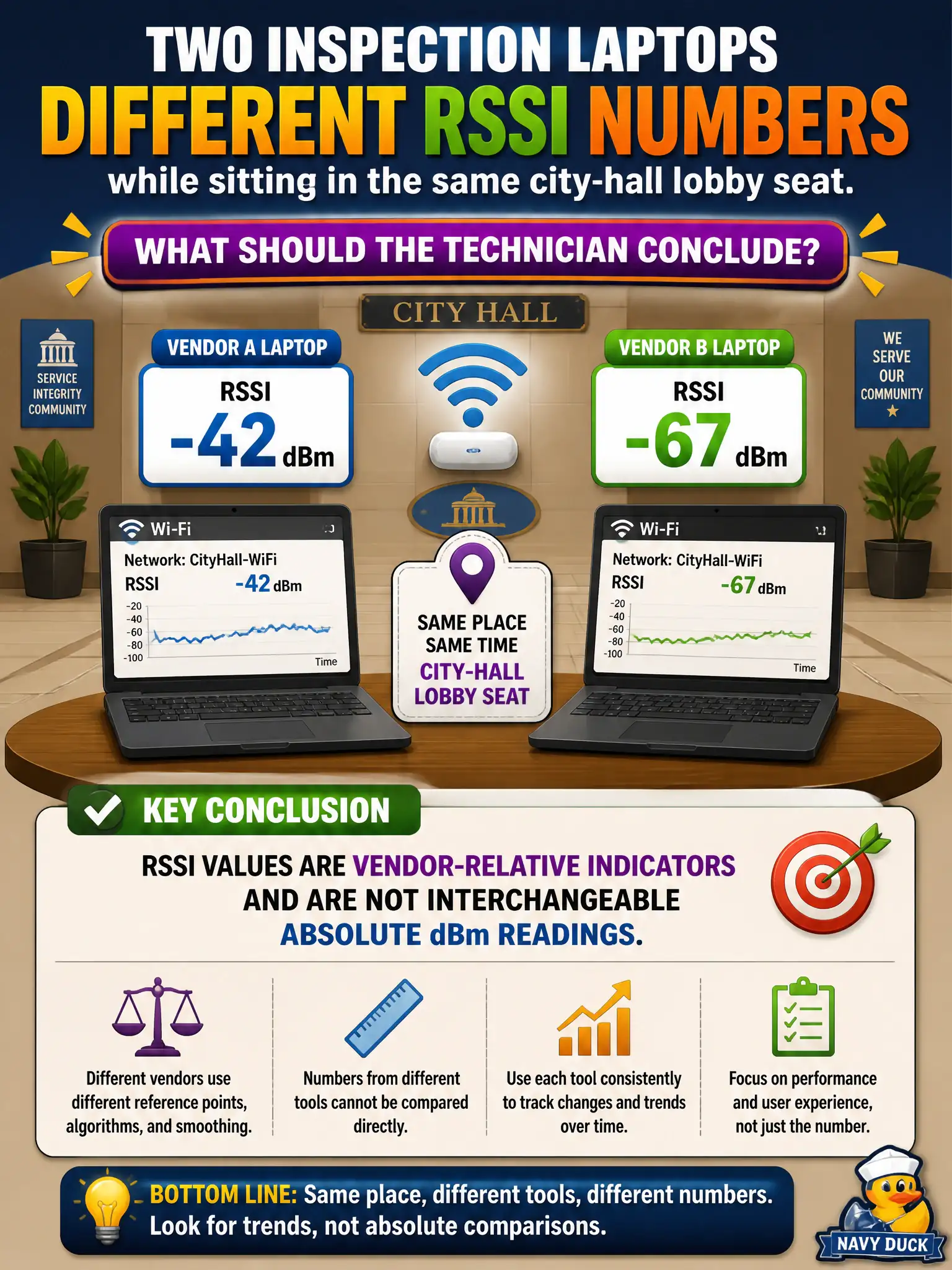
Two inspection laptops from different vendors report different RSSI numbers while sitting in the same city-hall lobby seat. What should the technician conclude?
Select an answer to reveal the explanation.
Short Explanation
RSSI is each vendor's private report card, not a shared yardstick stamped by IEEE. Same seat, different brands, different numbers — that is normal. Reach for dBm when you need an absolute handshake between devices.
Full Explanation
RSSI values reported by two different vendor inspection laptops in the same city-hall lobby seat are vendor-relative indicators and are not interchangeable absolute dBm readings. Different numbers do not automatically prove one laptop is defective, that APs use illegal transmit power, or that the clients are on different SSIDs. Exam caveat: some tools label a dBm reading as “RSSI”; know whether you are seeing a proprietary code or a true absolute power. Operational check: place both laptops at the marked lobby seat, capture each tool’s native RSSI and any dBm field, then prefer a calibrated absolute dBm survey for the municipal record. Document that cross-vendor RSSI mismatch is expected so civic technicians stop chasing false hardware faults. In municipal WLAN operations, record the rationale in the work order so future on-call staff know which concept applied and which failure modes the rejected options would create for city services. Re-validate after the next maintenance window that the same control still holds under the AP firmware and client mix used by the civic network team. Keep civic notes tied to the approved design document and absolute measurements where RF levels matter.