
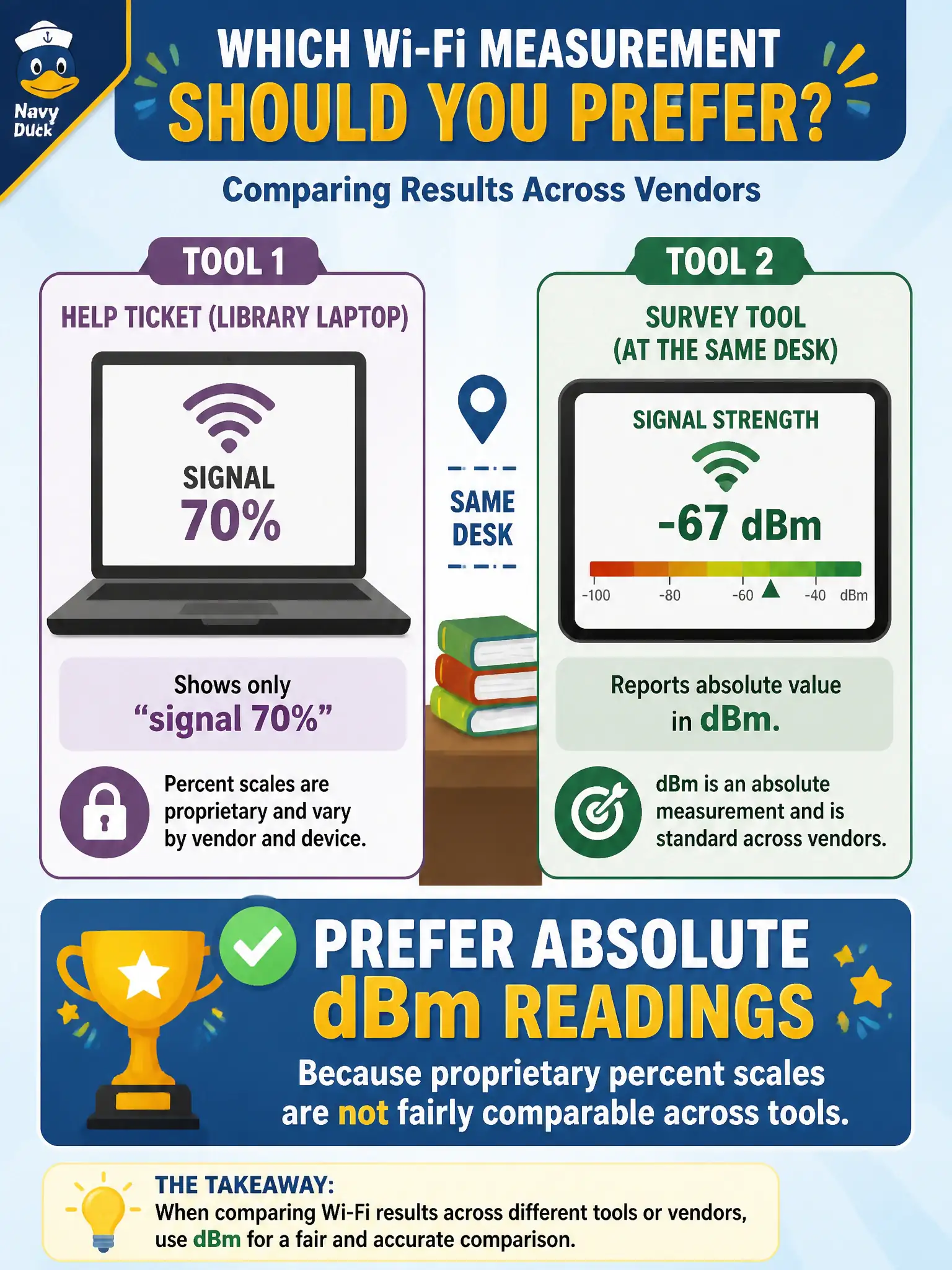
A help ticket for a library laptop shows only "signal 70%," while a second survey tool reports dBm at the same desk. Which measurement should the technician prefer when comparing results across vendors?
Select an answer to reveal the explanation.
Short Explanation
Seventy percent on one meter and seventy percent on another can be two different stories. Absolute dBm is the common language when you hop between vendor tools. Percent bars are fine for a quick glance — terrible for apples-to-apples tickets.
Full Explanation
When a library laptop ticket shows only “signal 70%” while a second survey tool reports dBm at the same desk, prefer absolute dBm for cross-vendor comparison. Proprietary percent scales are not fairly comparable across tools, so 70% on one meter is not guaranteed to match 70% elsewhere. Percentages do not map every vendor to the same milliwatt value. RSSI integer codes are also vendor-relative, not a universal IEEE absolute milliwatt scale. Raising AP power until every ticket shows 100% ignores design limits, interference, and the fact that percentages remain non-portable. Exam caveat: some OS “RSSI” displays are not calibrated dBm—ask what the tool actually reports. Operational check: re-measure the desk with a survey app that logs dBm (and noise/SNR if available), compare to library design targets, and replace percent-only tickets with absolute readings in the municipal help-desk template. In municipal WLAN operations, record the rationale in the work order so future on-call staff know which concept applied and which failure modes the rejected options would create for city services. Re-validate after the next maintenance window that the same control still holds under the AP firmware and client mix used by the civic network team.