
A help-desk script for the civic center tells staff to 'fix the phase on the AP GUI.' What should a CWTS-level technician conclude?
Select an answer to reveal the explanation.
Short Explanation
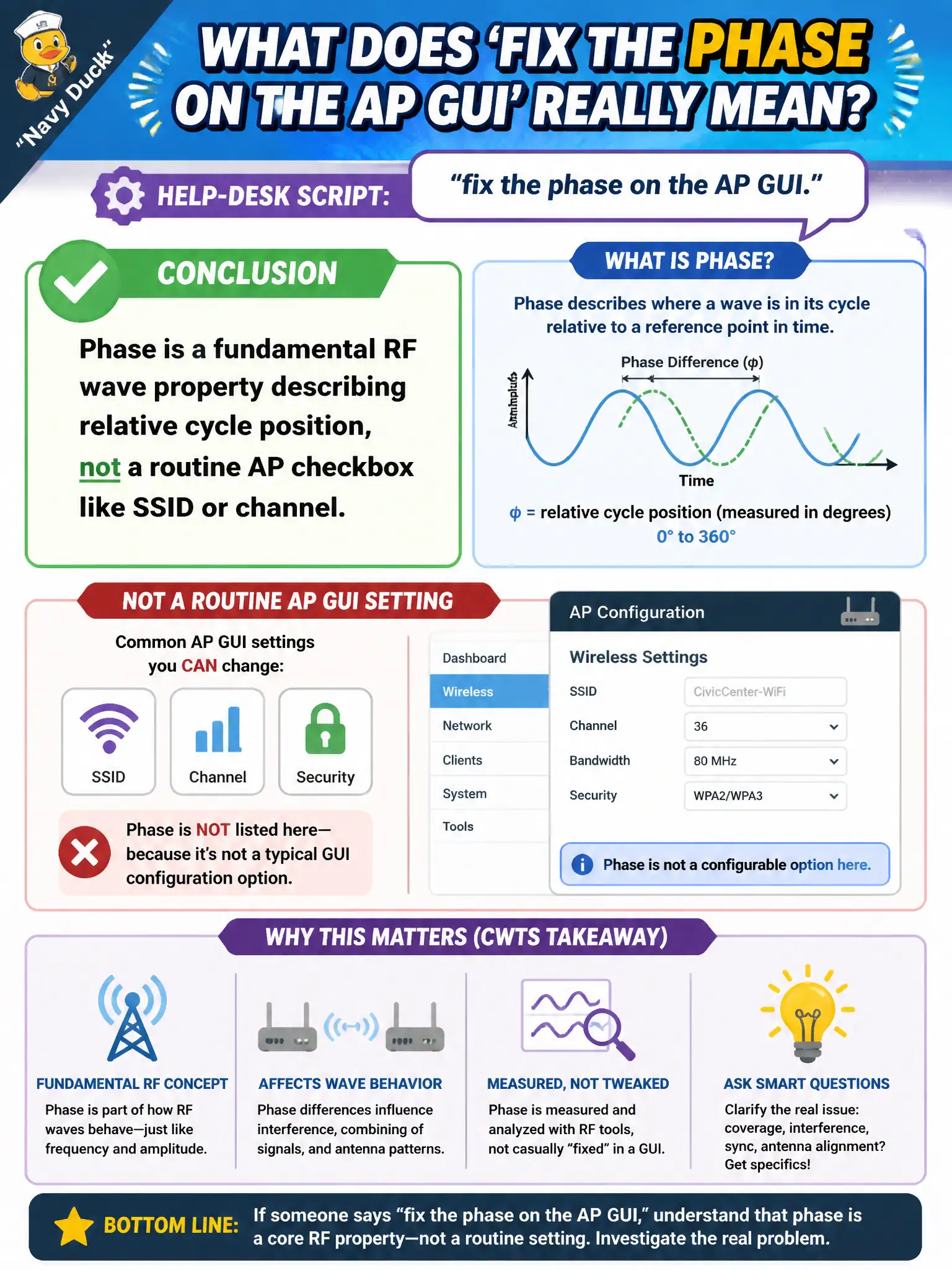
If the script says 'click Phase' like it is an SSID box, the script is confused. Phase lives in the physics of the wave — where you sit in the cycle — not on a normal day-two config screen. Stick to channels, power, SSIDs, and security from the design doc.
Full Explanation
Phase is a fundamental RF wave property: relative position within the oscillatory cycle, which matters when multipath or multi-antenna signals combine. A civic-center help-desk script that says “fix the phase on the AP GUI” like an SSID or channel field misstates both RF fundamentals and normal AP configuration practice at CWTS depth. Routine AP menus expose SSIDs, channels, power, and security—not a standard technician checkbox simply labeled phase for day-two repair. Phase is not transmit power in dBm, not a guest VLAN ID, and not a renamed WPA3 passphrase field. Exam caveat: if firmware ever exposes advanced beamforming or calibration language, that still is not license to treat phase as a casual SSID-equivalent setting in municipal runbooks. Operational check: replace the bad script with checks for channel, power, antenna cables, and security against the design document; when combining issues are suspected, investigate multipath and cable delay rather than hunting a phase GUI. In municipal WLAN operations, record the rationale in the work order so future on-call staff know which RF concept applied and which failure modes the rejected options would create for city services. Re-validate after the next maintenance window that the same control still holds under the AP firmware and client mix used by the civic network team.