
A tiny municipal annex runs SOHO-style Wi-Fi for three clerks. Which SOHO hardening set best matches technician best practice?
Select an answer to reveal the explanation.
Short Explanation
Small office still needs grown-up habits: strong Personal security, new admin password, guests not camping on the staff SSID. Factory defaults, WEP, and forever-on WPS are how tiny offices get owned.
Full Explanation
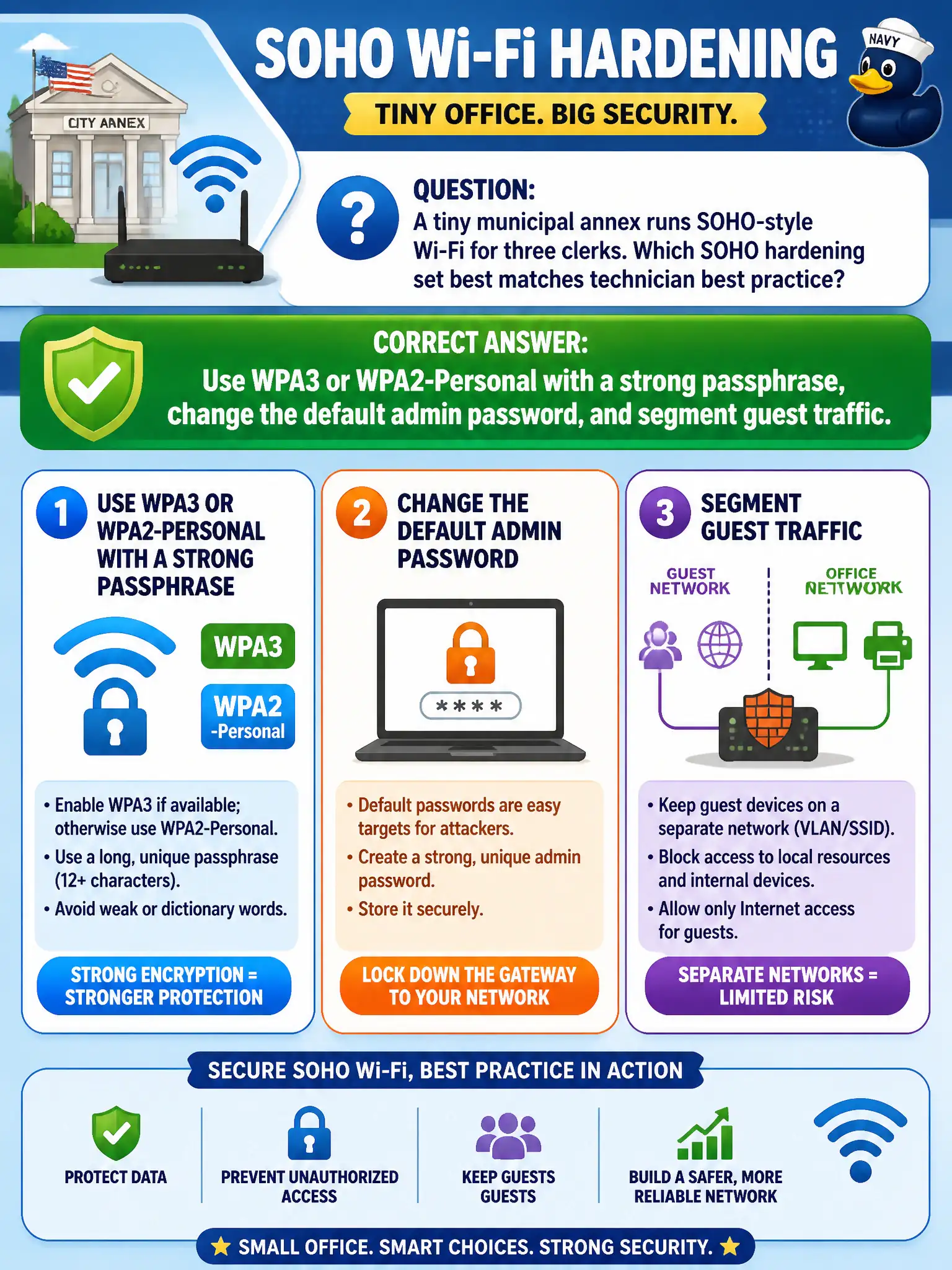
A tiny municipal annex running SOHO-style Wi-Fi for three clerks still needs grown-up hardening: use WPA3 or WPA2-Personal with a strong passphrase, change the default admin password, and segment guest traffic away from staff. Small civic offices are frequent soft targets when factory defaults, weak ciphers, and mixed guest/staff SSIDs remain. Technician best practice scales the same principles down without inventing enterprise complexity the annex does not have.
Leaving the factory admin password, using WEP, and putting guests on the same SSID as staff files fails across three concepts at once: default credentials, broken encryption, and missing segmentation. Publishing the staff PSK on a lobby whiteboard and disabling all encryption for ease of use fails by turning the office key into public knowledge and removing confidentiality. Enabling WPS PIN forever and reusing the ISP default Wi-Fi password printed on the modem fails because WPS-style onboarding and ISP sticker passwords are classic SOHO attack surfaces.
Exam caveat: SOHO size does not waive hardening. CWTS still expects strong Personal security, admin password change, and guest separation even for three-clerk civic annexes.
Operational check: change the AP admin password from factory default; set WPA3 or WPA2-Personal with a long unique passphrase; create a separate guest SSID/VLAN or isolation path; disable WPS if present; verify guests cannot reach clerk file shares.