
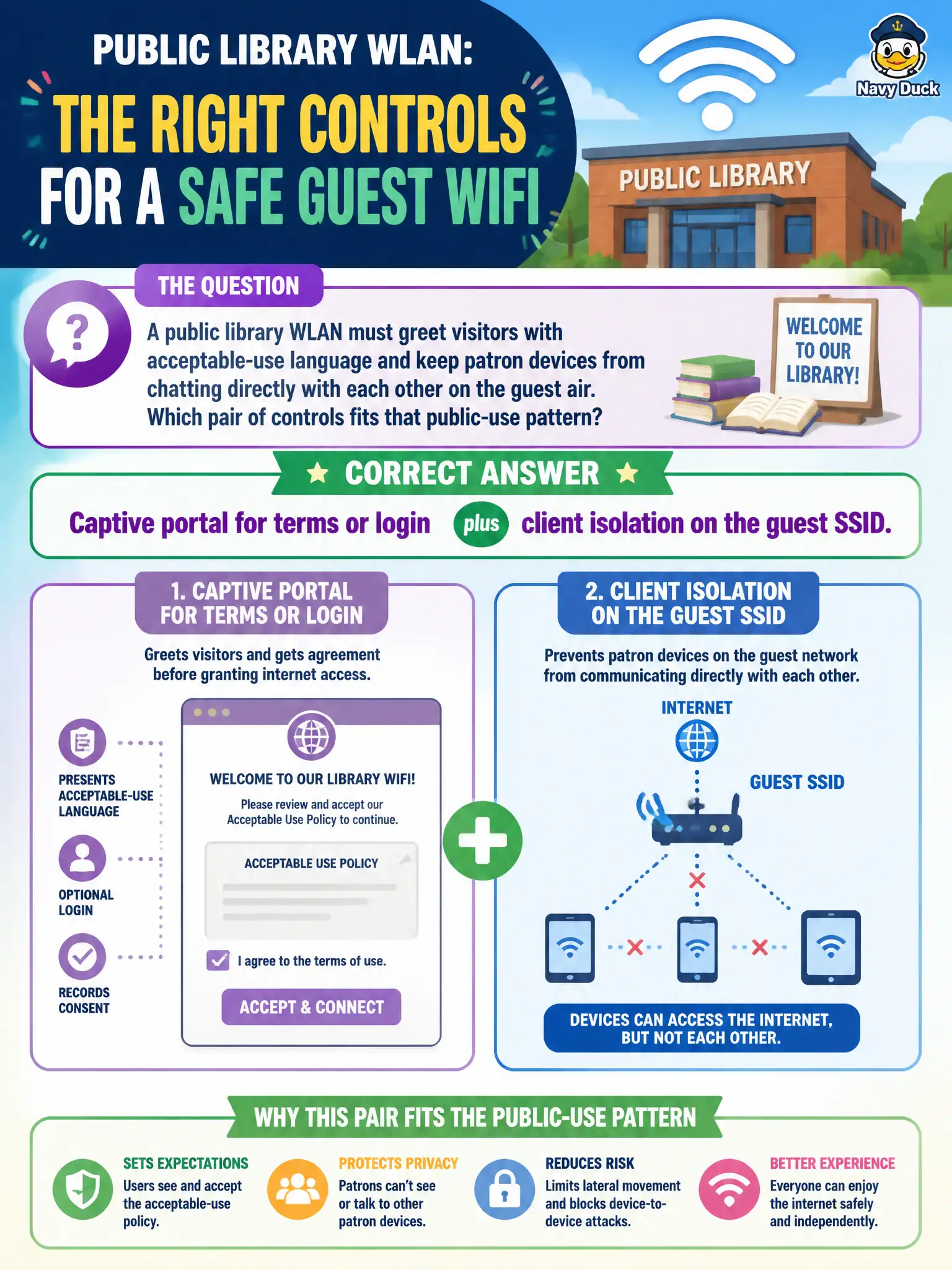
A public library WLAN must greet visitors with acceptable-use language and keep patron devices from chatting directly with each other on the guest air. Which pair of controls fits that public-use pattern?
Select an answer to reveal the explanation.
Short Explanation
Public library Wi-Fi usually wants a doorway (captive portal) and walls between patrons (client isolation). Handing out staff Enterprise profiles or bridging guests into staff LAN is the opposite of public-use hygiene.
Full Explanation
A public library WLAN that must greet visitors with acceptable-use language and keep patron devices from chatting directly with each other fits the pair of captive portal plus client isolation on the guest SSID. The portal presents terms or login before full access; client isolation blocks peer-to-peer lateral movement on the guest air while still allowing internet paths defined by policy. That combination matches common public-use civic patterns without handing patrons staff credentials.
Pushing one shared staff WPA2-Enterprise profile to every visitor laptop fails because Enterprise staff credentials and profiles are not appropriate for walk-up patrons and blur trust boundaries. WEP Shared Key Authentication with the key taped under each study table fails as broken crypto plus physical key disclosure. Disabling the portal and bridging guests onto the staff VLAN for simpler access fails by concept: it removes the terms gate and places patrons on the same LAN as staff resources.
Exam caveat: public-use questions often bundle portal (policy gate) with isolation (peer separation). Neither alone fully replaces the other for library guest design.
Operational check: enable the captive portal SSID per library design; enable client isolation on that guest SSID; verify a patron device sees terms before browsing and cannot ping/SMB to another patron device; confirm staff VLANs remain unreachable from guest.