
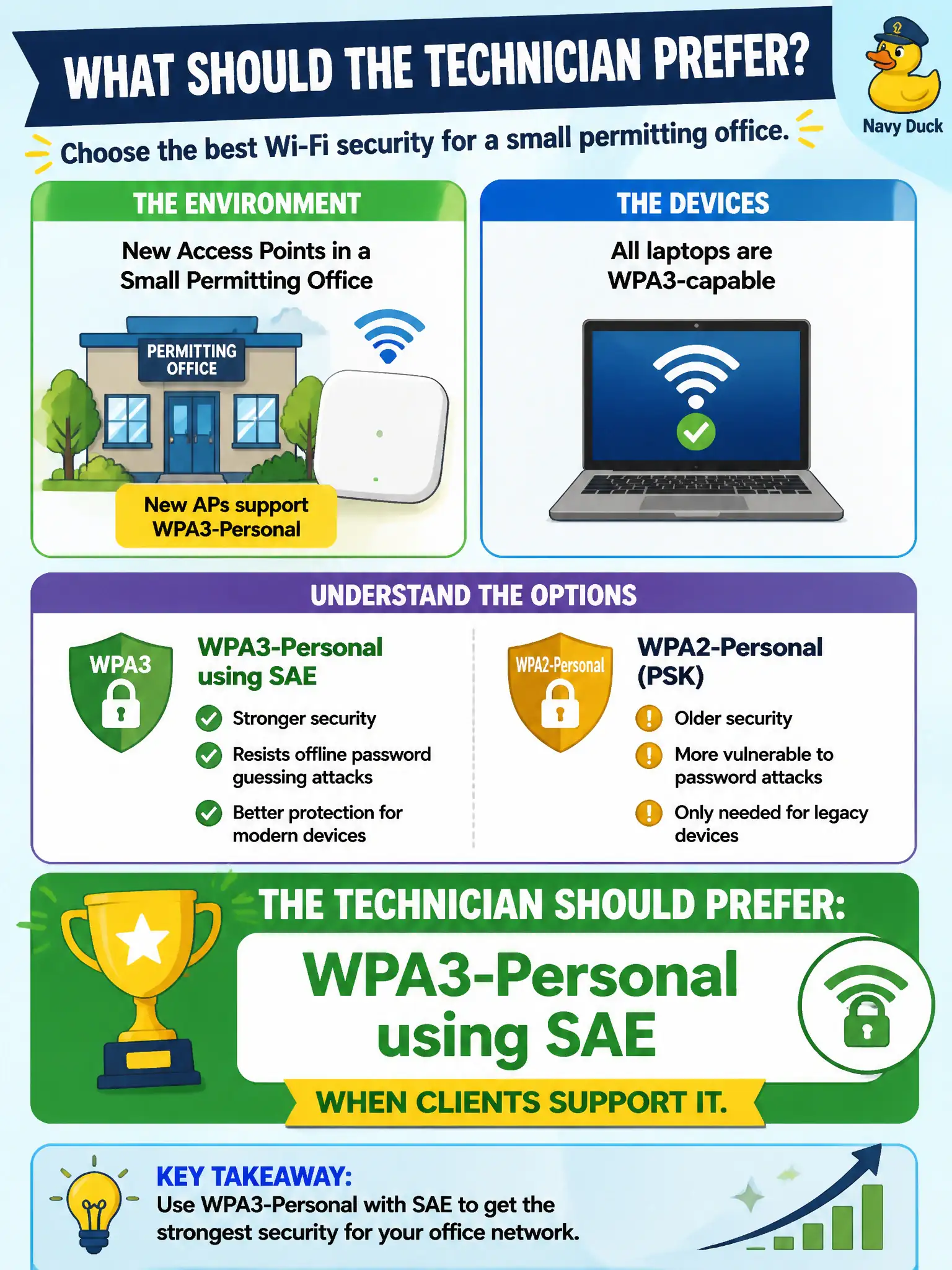
New APs in a small permitting office support WPA3-Personal and all laptops are WPA3-capable. What should the technician prefer?
Select an answer to reveal the explanation.
Short Explanation
If the gear on both sides speaks WPA3, use it. WPA3-Personal with SAE is the modern Personal lock for that small office—do not cling to WPA1/TKIP or invent a reason to stay on weaker modes.
Full Explanation
When new APs in a small permitting office support WPA3-Personal and all laptops are WPA3-capable, the technician should prefer WPA3-Personal using SAE. SAE improves on WPA2-PSK handshake properties while retaining a passphrase model suitable for small civic offices. Capability on both sides removes the usual compatibility excuse for staying on older Personal modes.
WPA-Personal with TKIP for maximum backward compatibility chooses deprecated crypto despite WPA3-capable clients. WPA2-Personal only because WPA3-Personal supposedly cannot use a passphrase model misstates WPA3-Personal. Open authentication with OWE disabled so guests and staff share one SSID collapses security domains.
Exam caveat: if AP and clients support WPA3-Personal/SAE, prefer it over WPA1/WPA2 Personal on CWTS-style preference items.
Operational check: enable WPA3-Personal/SAE on the permitting office SSID, update laptop profiles to WPA3, verify SAE association, and keep a documented exception process only if a future device lacks support. Municipal technicians document the verified setting in the as-built packet so the next shift inherits a known-good civic configuration rather than tribal knowledge. Municipal technicians document the verified setting in the as-built packet so the next shift inherits a known-good civic configuration rather than tribal knowledge.