
During a municipal WLAN hardening review, outdoor APs and the controller still use factory administrator passwords. What should be done first?
Select an answer to reveal the explanation.
Short Explanation
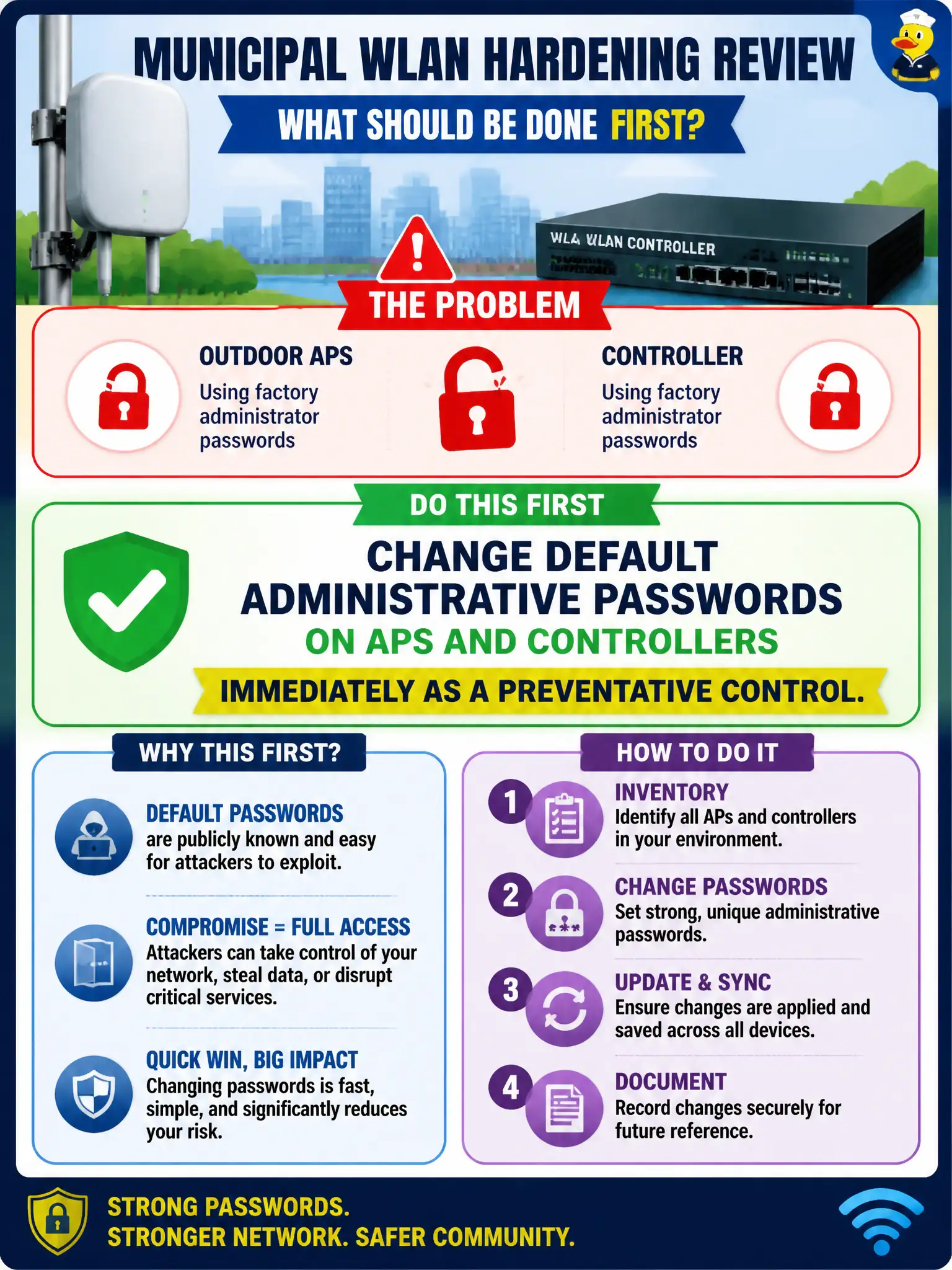
Factory passwords are the spare key left under the city hall doormat—everyone who reads the manual already knows where it is. Swap them out before you debate fancy features.
Full Explanation
Changing default administrative passwords on outdoor access points and controllers is a fundamental preventative control in municipal WLAN hardening. Factory default passwords are widely known and easily exploited by attackers to gain unauthorized access, potentially compromising the entire network. Immediate replacement of these passwords with strong, unique credentials mitigates the risk of unauthorized administrative access. Leaving defaults intact under the assumption that vendors can recover devices without paperwork neglects the critical security risk of default credentials being publicly documented and easily exploitable. Publishing default passwords on a public city wiki severely undermines security by exposing sensitive access information to anyone, including malicious actors. Disabling all authentication to avoid lockouts is counterproductive, as it removes essential access controls, leaving devices vulnerable to unauthorized configuration changes. It is important to note that password changes should be part of a broader security policy including regular updates and access monitoring. Operationally, this means administrators must verify that all default credentials on outdoor APs and controllers have been changed and documented securely, ensuring no device remains accessible via factory defaults.