
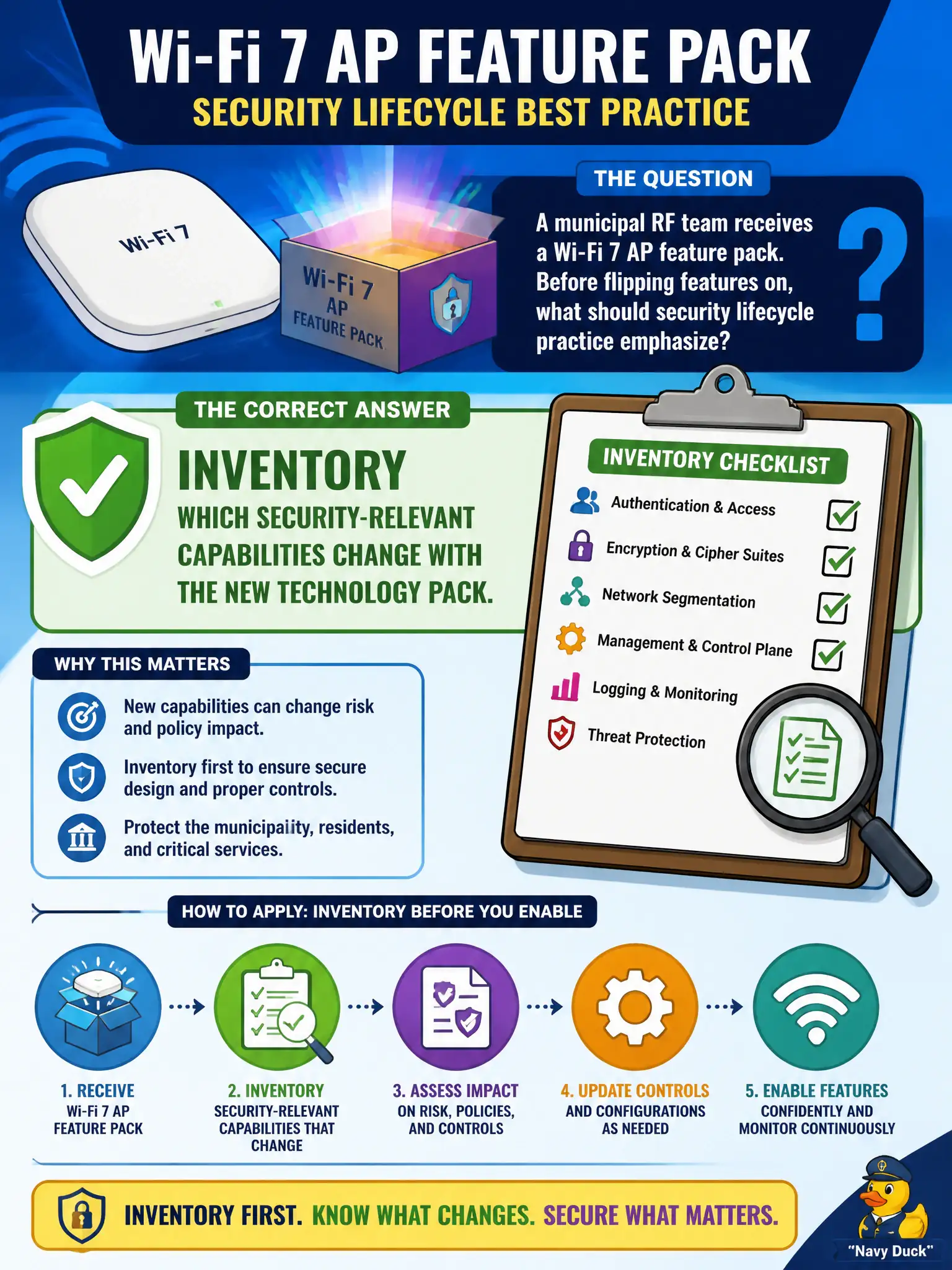
A municipal RF team receives a Wi-Fi 7 AP feature pack. Before flipping features on, what should security lifecycle practice emphasize?
Select an answer to reveal the explanation.
Short Explanation
A feature pack is a new toolbox delivered to city hall—list what tools change the locks and alarms before you swing them all on at once. Throughput demos can wait for the security inventory.
Full Explanation
When a municipal RF team receives a Wi-Fi 7 access point feature pack, the security lifecycle practice must prioritize inventorying the security-relevant capabilities introduced or altered by the new technology. This involves analyzing changes in authentication methods, encryption protocols, management interfaces, and any new functionalities that could impact the WLAN's security posture. Understanding these changes is critical to updating security policies, monitoring tools, and access controls appropriately. Enabling every new feature immediately to maximize throughput ignores potential security implications and may introduce vulnerabilities or misconfigurations. Deleting prior Wireless Intrusion Prevention System (WIPS) profiles under the assumption that Wi-Fi 7 obsoletes monitoring is misguided because monitoring remains essential regardless of technology generation; new profiles may need adjustment but not wholesale removal. Treating feature packs as purely cosmetic UI themes without security review fails to recognize that many feature updates include substantial under-the-hood changes affecting security. The caveat is that not all new features are security improvements; some may require additional controls or mitigations. Practically, the team should conduct a detailed feature audit, update security documentation, and test new functionalities in a controlled environment before deployment citywide.