
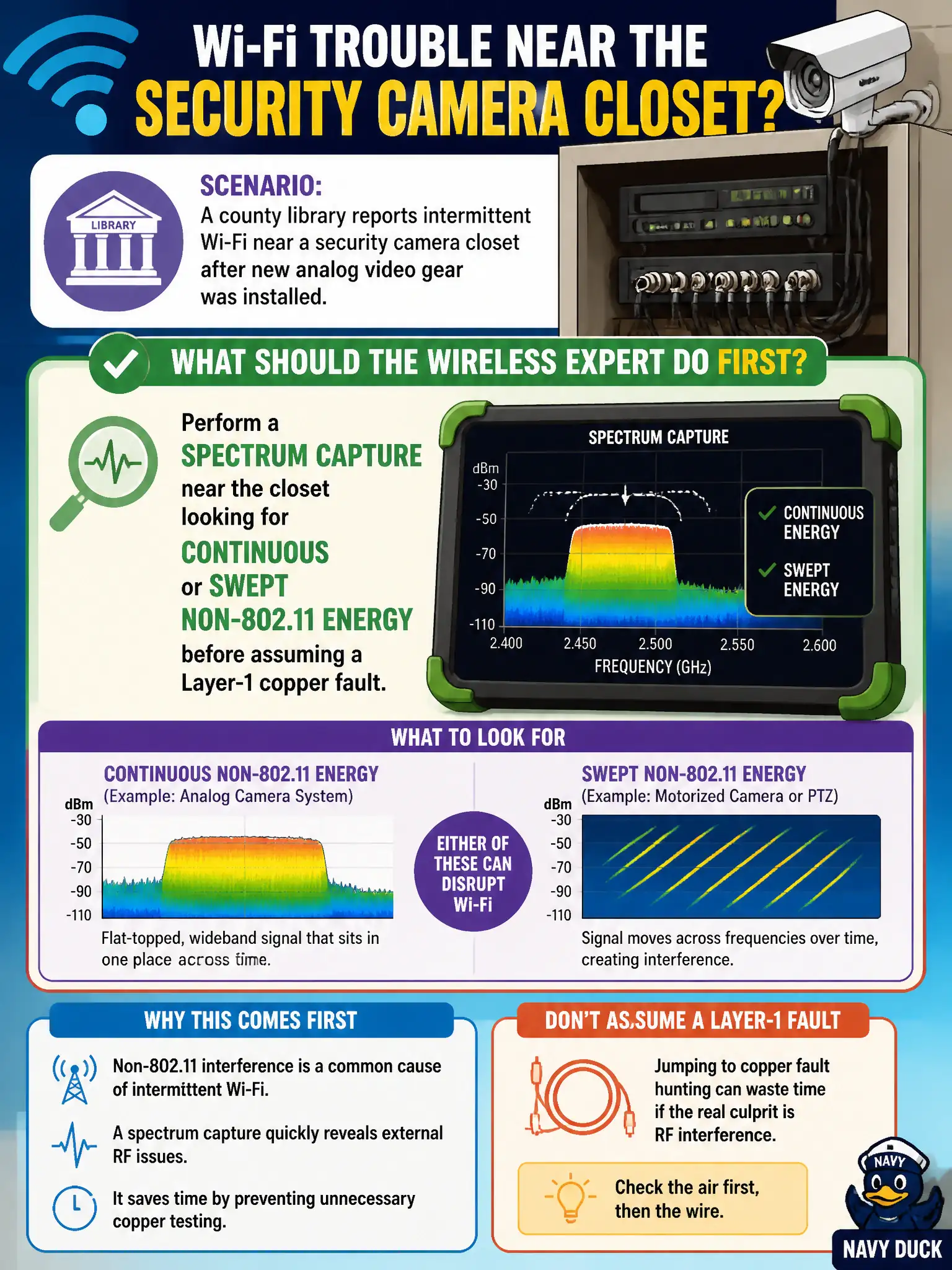
A county library reports intermittent Wi-Fi near a security camera closet after new analog video gear was installed. What should the wireless expert do first?
Select an answer to reveal the explanation.
Short Explanation
When Wi-Fi gets flaky right next to new RF-ish gear, treat spectrum like a first-aid kit, not a last resort. A quick capture for continuous or swept energy tells you if something in that closet is stomping the air. Rewiring everything or cranking rates down without looking is guessing in the dark.
Full Explanation
When a county library’s Wi-Fi becomes intermittent next to a security-camera closet after new analog video gear is installed, the wireless expert’s first move is RF evidence, not wholesale copper replacement. Analog video and related RF-emitting gear can inject continuous or swept non-802.11 energy into nearby channels, raising the noise floor and causing retries without any Layer-1 Ethernet fault. A spectrum capture adjacent to the closet quickly shows whether non-Wi-Fi energy is present before the team assumes bad cabling, switch ports, or client drivers.
Replacing every Ethernet cable before collecting RF evidence burns labor on an untested hypothesis and can miss an active interferer that survives any copper refresh. Forcing all clients onto 6 GHz by policy may dodge a 2.4 GHz interferer but does not diagnose the closet, fails devices that lack 6 GHz, and is not a first-step triage for a localized complaint. Lowering every AP data rate to 1 Mbps masks symptoms by making links more robust at the cost of capacity; it does not identify or remove the interferer patrons experience.
Exam caveat: new gear coinciding with RF symptoms is a spectrum-first clue; Layer-1 copper checks remain valid later if spectrum is clean. Operational check: walk a spectrum analyzer or sensor view to the camera closet, look for continuous or swept non-802.11 energy on affected bands, document amplitude and duty cycle, then decide remediation versus copper testing.