
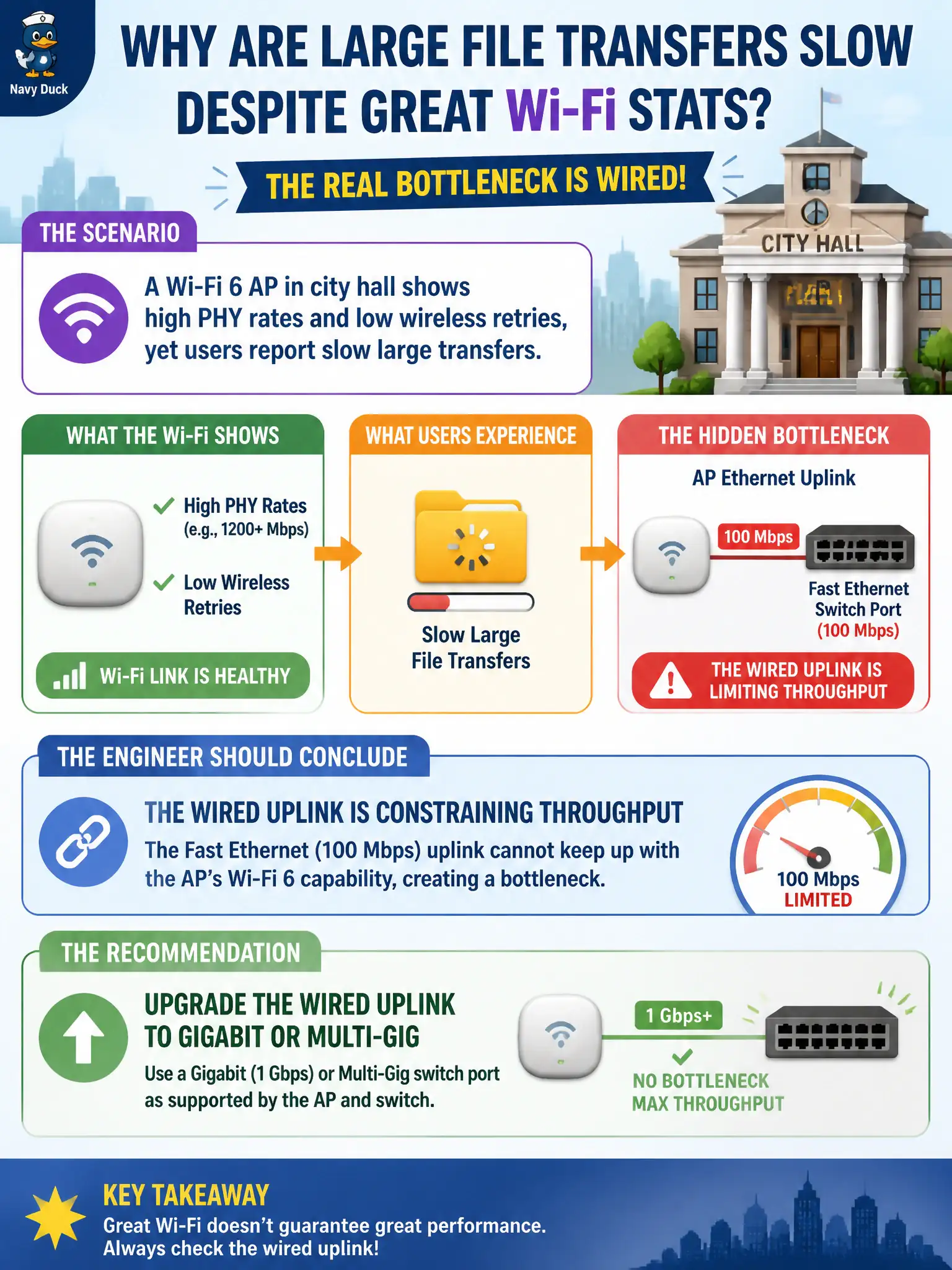
A Wi-Fi 6 AP in city hall shows high PHY rates and low wireless retries, yet users report slow large transfers. The AP Ethernet uplink is a Fast Ethernet (100 Mbps) switch port. What should the engineer conclude?
Select an answer to reveal the explanation.
Short Explanation
Fancy Wi-Fi into a 100 Mbps straw is a firehose into a garden hose. If the air looks healthy, check and upgrade the Ethernet uplink.
Full Explanation
A Wi-Fi 6 AP in city hall that shows high PHY rates and low wireless retries while large transfers remain slow, with a Fast Ethernet uplink, is typically wired-constrained. Upgrade the uplink to Gigabit or multi-Gig as the AP and switch allow so municipal bulk transfers are not capped at ~100 Mbps. Assuming wireless MCS is always the bottleneck when users feel slowness ignores uplink saturation evidence. Disabling 802.11ax so clients fall back to rates that match 100 Mbps intentionally wastes modern PHY efficiency instead of fixing Ethernet. Increasing beacon interval to free airtime for TCP ACKs does not raise a 100 Mbps wired ceiling. Exam caveat: validate the entire path—wireless goodput cannot exceed a saturated AP uplink. Operational check: measure AP uplink utilization during a large transfer, upgrade the switch port and cabling as needed, and retest civic file workflows after the change. In municipal WLAN and IoT operations, record the chosen control and the rejected alternatives in the change ticket so on-call staff understand which failure modes were avoided for city services. Re-validate after the next maintenance window that the same control still holds under the current platform code, device mix, and civic event calendar used by the wireless team.