
A municipal warehouse WLAN must support an older handheld scanner that needs roughly −67 dBm and solid SNR. Which client should set the RF targets?
Select an answer to reveal the explanation.
Short Explanation
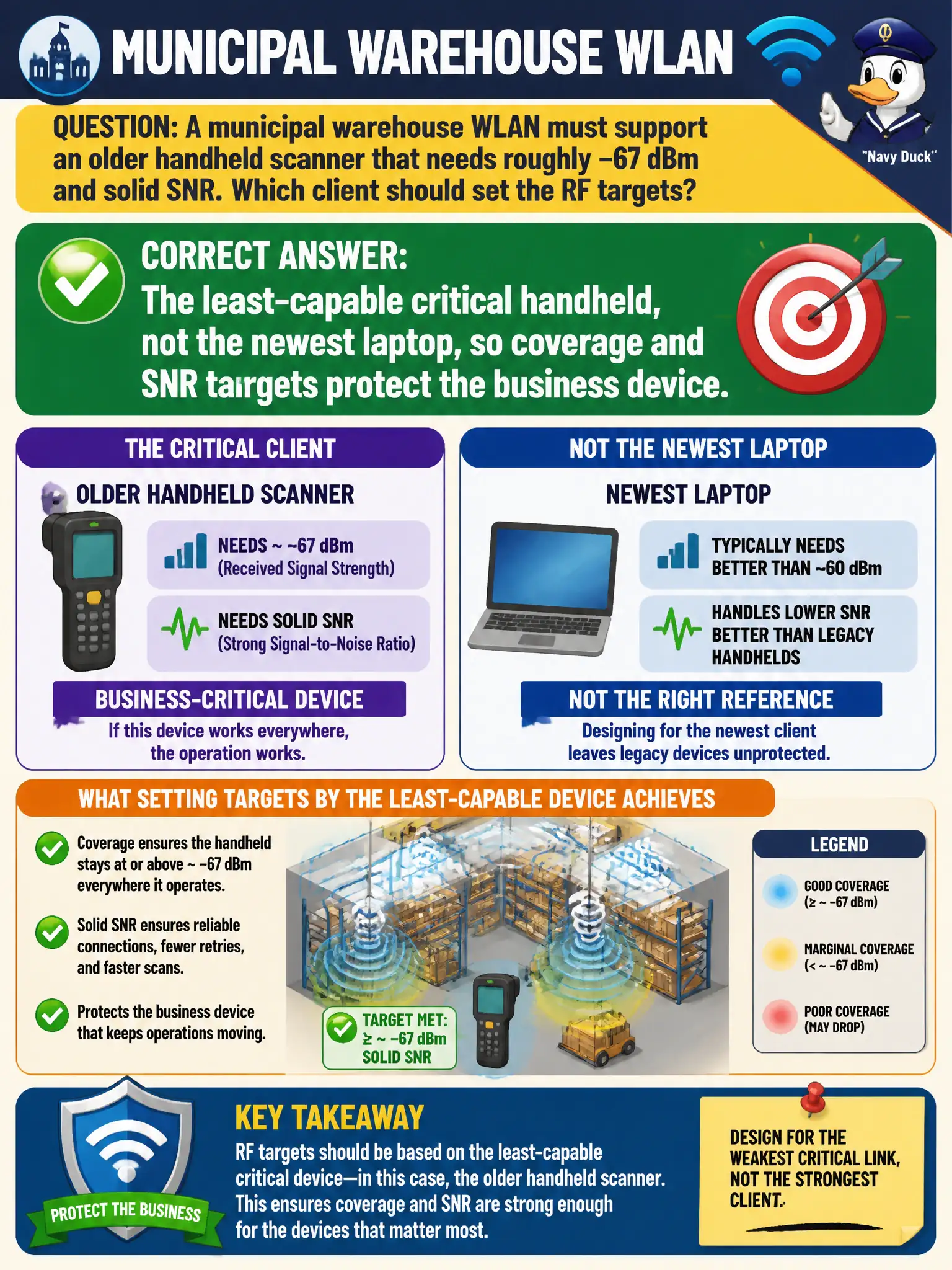
Design for the cranky old scanner, not the shiny laptop that hears everything. If the least-capable critical device is happy at −67 dBm with enough SNR, the newer radios will be fine. Betting on future upgrades during predictive design is how warehouses stay broken.
Full Explanation
RF targets must protect the least-capable critical client, not the strongest marketing device. In a municipal warehouse where an older handheld scanner needs roughly −67 dBm and solid SNR, that least-capable critical handheld—not the newest laptop—should set coverage and SNR targets so business scanning keeps working at the edges. Designing to ultrabook radios leaves scanners failing where staff laptops still look fine.
Using the newest staff ultrabook because it has the best radio fails by concept: best-case clients mask edge failures for weaker critical devices. Setting targets from guest phones on the lobby SSID fails by concept: wrong BSS and wrong device class for warehouse scanning. Designing only for 6 GHz laptops because scanners will upgrade automatically fails by concept: predictive hope is not an inventory plan; current scanners define today's RF floor.
Exam caveat: CWNE coverage design is client-driven; critical municipal OT/handheld constraints dominate over flagship employee laptops.
Operational check: Document the scanner's RSSI/SNR and roam thresholds, set warehouse predictive and validation targets to those values, and verify edge aisles with the actual handheld—not a laptop Wi-Fi meter alone.