
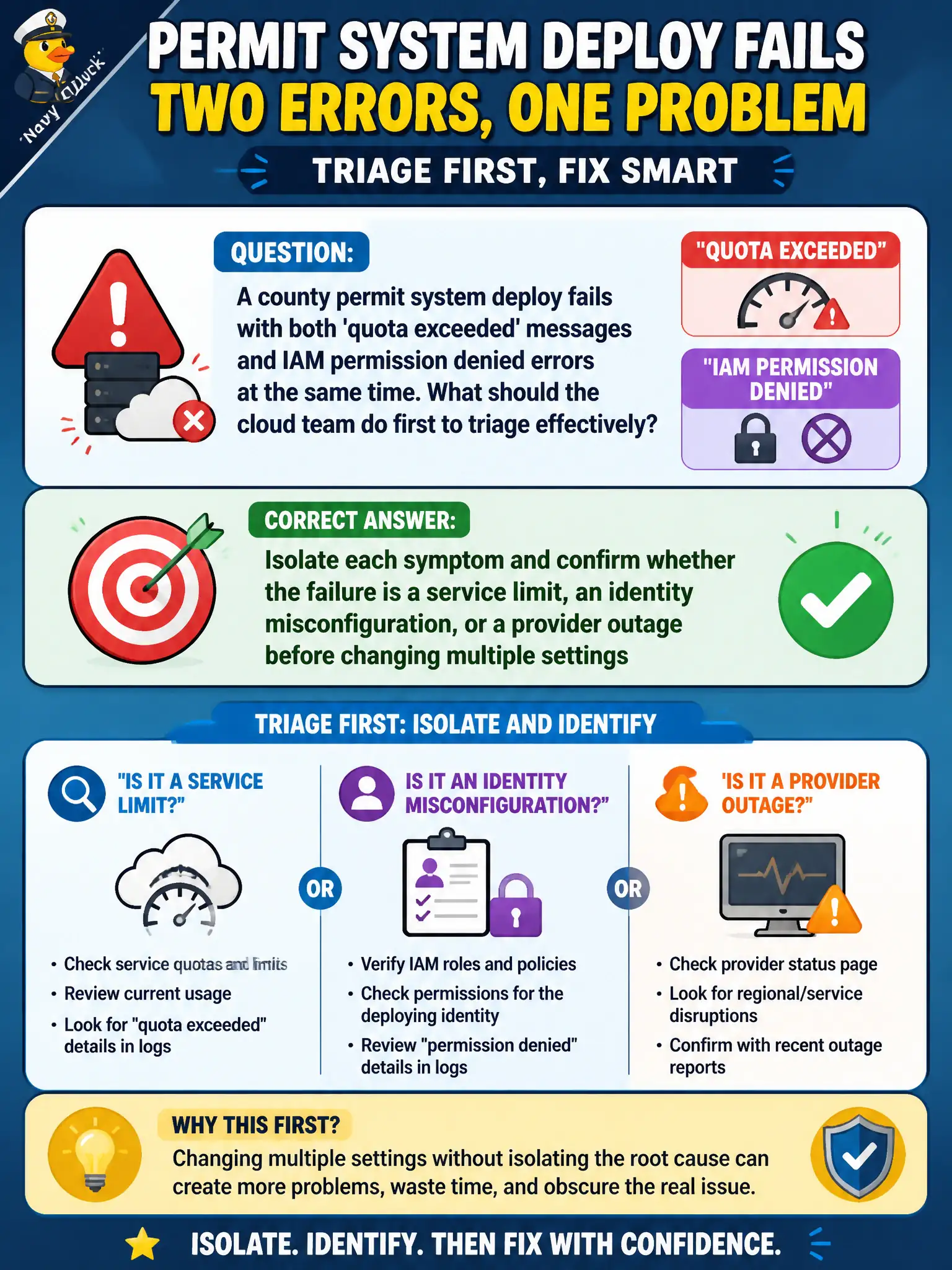
A county permit system deploy fails with both 'quota exceeded' messages and IAM permission denied errors at the same time. What should the cloud team do first to triage effectively?
Select an answer to reveal the explanation.
Short Explanation
When two alarms go off at once, treating them like one problem is how you dig a deeper hole. Split the clues—limits versus bad permissions versus a real outage—then fix the one that actually matches the evidence.
Full Explanation
When a county permit system deploy fails with both 'quota exceeded' messages and IAM permission denied errors at the same time, the cloud team should first isolate each symptom and confirm whether the failure is a service limit, an identity misconfiguration, or a provider outage before changing multiple settings at once. Parallel undiagnosed changes create muddy timelines and civic risk. Raising every account quota to the maximum and disabling IAM temporarily until the stack deploys abandons least privilege and can mask the real fault. Deleting the entire resource group and redeploying from scratch without reviewing logs destroys evidence. Opening a severity-one ticket claiming a regional outage without checking quotas or policies skips basic triage. Exam caveat: multi-cause failures are common; split the error streams and prove each hypothesis with logs before broad remediation. Operational check: capture both error classes, check provider status, inspect quota consoles and IAM denial logs separately, remediate the confirmed causes in order, re-run deploy, and document dual-cause findings in the incident report. In municipal cloud operations, record the chosen control and the rejected alternatives in the change or incident ticket so future on-call staff understand which failure modes were avoided for city services. Re-validate after the next maintenance window that the same decision still holds under current provider limits, identity bindings, and application versions used by the civic platform team.