
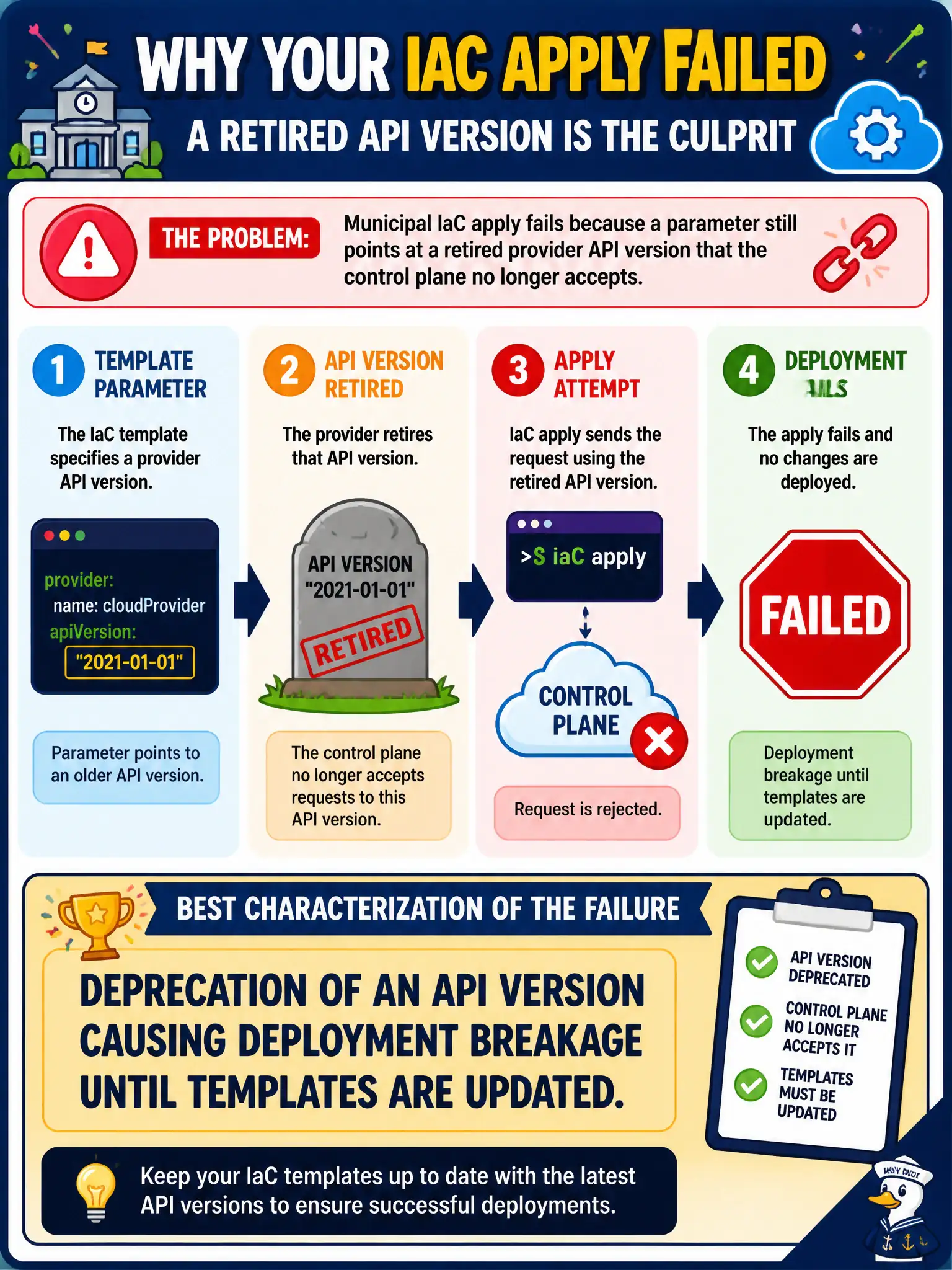
Municipal IaC apply fails because a parameter still points at a retired provider API version that the control plane no longer accepts. What is the best characterization of the failure?
Select an answer to reveal the explanation.
Short Explanation
That parameter still names an API version the provider wheeled to the curb. Update the IaC to a supported API and re-apply. Deprecation breaks deploys until the template catches up—no mystery DNS required.
Full Explanation
Municipal IaC apply failing because a parameter still points at a retired provider API version that the control plane no longer accepts is best characterized as deprecation of an API version causing deployment breakage until templates are updated. Provider API lifecycles force civic IaC hygiene. A transient DNS glitch that never requires template changes does not match a retired API version rejection. Proof that deprecated APIs remain supported indefinitely without notice contradicts retirement. Successful apply confirming the retired API version is still current is inconsistent with the failure. Exam caveat: pin thoughtfully but plan upgrades; frozen pins eventually break, while floating latest can surprise—municipal teams need tested upgrade cadences. Operational check: read the deprecation error, upgrade the provider/API version in templates and modules, run plan/apply in non-prod, watch provider changelogs, and schedule civic IaC upgrades before end-of-life dates. In municipal cloud operations, record the chosen control and the rejected alternatives in the change or incident ticket so future on-call staff understand which failure modes were avoided for city services. Re-validate after the next maintenance window that the same decision still holds under current provider limits, identity bindings, and application versions used by the civic platform team.